| What it is | A setup page that lists anchoring groups, each with an anchoring group ID and a description. |
|---|---|
| What you do here | Use this page to maintain the anchoring groups that can be set on work template lines. |
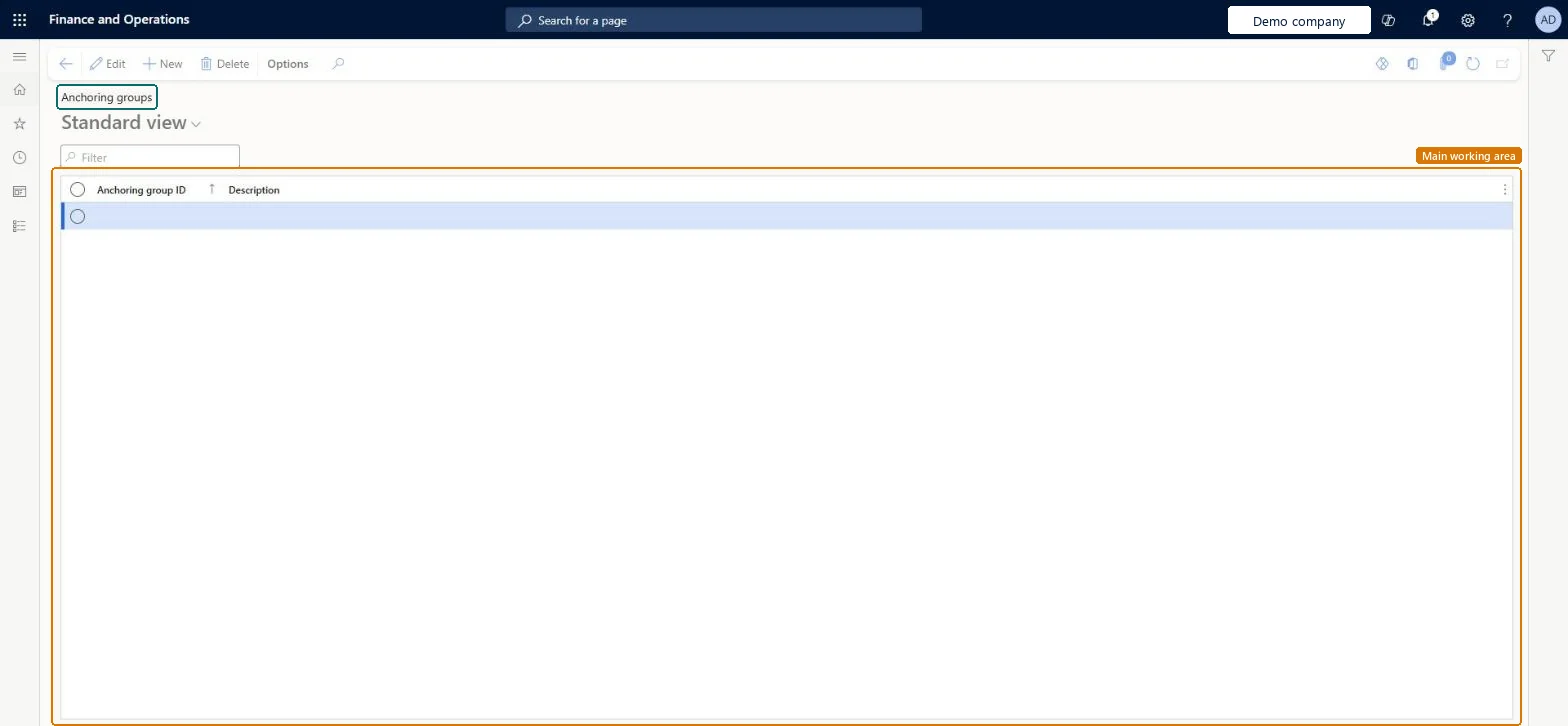
Setup page · Warehouse management
A setup page that lists anchoring groups, each with an anchoring group ID and a description.
WHSAnchoringGroupWHSAnchoringGroupTableWHSWarehouseAnchoringGroupEntity| What it is | A setup page that lists anchoring groups, each with an anchoring group ID and a description. |
|---|---|
| What you do here | Use this page to maintain the anchoring groups that can be set on work template lines. |
| Business process | Manage warehouse operations |
|---|---|
| Menu path | Warehouse management › Setup › Work › Anchoring groups |
About the examples: Examples and screenshots in this guide use BEAT, a demo company in a Dynamics 365 test environment. Use your own company's codes and values instead of copying them.
Use this page to maintain the anchoring groups that can be set on work template lines.
Source: Checked in Dynamics 365
| Menu item | WHSAnchoringGroup Checked in Dynamics 365 |
|---|---|
| Form | WHSAnchoringGroup Checked in Dynamics 365 |
| Table | WHSAnchoringGroupTableShown as “ANCHORING GROUPS” in Record infoKey field: AnchoringGroupIdChecked in Dynamics 365 |
| Data entities | WHSWarehouseAnchoringGroupEntityWarehouse anchoring groups Checked in Dynamics 365 |
| Who can open it | PrivilegesMaintain anchoring groups WHSAnchoringGroupMaintainView anchoring groups WHSAnchoringGroupViewDutiesInquire into warehouse planning master data WHSWarehousePlanningMasterInquireRecord warehouse planning masters WHSWarehousePlanningMasterMaintain2 security rolesWarehouse plannerWHSWarehousePlannerWarehouse manager WMSWarehouseManager |
| Roles to set it up and use it | To set it up or change itWarehouse manager WMSWarehouseManagerWarehouse planner WHSWarehousePlannerGive people one of these roles. On this system, 2 roles can open this page.Checked in Dynamics 365 |
| Open it by URL | https://<your-environment>/?mi=WHSAnchoringGroup |
|---|---|
| Integrate with | WHSWarehouseAnchoringGroupEntity data entity Checked in Dynamics 365 |