BeyondERP.Newsletter
Menu

Job page · Warehouse management

Replenishments

A periodic task where you set up replenishment to run as a batch job or start it manually.

Business process
Process inventory movements
Menu item
action:WHSReplenishment
Show what matters for
PAGE GUIDEWhat the page does and how to use it7 sections. Choose a role to highlight what matters to you.
Everyone

1What it is and why

What it isA periodic task where you set up replenishment to run as a batch job or start it manually.
What you do hereUse this task to run replenishment on a recurring schedule or when you choose to start it.
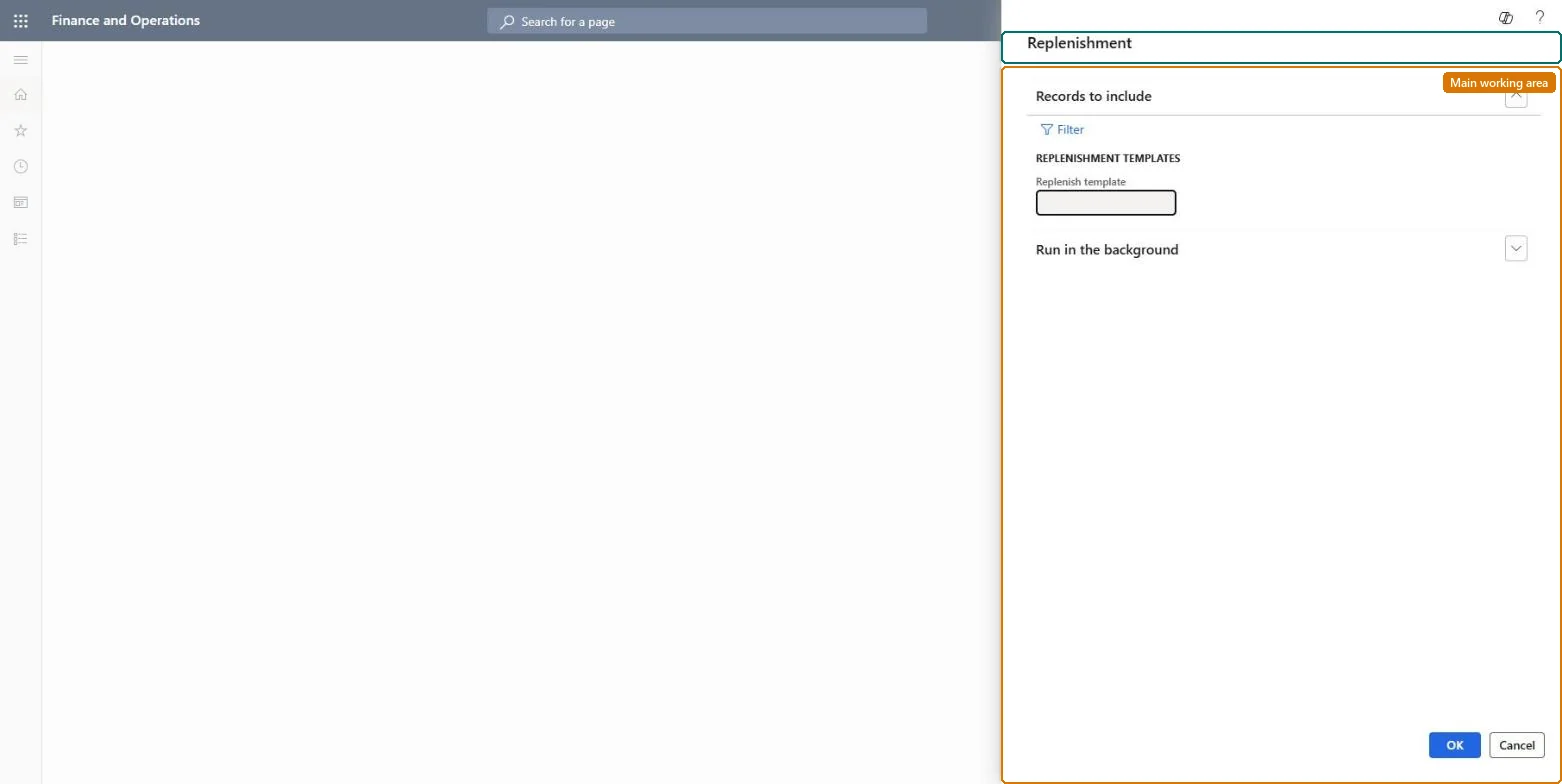
Replenishments page in Dynamics 365
The page in Dynamics 365. page title tab to open what to set or check
Functional consultant · Solution architect

2Where it fits

Business processMaintain inventory levels › Process inventory movements
Menu pathWarehouse management › Replenishment › Replenishments
Set up firstReplenishment templates Microsoft Learn
End user · Functional consultant

3How to do it

About the examples: Examples and screenshots in this guide use BEAT, a demo company in a Dynamics 365 test environment. Use your own company's codes and values instead of copying them.

When to run it

When to run itBefore picking starts, so that picking locations are topped up between their minimum and maximum levels.
How oftenTypically once every day, according to the Min/Max replenishment description.
Batch settingsRun it as a daily recurring batch job with no end date, ahead of the first picking shift.
What the output showsReplenishment work that moves stock to picking locations that are below their minimum. An empty location gets nothing unless it is the item's fixed location; that is the usual reason a location is left empty.
Source: Microsoft Learn

Steps from Microsoft

  1. Go to Warehouse management > Replenishment > Replenishments.
  2. Set up a replenishment template of the Min/Max type first, with one line per item and location and the minimum and maximum quantities.
  3. Select Filter and enter the criteria for what this run replenishes, for example the template or the warehouse.
  4. Set the job to repeat with no end date, for example every day, so picking locations are filled before picking starts.
  5. Afterwards, open the replenishment work on All work and confirm that it moves stock from bulk to the picking locations.

Source: Microsoft Learn

Test checklist

  1. Locations below minimum get replenishment work.
  2. Work brings the location up to the maximum.
  3. Empty non-fixed locations are not replenished.

Source: Microsoft Learn

Solution architect

4Design impact

Can it be undoneYes, before the work is done: Cancel replenishment work that isn't needed before workers process it. Microsoft Learn
If you change it laterCreates replenishment work based on the Min/Max replenishment templates. Microsoft Learn
Technical architect

5Technical

Menu itemaction:WHSReplenishment
Roles to set it up and use itTo use itWarehouse planner WHSWarehousePlannerGive people one of these roles. On this system, 1 role can run this page.Checked in Dynamics 365
Developer

6Developer

Open it by URLhttps://<your-environment>/?mi=action:WHSReplenishment
Everyone

7Sources