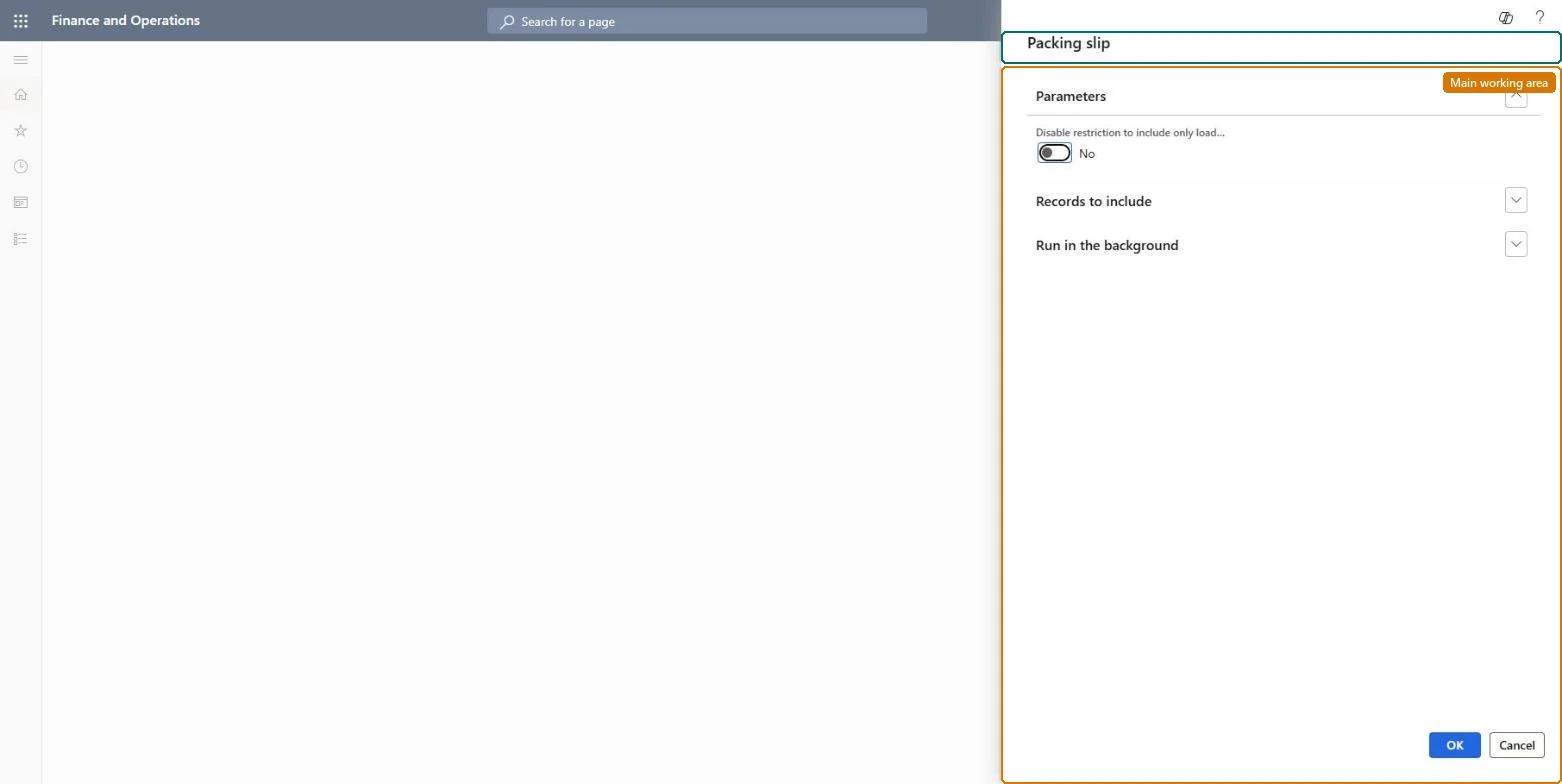
About the examples: Examples and screenshots in this guide use BEAT, a demo company in a Dynamics 365 test environment. Use your own company's codes and values instead of copying them.
When to run it
When to run it
After workers have registered the items that arrived on an inbound load and receiving for that load is complete.
How often
Once per inbound load, or on a recurring schedule when you post loads automatically after Receiving completed.
Batch settings
Schedule it as a batch job filtered on Load status and Product receipt processing status, so loads are posted only after receiving is complete.
What the output shows
Posted product receipts for the registered purchase order quantities of the load, with receipt status Received and updated inventory accounts. Unregistered quantities stay on the order, and with multiple receipts off, load lines without registrations are deleted.
Go to Warehouse management > Periodic tasks > Update product receipts.
In the Load ID field, specify the inbound load whose registered quantities should be posted.
Make sure the purchase orders on the load are Confirmed and at least one quantity is Registered; only registered quantities are posted from a load.
If you use Receiving completed, filter on Load status and Product receipt processing status so only fully received loads are posted.
After posting, open the load: depending on Allow multiple product receipt per load, its status becomes Received and its quantities are set to the registered quantities.
No, not from this task: Posted product receipts update inventory and the ledger. This task can't reverse them; correct the product receipt from the purchase order. Microsoft Learn
If you change it later
Posts product receipts for registered load quantities, which updates the inventory (interim) accounts and the load status. Microsoft Learn
Technical architect
5Technical
Menu item
action:WHSPostPackingSlip
Roles to set it up and use it
To use itShipping clerk InventShippingClerkReceiving clerk InventReceivingClerkGive people one of these roles. On this system, 2 roles can run this page.Checked in Dynamics 365