BeyondERP.Newsletter
Menu

Job page · Warehouse management

Work line history log cleanup

A periodic task that deletes temporary work history records.

Business process
Manage warehouse operations
Menu item
action:WHSTmpWorkLineHistoryPurge
Show what matters for
PAGE GUIDEWhat the page does and how to use it7 sections. Choose a role to highlight what matters to you.
Everyone

1What it is and why

What it isA periodic task that deletes temporary work history records.
What you do hereUse this task to delete temporary work history older than the number of days you choose to keep.
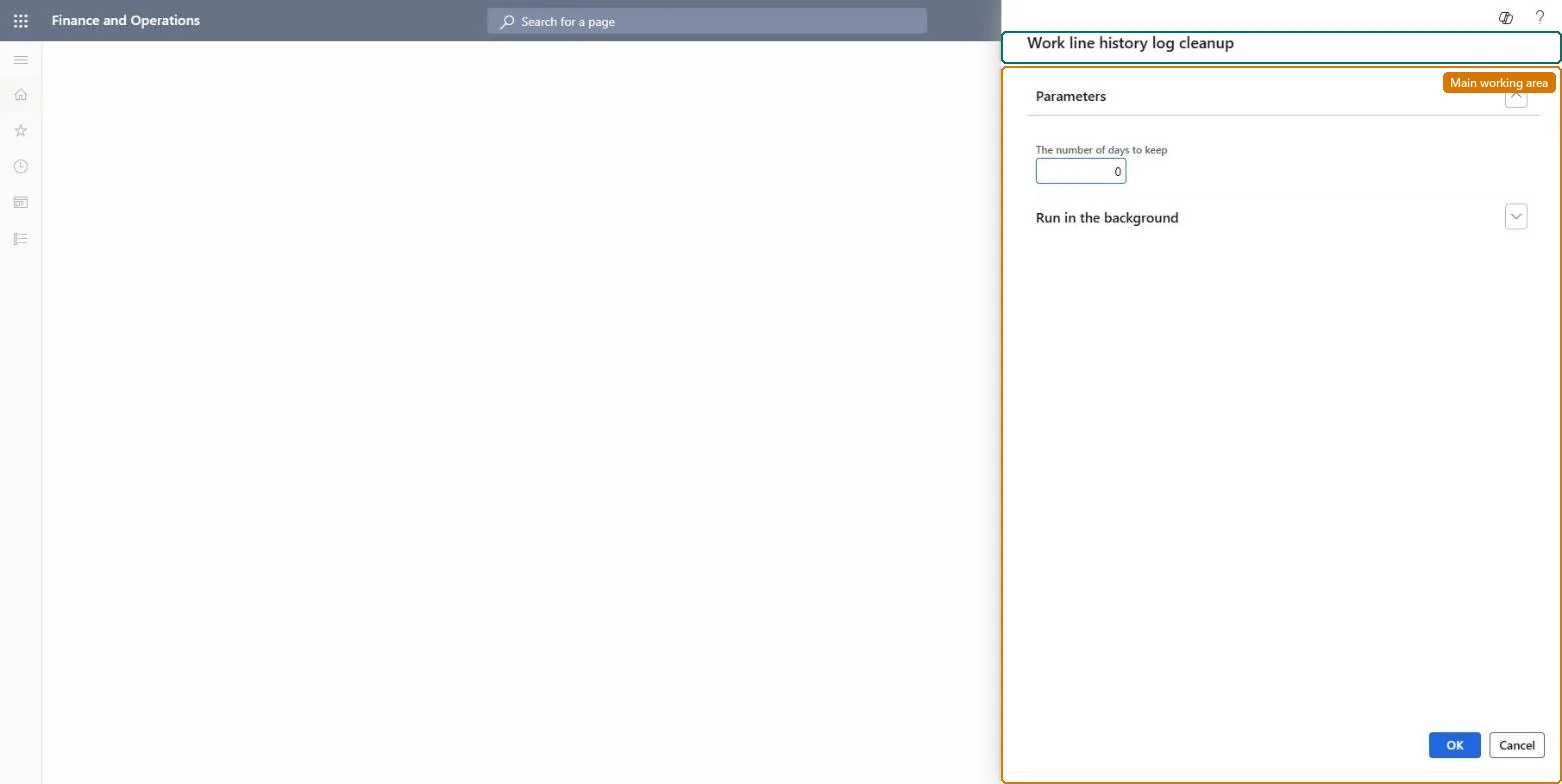
Work line history log cleanup page in Dynamics 365
The page in Dynamics 365. page title tab to open what to set or check
Functional consultant · Solution architect

2Where it fits

Business processManage warehouse operations
Menu pathWarehouse management › Periodic tasks › Clean up › Work line history log cleanup
End user · Functional consultant

3How to do it

About the examples: Examples and screenshots in this guide use BEAT, a demo company in a Dynamics 365 test environment. Use your own company's codes and values instead of copying them.

When to run it

When to run itWhen the temporary work line history has grown and the business has confirmed that work line history older than the retention period isn't needed.
How oftenOn demand, or on a regular schedule once the business has agreed a retention period for work line history.
Batch settingsSchedule it as a recurring background job outside warehouse peak hours, with the same number of days each time.
What the output showsThe temporary work line history records older than the number of days you entered are removed. If recent history disappears, the number of days was set too low.

Source: Microsoft Learn

Steps from Microsoft

  1. Go to Warehouse management > Periodic tasks > Clean up > Work line history log cleanup.
  2. Enter the number of days of temporary work line history to keep. Records in the WHSTmpWorkLineHistory table that are older than that are deleted.
  3. Pick a retention that still covers the period in which supervisors look back at work line changes when they investigate a picking problem.
  4. Run it, then look at the work line history for a recent work ID to see that recent entries are still there.

Source: Microsoft Learn

Test checklist

  1. No work line history older than the retention period remains.
  2. Work line history inside the retention period is unchanged.

Source: Microsoft Learn

Solution architect

4Design impact

Can it be undoneNo: Deleted work line history can't be restored. Test the routine in a test environment first and run it only after the business confirms the data isn't needed. Microsoft Learn
If you change it laterPermanently deletes temporary work line history records older than the retention period. Microsoft Learn
Technical architect

5Technical

Menu itemaction:WHSTmpWorkLineHistoryPurge
Developer

6Developer

Open it by URLhttps://<your-environment>/?mi=action:WHSTmpWorkLineHistoryPurge
Everyone

7Sources