PAGE GUIDE What the page does and how to use it 7 sections. Choose a role to highlight what matters to you.
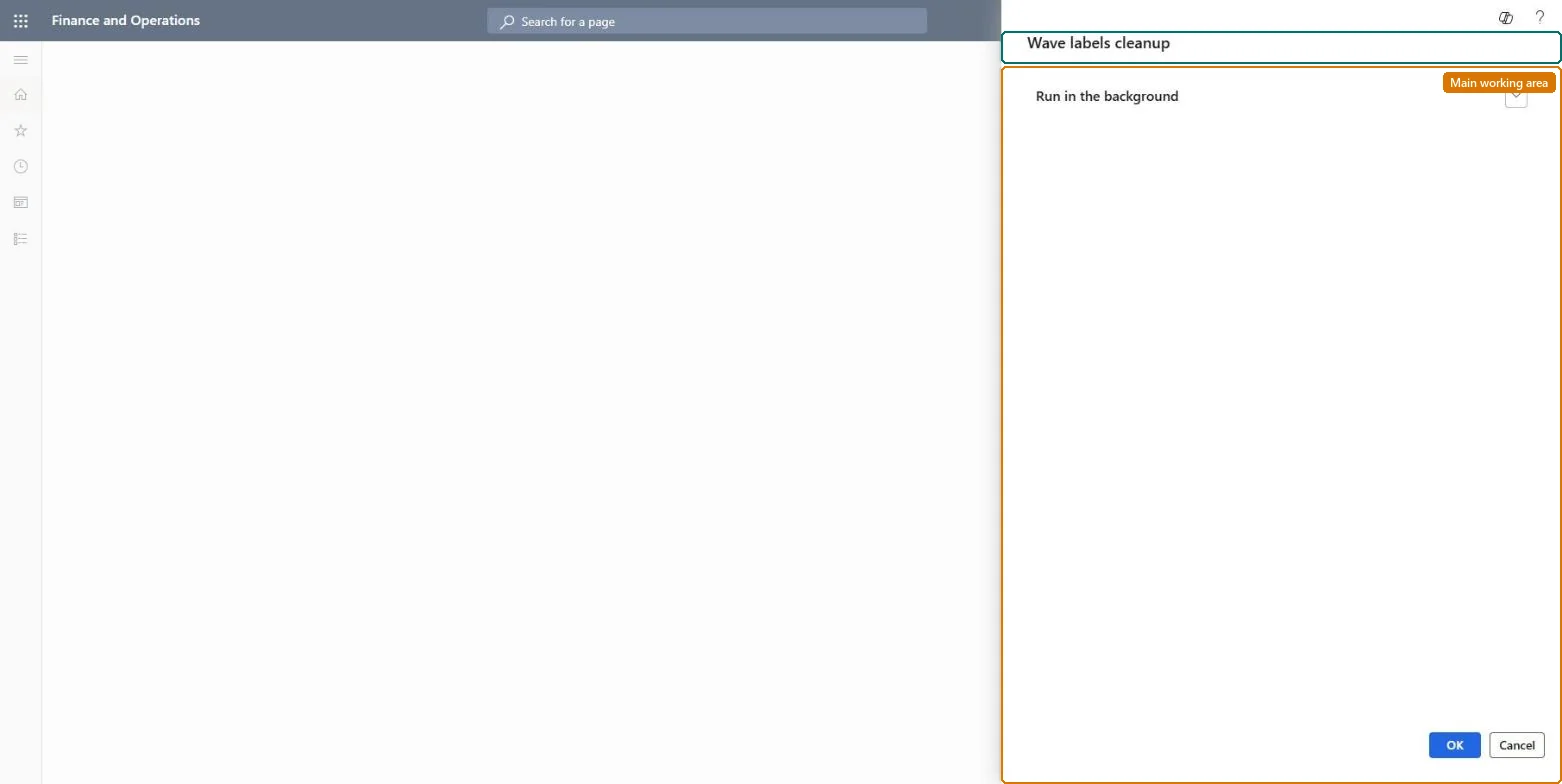
Everyone 1 What it is and whyWhat it is A periodic task that cleans up wave label records. What you do here Use this task to remove wave label records that are no longer needed.
The page in Dynamics 365. Functional consultant · Solution architect 2 Where it fitsEnd user · Functional consultant 3 How to do itAbout the examples: Examples and screenshots in this guide use BEAT, a demo company in a Dynamics 365 test environment. Use your own company's codes and values instead of copying them.
When to run it When to run it When wave label printing has built up many label records for shipments that are complete. How often Recurring, for example monthly, in warehouses that use wave label printing. What the output shows Removed wave label records. Labels for shipments still being picked can no longer be reprinted if removed.
Source: Microsoft Learn
Steps from Microsoft Go to Warehouse management > Periodic tasks > Clean up > Wave labels cleanup. Run it to clean up wave label records (WHSWaveLabel) that are no longer needed. Run it only for shipments that are done, because wave labels can still be reprinted until then. Afterwards, open Wave label history to see which labels remain. Source: Microsoft Learn
Test checklist Old wave labels are gone; current ones can still be reprinted. Source: Microsoft Learn
Solution architect 4 Design impactCan it be undone No: Removed wave labels can't be restored. Run it only after the business has confirmed that the data is no longer required. Microsoft Learn If you change it later Deletes wave label records from WHSWaveLabel. Microsoft Learn
Technical architect 5 TechnicalMenu item action:WHSWaveLabelsCleanupServiceDoCleanup Roles to set it up and use it To use it Warehouse planner WHSWarehousePlanner Give people one of these roles. On this system, 1 role can run this page. Checked in Dynamics 365
Developer 6 DeveloperOpen it by URL https://<your-environment>/?mi=action:WHSWaveLabelsCleanupServiceDoCleanup
Everyone 7 Sources