About the examples: Examples and screenshots in this guide use BEAT, a demo company in a Dynamics 365 test environment. Use your own company's codes and values instead of copying them.
When to run it
When to run it
When the containerization history log has grown and older entries are no longer needed.
How often
On demand or recurring, for example monthly when the log is on.
What the output shows
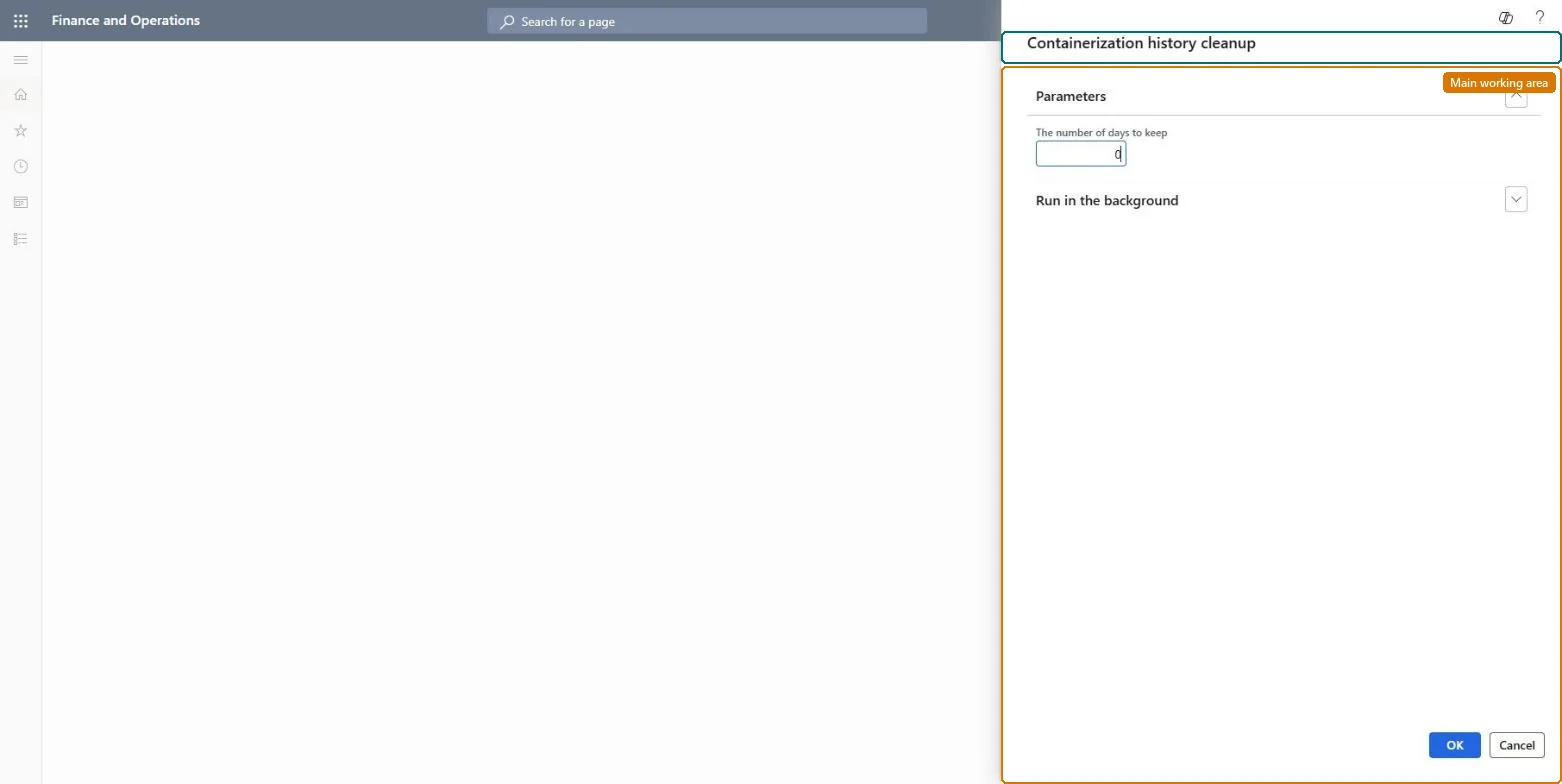
Deleted containerization history older than the days you keep.
No: Deleted containerization history can't be restored. Run it only after the business has confirmed that the data is no longer required. Microsoft Learn
If you change it later
Deletes containerization history records older than the days you keep. Microsoft Learn
Technical architect
5Technical
Menu item
action:WHSContainerizationHistoryPurge
Roles to set it up and use it
To use itWarehouse planner WHSWarehousePlannerGive people one of these roles. On this system, 1 role can run this page.Checked in Dynamics 365