About the examples: Examples and screenshots in this guide use BEAT, a demo company in a Dynamics 365 test environment. Use your own company's codes and values instead of copying them.
When to run it
When to run it
After containers are packed, when a contents list must travel with the container or be kept for the shipment.
How often
On demand, per container or shipment that needs a contents list.
What the output shows
The items and quantities packed in each selected container. A container that prints empty usually has not been packed or closed yet.
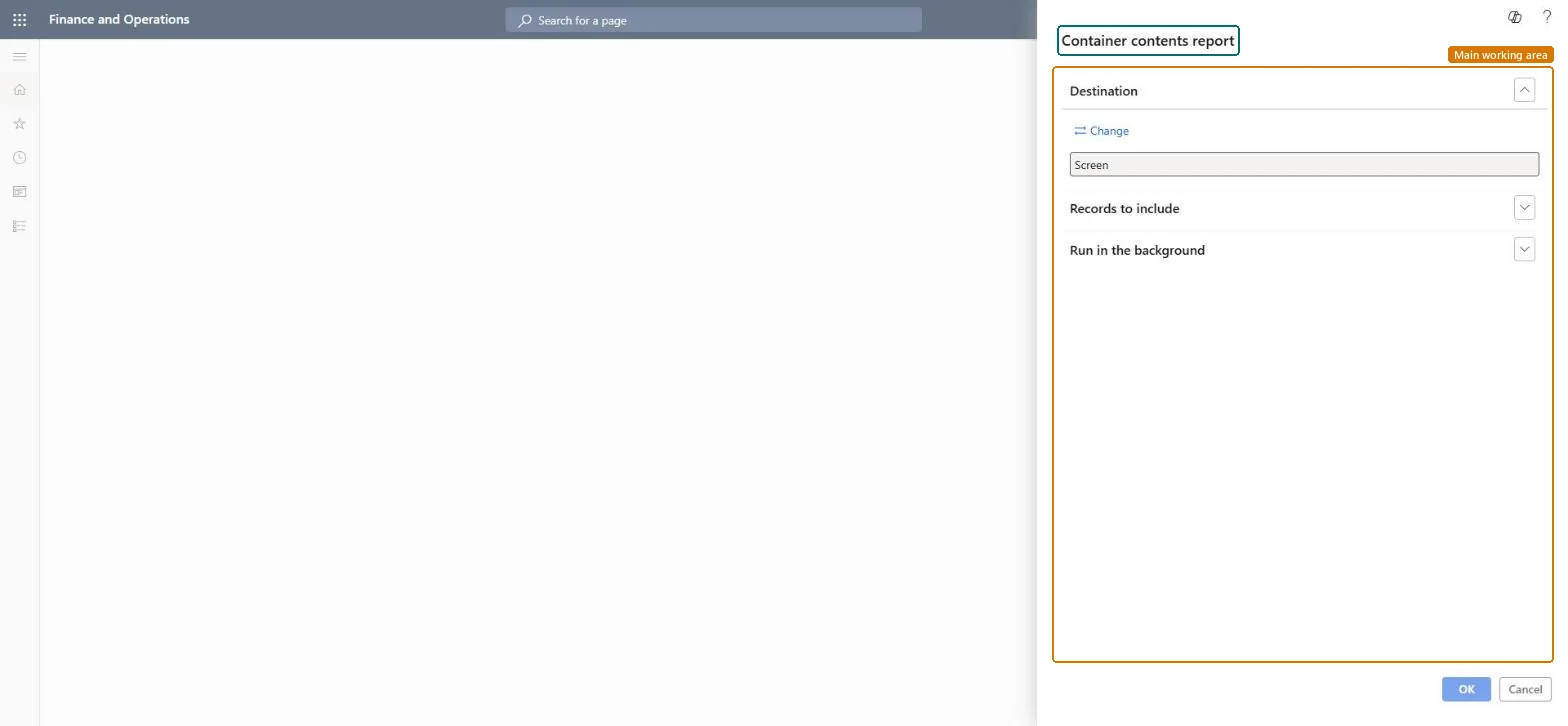
Go to Warehouse management > Packing and containerization > Container contents report.
In the query, select the containers to print, for example the containers of one shipment.
Print the result to go with the container, or review it on Screen.
Compare the printed contents with the container lines in Containers when a customer or carrier questions what was packed. The same report is also under Inquiries and reports.
Nothing to undo: The report reads container contents only. Microsoft Learn
Technical architect
5Technical
Menu item
output:WHSContainerContentsChecked in Dynamics 365
Form
SysOperationTemplateFormChecked in Dynamics 365
Roles to set it up and use it
To use itWarehouse planner WHSWarehousePlannerWarehouse manager WMSWarehouseManagerProduction supervisor ProdProductionSupervisorProcess engineering manager RouteProcessEngineeringManagerField Service Integration User FieldServiceIntegrationUserGive people one of these roles. On this system, 5 roles can run this page.Checked in Dynamics 365