BeyondERP.Newsletter
Menu

Report page · Warehouse management

Loads report

A report that prints information about loads, limited to the records that you choose to include.

Business process
Load goods for shipping
Menu item
output:WHSLoads
Show what matters for
PAGE GUIDEWhat the page does and how to use it7 sections. Choose a role to highlight what matters to you.
Everyone

1What it is and why

What it isA report that prints information about loads, limited to the records that you choose to include.
What you do hereUse this report to print loads that match the records you select.
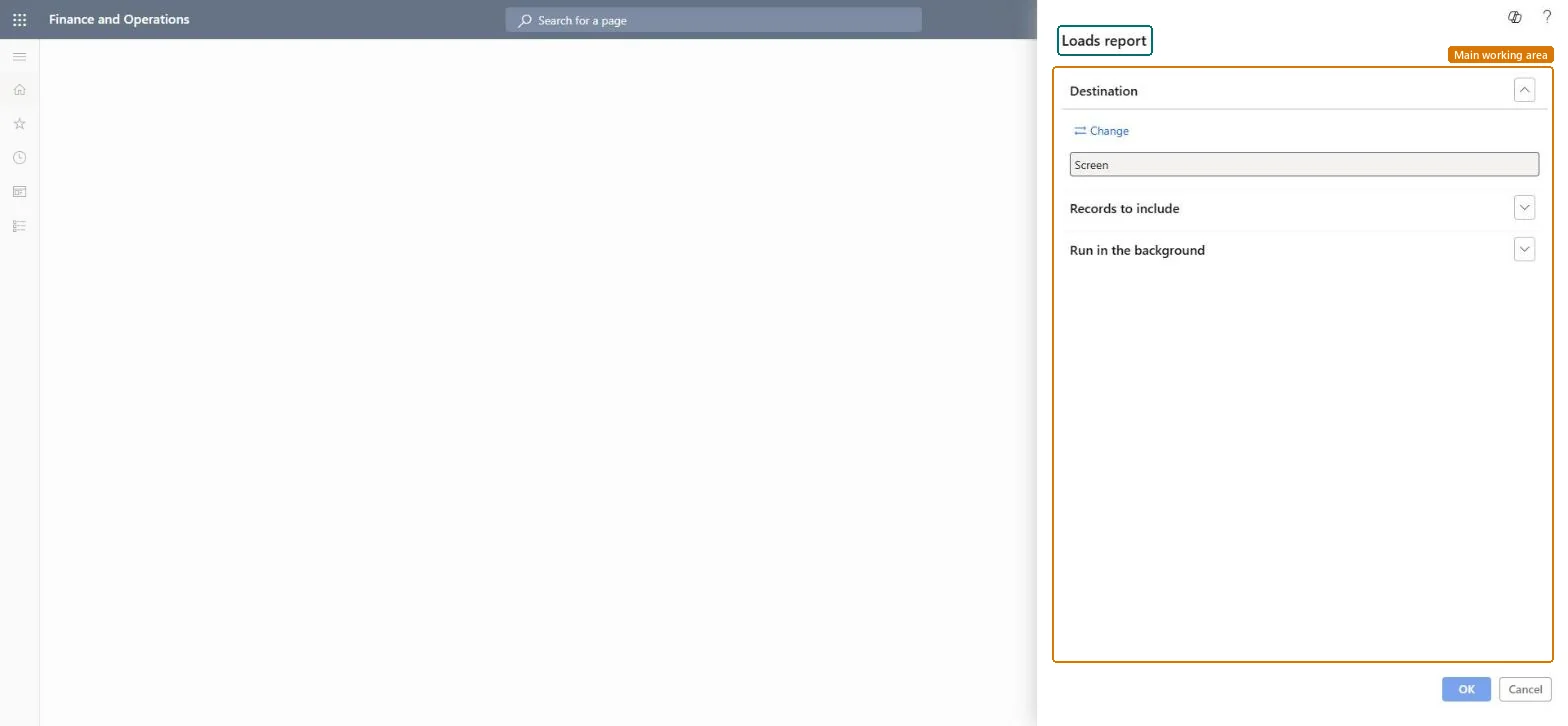
Loads report page in Dynamics 365
The page in Dynamics 365. page title tab to open what to set or check
Functional consultant · Solution architect

2Where it fits

Business processProcess outbound goods › Load goods for shipping
Menu pathWarehouse management › Loads › Loads report
End user · Functional consultant

3How to do it

About the examples: Examples and screenshots in this guide use BEAT, a demo company in a Dynamics 365 test environment. Use your own company's codes and values instead of copying them.

When to run it

When to run itWhen you need printed load information, for example to hand to the shipping team before loads are shipped.
How oftenOn demand, during outbound planning and shipping.
What the output showsInformation about each load that matches your criteria. A load that is missing usually falls outside the criteria, for example another warehouse.

Source: Microsoft Learn

Steps from Microsoft

  1. Go to Warehouse management > Loads > Loads report.
  2. Set the criteria for the loads to print, for example a load ID or the loads of one warehouse.
  3. Use this report when you need the information for each load; for a short overview of many loads, use Load list report instead.
  4. Compare the printed loads with All loads or the outbound load planning workbench to check the status of each load.

Source: Microsoft Learn

Solution architect

4Design impact

Can it be undoneNothing to undo: The loads report only reads load records; it changes nothing. Microsoft Learn
Technical architect

5Technical

Menu itemoutput:WHSLoads Checked in Dynamics 365
FormSysOperationTemplateForm Checked in Dynamics 365
Roles to set it up and use itTo use itTransportation coordinator TMSTransportationCoordinatorGive people one of these roles. On this system, 1 role can run this page.Checked in Dynamics 365
Developer

6Developer

Open it by URLhttps://<your-environment>/?mi=output:WHSLoads
Everyone

7Sources