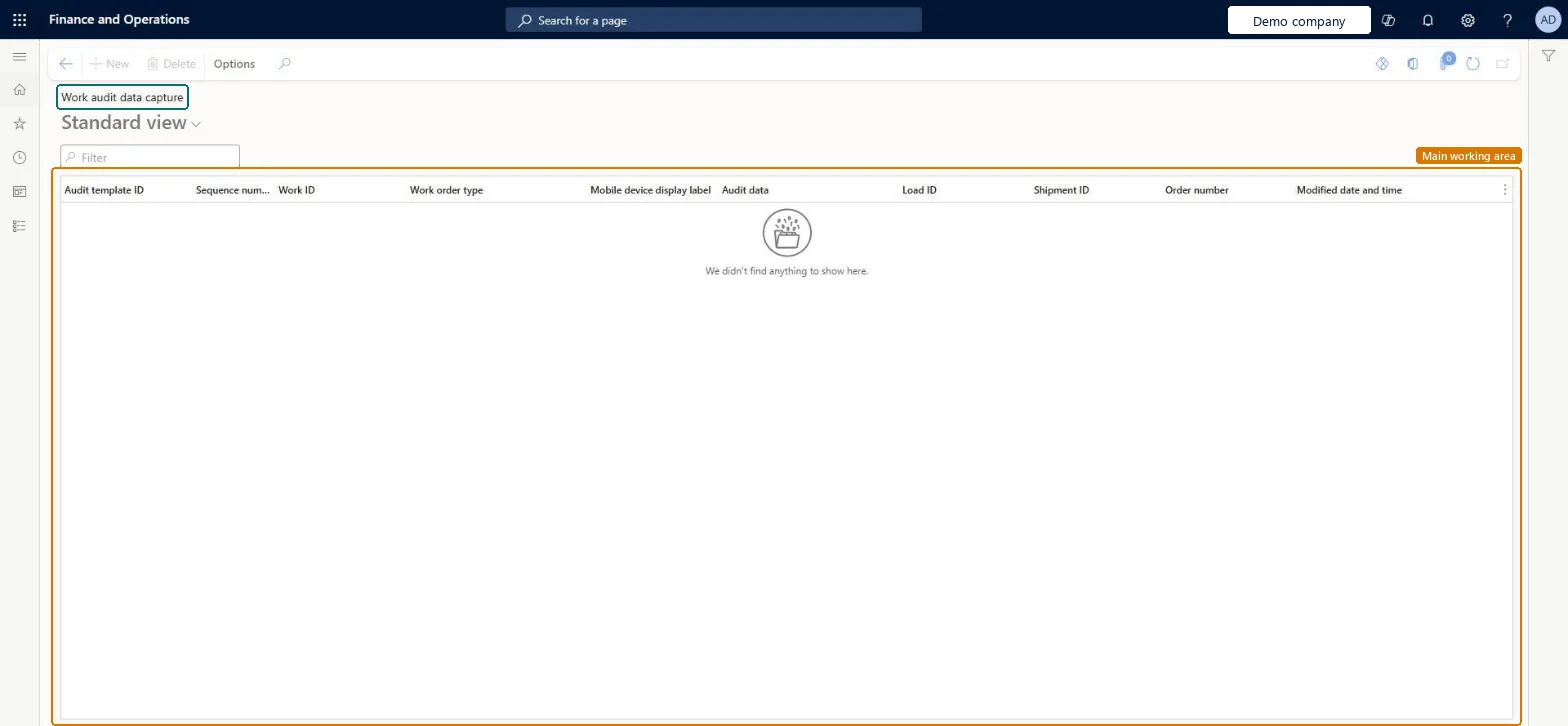
A list page that shows the audit data captured for warehouse work, with the audit template ID, work ID, work order type, load, shipment and order number of each entry.
PAGE GUIDEWhat the page does and how to use it7 sections. Choose a role to highlight what matters to you.
Everyone
1What it is and why
What it is
A list page that shows the audit data captured for warehouse work, with the audit template ID, work ID, work order type, load, shipment and order number of each entry.
What you do here
Use this page to review the audit data that was recorded against warehouse work.
The page in Dynamics 365. page title tab to open what to set or check
Warehouse management › Inquiries and reports › Work audit data capture
End user · Functional consultant
3How to do it
About the examples: Examples and screenshots in this guide use BEAT, a demo company in a Dynamics 365 test environment. Use your own company's codes and values instead of copying them.
Steps from Microsoft
Go to Warehouse management > Inquiries and reports > Work audit data capture.
Each row is data a worker entered when a work audit template interrupted warehouse work, for example a temperature check of the delivery container on inbound work.
Filter on work ID, load, shipment or order number to find the audit data for one piece of work or one order.
Read Audit template ID and Mobile device display label to see which audit prompt the entry answers, and Audit data for the value entered.
Use Modified date and time to see when the data was recorded.
To change when audits are asked, set the Audit template ID on the menu item at Warehouse management > Setup > Mobile device > Mobile device menu items.