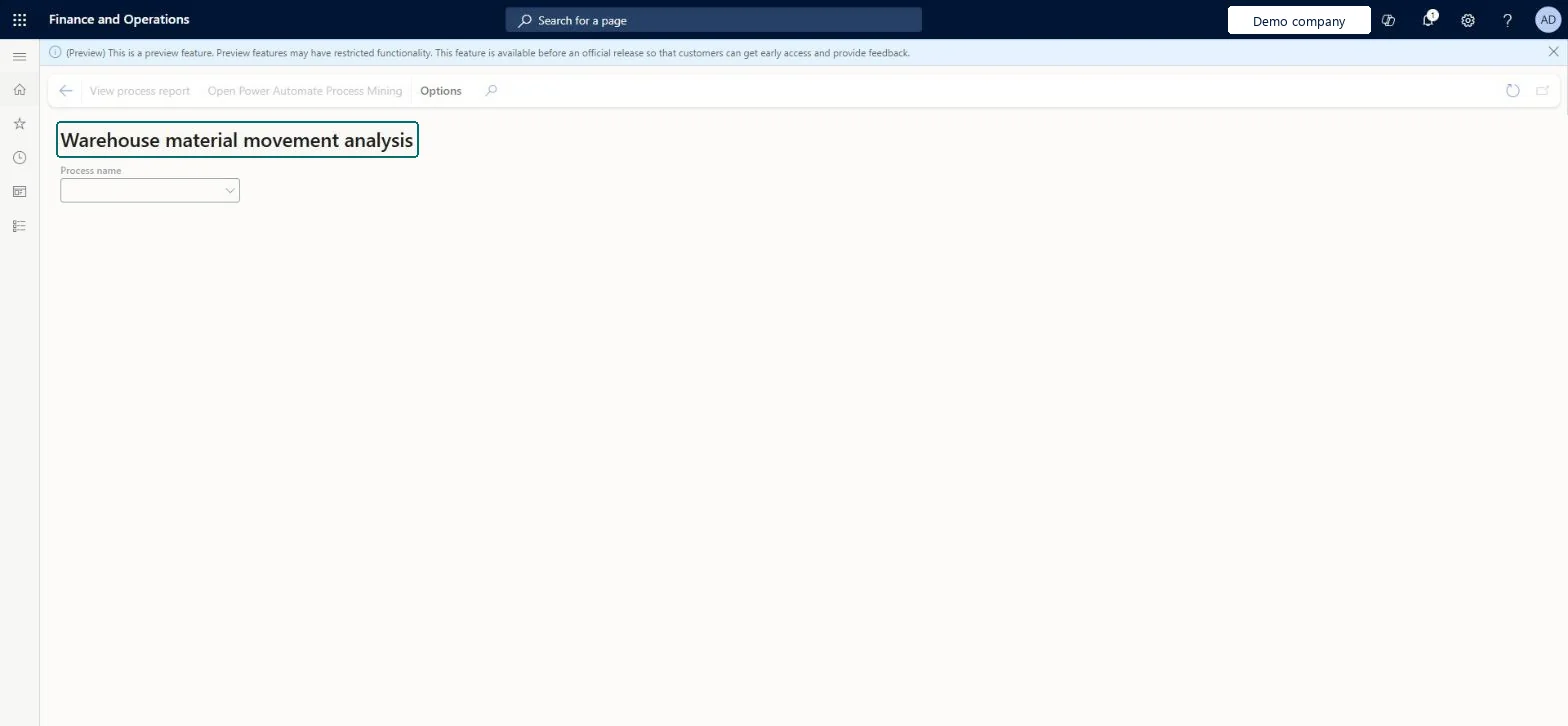
About the examples: Examples and screenshots in this guide use BEAT, a demo company in a Dynamics 365 test environment. Use your own company's codes and values instead of copying them.
Steps from Microsoft
Go to Warehouse management > Inquiries and reports > Warehouse performance analysis > Warehouse material movement analysis.
In the Process name field, select the name of the process to view.
To view the selected process in Power Automate Process Mining, select View process report on the Action Pane.
For advanced analysis, select Open Power Automate Process Mining on the Action Pane.
Selects the process to view. The list includes only processes that are ready for analysis and that you created or that were shared with you.Microsoft Learn
Technical architect
4Technical
Menu item
WHSProcessAdvisorWarehouseMaterialFlowProcessViewerChecked in Dynamics 365
Form
WHSProcessAdvisorWarehouseMaterialFlowProcessViewerChecked in Dynamics 365
Who can open it
PrivilegesView warehouse material movement analysis WHSProcessAdvisorWarehouseMaterialFlowProcessViewerViewDutiesReview warehouse process performance InventWarehouseProcessPerformanceReview4 security rolesChief executive officer CompanyChiefExecutiveOfficerMaterials manager InventMaterialsManagerWarehouse planner WHSWarehousePlannerWarehouse manager WMSWarehouseManagerChecked in Dynamics 365
Roles to set it up and use it
To use itWarehouse planner WHSWarehousePlannerWarehouse manager WMSWarehouseManagerMaterials manager InventMaterialsManagerChief executive officer CompanyChiefExecutiveOfficerGive people one of these roles. On this system, 4 roles can open this page.Checked in Dynamics 365
Actions on the page
(Action Pane without tabs): View process report, Open Power Automate Process MiningChecked in Dynamics 365