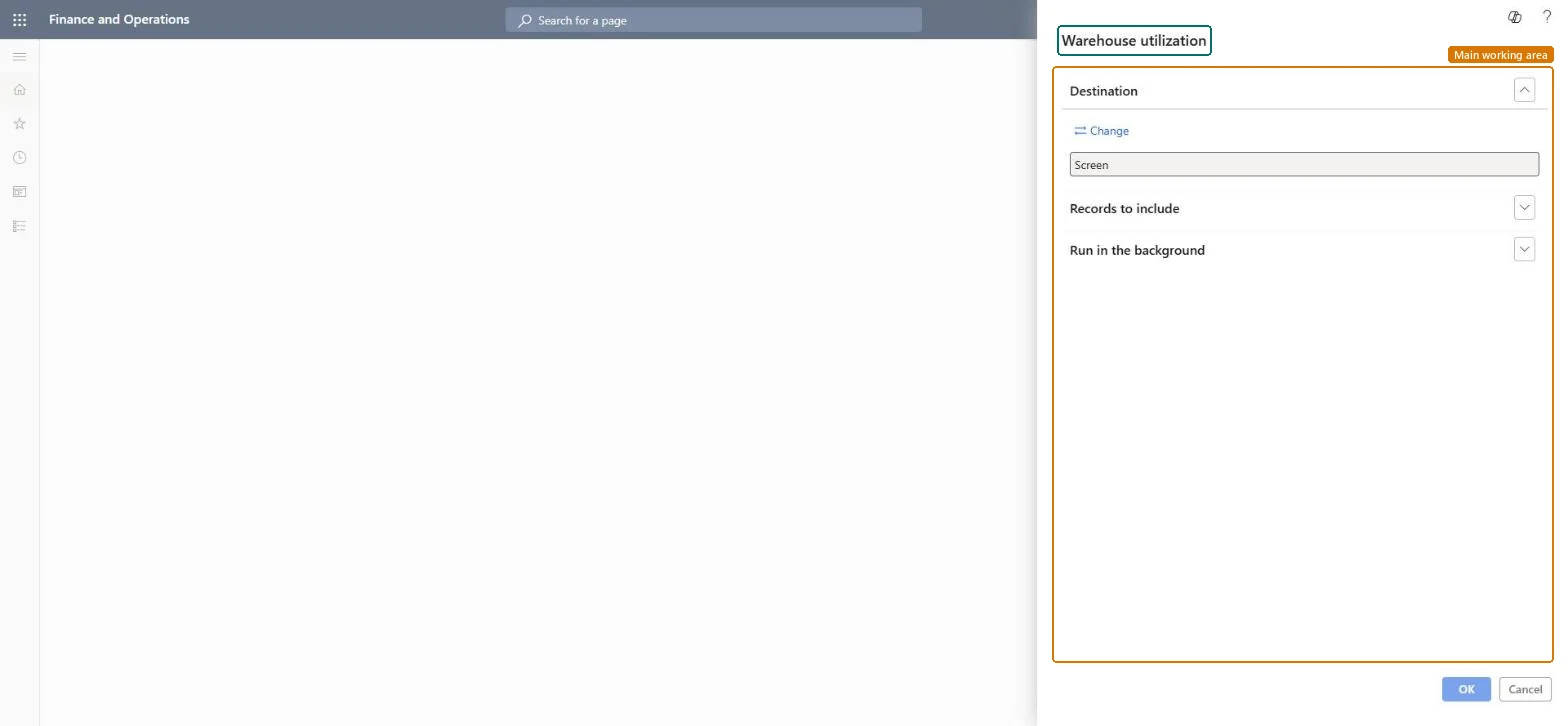
A report that you run from a dialog to review warehouse utilization, with options for the output destination, the records to include and background processing.
Warehouse managementInquiries and reportsWarehouse monitoring reports
output:WHSVolumetricsOnLocation
Business process
Analyze inventory levels
Menu item
output:WHSVolumetricsOnLocation
Show what matters for
PAGE GUIDEWhat the page does and how to use it7 sections. Choose a role to highlight what matters to you.
Everyone
1What it is and why
What it is
A report that you run from a dialog to review warehouse utilization, with options for the output destination, the records to include and background processing.
What you do here
Use this report to review how much of your warehouse space is in use.
The page in Dynamics 365. page title tab to open what to set or check
About the examples: Examples and screenshots in this guide use BEAT, a demo company in a Dynamics 365 test environment. Use your own company's codes and values instead of copying them.
When to run it
When to run it
When you plan space, for example before a peak season or when locations seem full while stock is low.
How often
On demand, for space planning reviews.
What the output shows
How much of the warehouse space is in use per warehouse or location. Odd values usually come from missing location dimensions or volumetric settings on the location profile.
Go to Warehouse management > Inquiries and reports > Warehouse monitoring reports > Warehouse utilization.
Make sure the location profiles have volumetric settings, such as Volume utilization percentage and Volumetric method used for inventory location, or utilization can't be calculated.
In the query, limit the report to the warehouses or locations you want to review.
Use the result to find lightly used locations, then consolidate them on Item Consolidation.