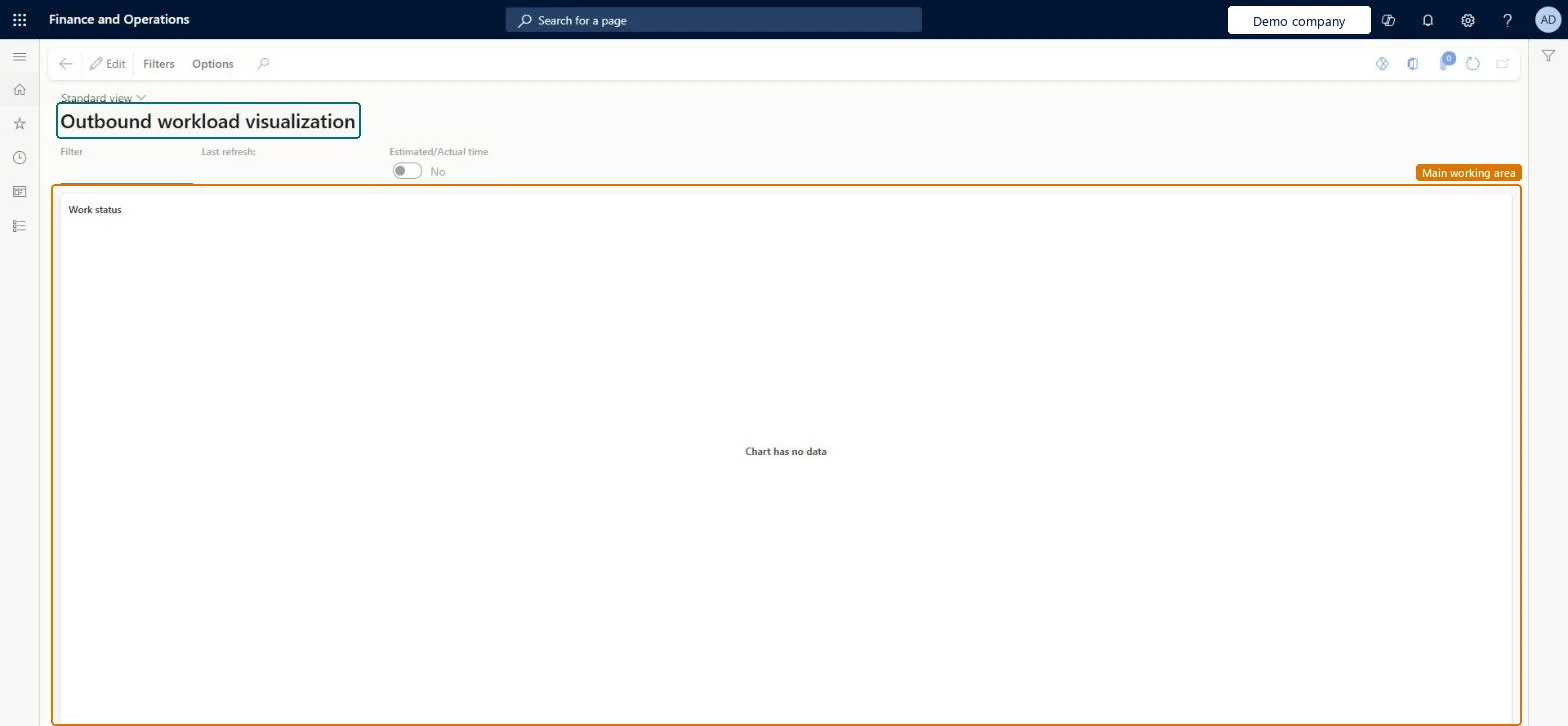
An inquiry page that shows a chart of the outbound picking work that remains, built from filters that you configure and save under your own user account.
Warehouse managementInquiries and reportsWarehouse monitoring reports
WHSOutboundWorkLoadVisualization
Used by
Receiving clerk, Shipping clerk, Process engineer and 4 more roles
Business process
Measure warehouse performance
Menu item
WHSOutboundWorkLoadVisualization
Main table
WHSTmpOutboundWorkLoadCh
Show what matters for
PAGE GUIDEWhat the page does and how to use it6 sections. Choose a role to highlight what matters to you.
Everyone
1What it is and why
What it is
An inquiry page that shows a chart of the outbound picking work that remains, built from filters that you configure and save under your own user account.
What you do here
Use this page to monitor the progress of picking work and how much of it remains.
Example
For example, when labor management is set up, the chart can also show the number of hours that remain for the picking work that is shown.
The page in Dynamics 365. page title tab to open what to set or check
About the examples: Examples and screenshots in this guide use BEAT, a demo company in a Dynamics 365 test environment. Use your own company's codes and values instead of copying them.
Steps from Microsoft
Go to Warehouse management > Inquiries and reports > Warehouse monitoring reports > Outbound workload visualization.
On the Action Pane, on the Filters tab, select Configure filters.
On the Configure filters page, select New and set the X-axis group table, X-axis group field, X-axis value table and X-axis value field, then set the site, warehouse, days to include and work order type.
Close the Configure filters page to return to the chart.
In the Filter field, select the filter whose data you want to see.
Select any bar in the chart to view the associated work line details.
To set it up or change itWarehouse manager WMSWarehouseManagerWarehouse planner WHSWarehousePlannerProcess engineer RouteProcessEngineerTo use itWarehouse worker WMSWarehouseWorkerShipping clerk InventShippingClerkReceiving clerk InventReceivingClerkTransportation coordinator TMSTransportationCoordinatorGive people one of these roles. On this system, 7 roles can open this page.Checked in Dynamics 365