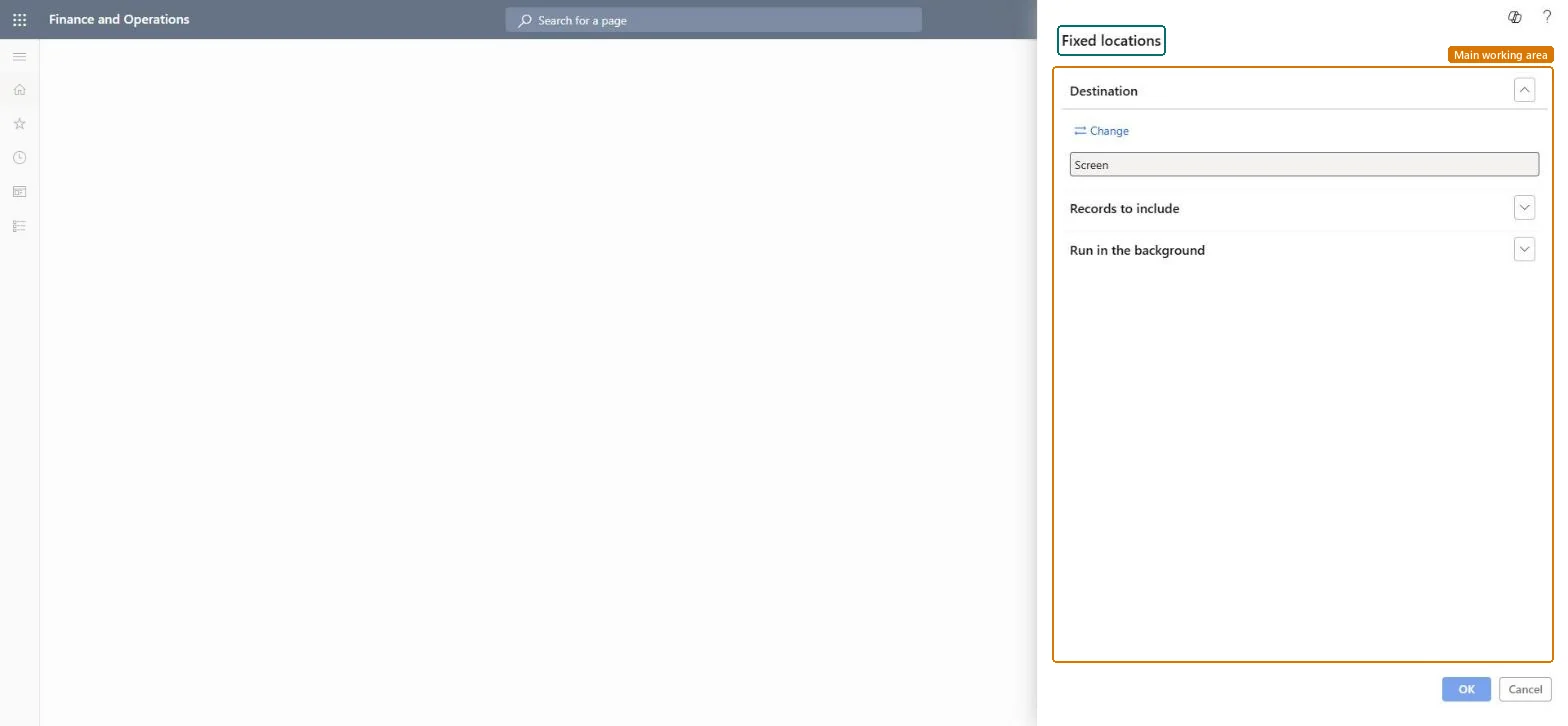
A report that you run from a dialog to list the fixed picking locations set up for products, with options for the output destination, the records to include and background processing.
Warehouse managementInquiries and reportsWarehouse monitoring reports
output:WHSInventFixedLocation
Business process
Analyze inventory levels
Menu item
output:WHSInventFixedLocation
Show what matters for
PAGE GUIDEWhat the page does and how to use it7 sections. Choose a role to highlight what matters to you.
Everyone
1What it is and why
What it is
A report that you run from a dialog to list the fixed picking locations set up for products, with options for the output destination, the records to include and background processing.
What you do here
Use this report to review the fixed picking locations that are defined for each product or product variant.
The page in Dynamics 365. page title tab to open what to set or check
About the examples: Examples and screenshots in this guide use BEAT, a demo company in a Dynamics 365 test environment. Use your own company's codes and values instead of copying them.
When to run it
When to run it
When you set up or review Min/Max replenishment or slotting, which rely on fixed picking locations.
How often
On demand, when picking locations or replenishment templates change.
What the output shows
The fixed picking locations defined for each product or product variant. An item without a fixed location can't get an empty picking location refilled by Min/Max replenishment.