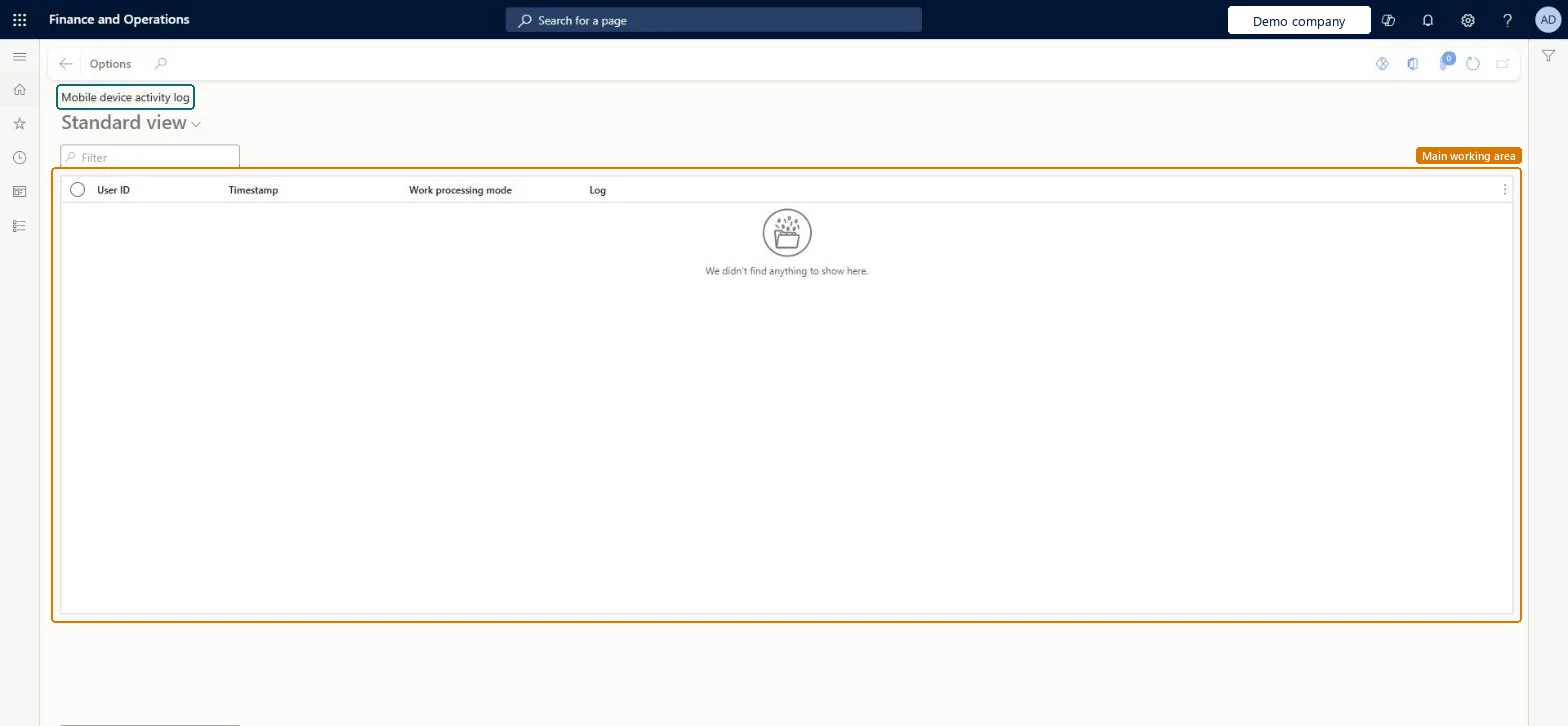
A list page that shows the activity log of warehouse mobile device users, with the user ID, timestamp, work processing mode and log text of each entry.
Warehouse managementInquiries and reportsMobile device logs
WHSMobileDeviceActivityLog
Used by
Field Service Integration User, Production supervisor, Process engineering manager and 2 more roles
Business process
Measure warehouse performance
Menu item
WHSMobileDeviceActivityLog
Main table
WHSMobileDeviceActivityLog
Show what matters for
PAGE GUIDEWhat the page does and how to use it6 sections. Choose a role to highlight what matters to you.
Everyone
1What it is and why
What it is
A list page that shows the activity log of warehouse mobile device users, with the user ID, timestamp, work processing mode and log text of each entry.
What you do here
Use this page to review what mobile device users did and when.
The page in Dynamics 365. page title tab to open what to set or check
About the examples: Examples and screenshots in this guide use BEAT, a demo company in a Dynamics 365 test environment. Use your own company's codes and values instead of copying them.
Steps from Microsoft
Go to Warehouse management > Inquiries and reports > Mobile device logs > Mobile device activity log.
Filter on user ID to see what one warehouse mobile device user did and when.
Sort on Timestamp to follow the user's actions in order, and read Work processing mode and Log for what happened at each step.
For the XML messages and errors of a user's session, use Mobile device logs > Work user sessions instead.
Older entries are removed by Warehouse management > Periodic tasks > Clean up > Mobile device activity log cleanup, so an old entry may already be gone.
WHSMobileDeviceActivityLogShown as “MOBILE DEVICE ACTIVITY LOG” in Record infoChecked in Dynamics 365
Who can open it
PrivilegesMobile device activity log WHSMobileDeviceActivityLogViewDutiesInquire into warehouse operation master WMSWarehouseOperationMasterInquire5 security rolesField Service Integration User FieldServiceIntegrationUserProduction supervisor ProdProductionSupervisorProcess engineering manager RouteProcessEngineeringManagerWarehouse planner WHSWarehousePlannerWarehouse manager WMSWarehouseManagerChecked in Dynamics 365
Roles to set it up and use it
To use itWarehouse planner WHSWarehousePlannerWarehouse manager WMSWarehouseManagerProduction supervisor ProdProductionSupervisorProcess engineering manager RouteProcessEngineeringManagerField Service Integration User FieldServiceIntegrationUserGive people one of these roles. On this system, 5 roles can open this page.Checked in Dynamics 365