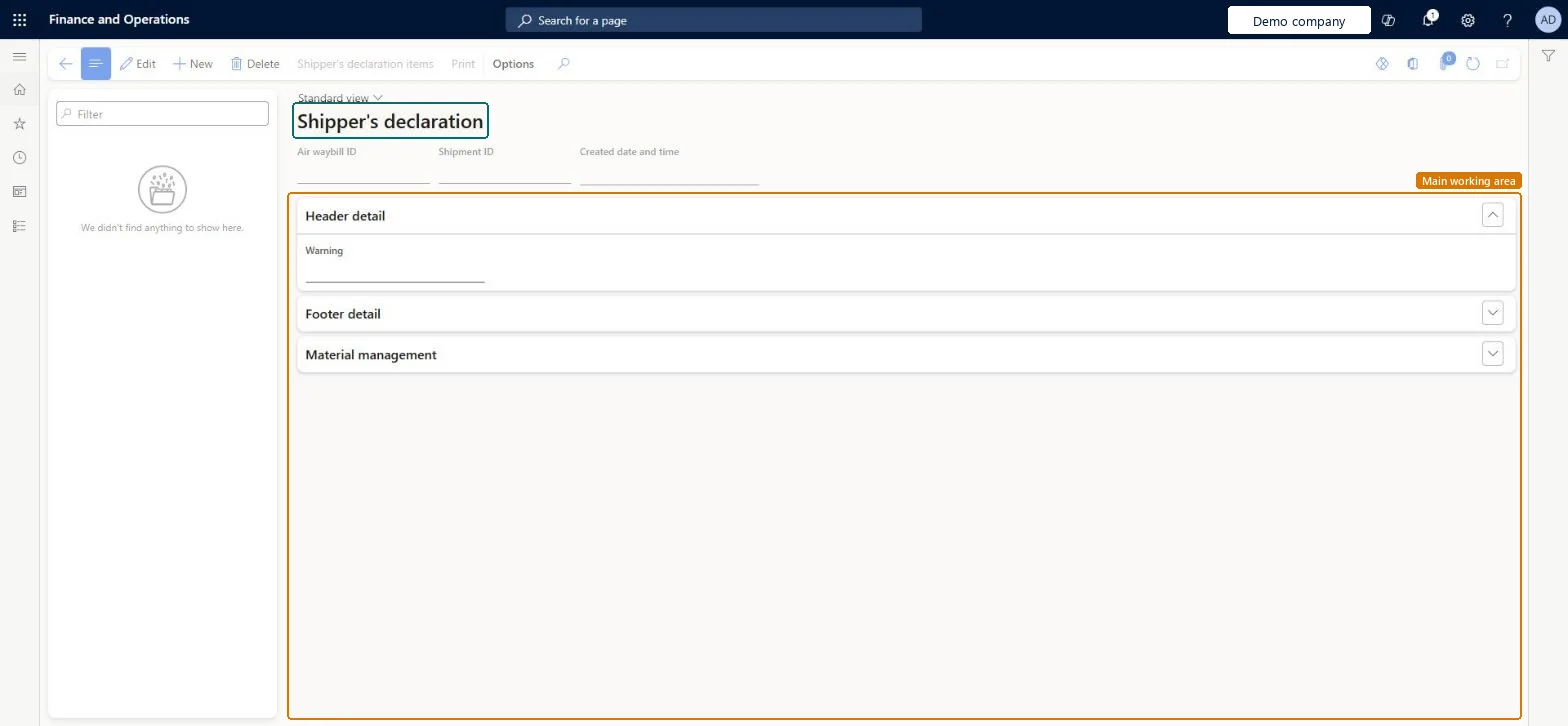
A details page that lists the shipper's declaration documents prepared for shipments, each with an air waybill ID, a shipment ID, header detail, footer detail and material management sections.
PAGE GUIDEWhat the page does and how to use it7 sections. Choose a role to highlight what matters to you.
Everyone
1What it is and why
What it is
A details page that lists the shipper's declaration documents prepared for shipments, each with an air waybill ID, a shipment ID, header detail, footer detail and material management sections.
What you do here
Use this page to review and print the declaration of the materials that are included in a shipment.
The page in Dynamics 365. page title tab to open what to set or check
About the examples: Examples and screenshots in this guide use BEAT, a demo company in a Dynamics 365 test environment. Use your own company's codes and values instead of copying them.
How to use it
Go to Warehouse management > Inquiries and reports > Hazardous material shipping documentation > Shipper's declaration.
Select a declaration in the list on the left.
Select Edit if you need to change the Header detail, Footer detail or Material management sections.
Select Print on the Action Pane to print the declaration.
To set it up or change itHazardous materials manager HMIMHazardousMaterialsManagerTo use itHazardous materials viewer HMIMHazardousMaterialsViewerGive people one of these roles. On this system, 2 roles can open this page.Checked in Dynamics 365
Actions on the page
(Action Pane without tabs): Shipper's declaration items, PrintChecked in Dynamics 365