Warehouse management › Inquiries and reports › Closed work report
End user · Functional consultant
3How to do it
About the examples: Examples and screenshots in this guide use BEAT, a demo company in a Dynamics 365 test environment. Use your own company's codes and values instead of copying them.
When to run it
When to run it
When you analyze completed work for a past period, for example during a weekly performance review.
How often
On demand, whenever completed work for a past period must be reviewed.
What the output shows
A list of closed warehouse work in the chosen date and time range, the same content as the copy under the Work menu. Missing work usually means it was closed outside the range or is still open.
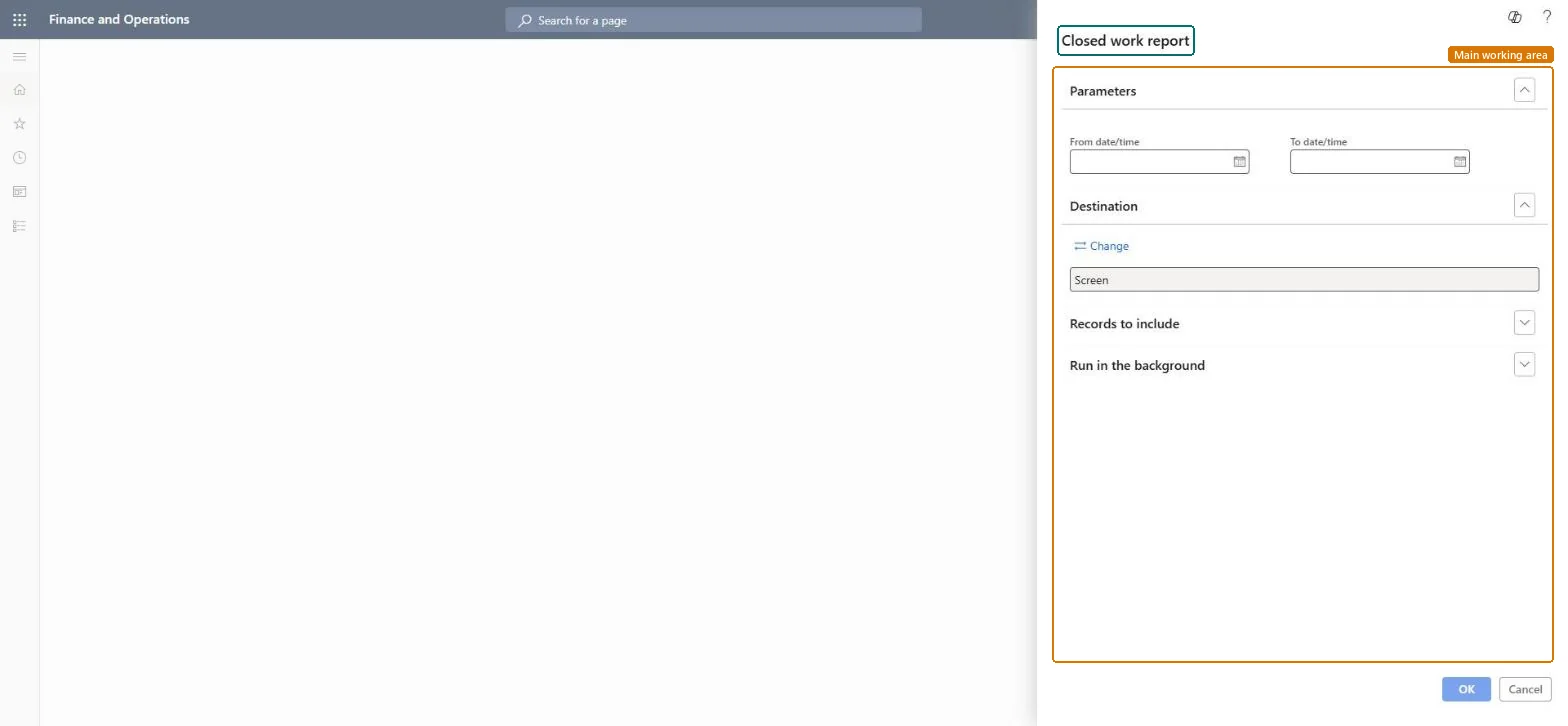
Go to Warehouse management > Inquiries and reports > Closed work report.
Set From date/time and To date/time to the time window to report on, such as the last full working day.
Restrict the query to the warehouse or work type you are analyzing, so the printout stays readable.
Leave the output on Screen, or pick another output if the result has to go to a printer or file.
Use it for the same check as the Closed work report under the Work menu; both open the same report. Compare the totals with the work you expected to be finished.