BeyondERP.Newsletter
Menu

Report page · Warehouse management

Cycle count sheet report

A report that prints a cycle count sheet.

Business process
Count inventory
Menu item
output:WHSCycleCount
Show what matters for
PAGE GUIDEWhat the page does and how to use it7 sections. Choose a role to highlight what matters to you.
Everyone

1What it is and why

What it isA report that prints a cycle count sheet.
What you do hereUse this report to print a cycle count sheet for the records you select.
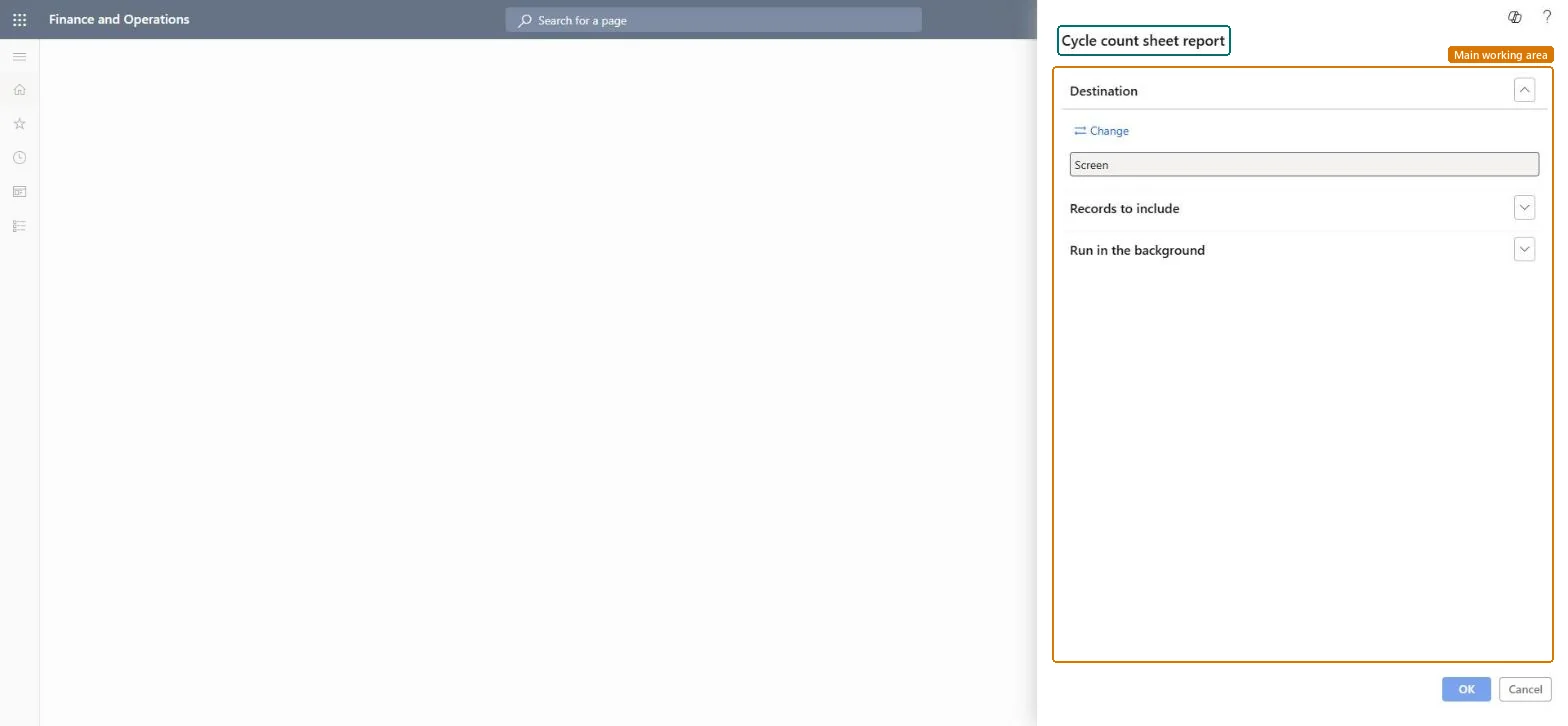
Cycle count sheet report page in Dynamics 365
The page in Dynamics 365. page title tab to open what to set or check
Functional consultant · Solution architect

2Where it fits

Business processMaintain inventory levels › Count inventory
Menu pathWarehouse management › Cycle counting › Cycle count sheet report
End user · Functional consultant

3How to do it

About the examples: Examples and screenshots in this guide use BEAT, a demo company in a Dynamics 365 test environment. Use your own company's codes and values instead of copying them.

When to run it

When to run itWhen cycle counting work exists and counters want a paper sheet to work from.
How oftenOn demand, each time counting work is handed out on paper.
What the output showsA cycle count sheet for the selected records, listing what to count. Items with differences after the count show as Pending review on All work.

Source: Microsoft Learn

Steps from Microsoft

  1. Go to Warehouse management > Cycle counting > Cycle count sheet report.
  2. Select the counting records to print in the query, for example the open counting work of one warehouse or zone.
  3. Print the sheet for the counter, or view it on Screen first.
  4. After counting, enter the results on the mobile device and resolve differences on Cycle count work pending review. The same report is also under Inquiries and reports.
Source: Microsoft Learn

Solution architect

4Design impact

Can it be undoneNothing to undo: Printing the count sheet changes no inventory or work. Microsoft Learn
Technical architect

5Technical

Menu itemoutput:WHSCycleCount Checked in Dynamics 365
FormSysOperationTemplateForm Checked in Dynamics 365
Roles to set it up and use itTo use itWarehouse worker WMSWarehouseWorkerGive people one of these roles. On this system, 1 role can run this page.Checked in Dynamics 365
Developer

6Developer

Open it by URLhttps://<your-environment>/?mi=output:WHSCycleCount
Everyone

7Sources