PAGE GUIDEWhat the page does and how to use it8 sections. Choose a role to highlight what matters to you.
Everyone
1What it is and why
What it is
A setup page where you add a batch class and override settings that come from its code, such as whether it can be retried.
What you do here
Use this page to decide whether tasks of a batch class are retried automatically after a short loss of connection to the database.
Example
For example, a partner's integration class doesn't implement BatchRetryable, so its tasks fail on every brief SQL connection loss; after the developer confirms the class is idempotent, the administrator adds it here with Is Retryable = Yes, and the platform retries it after 5, 8, 16 and 32 seconds and so on, up to five minutes.
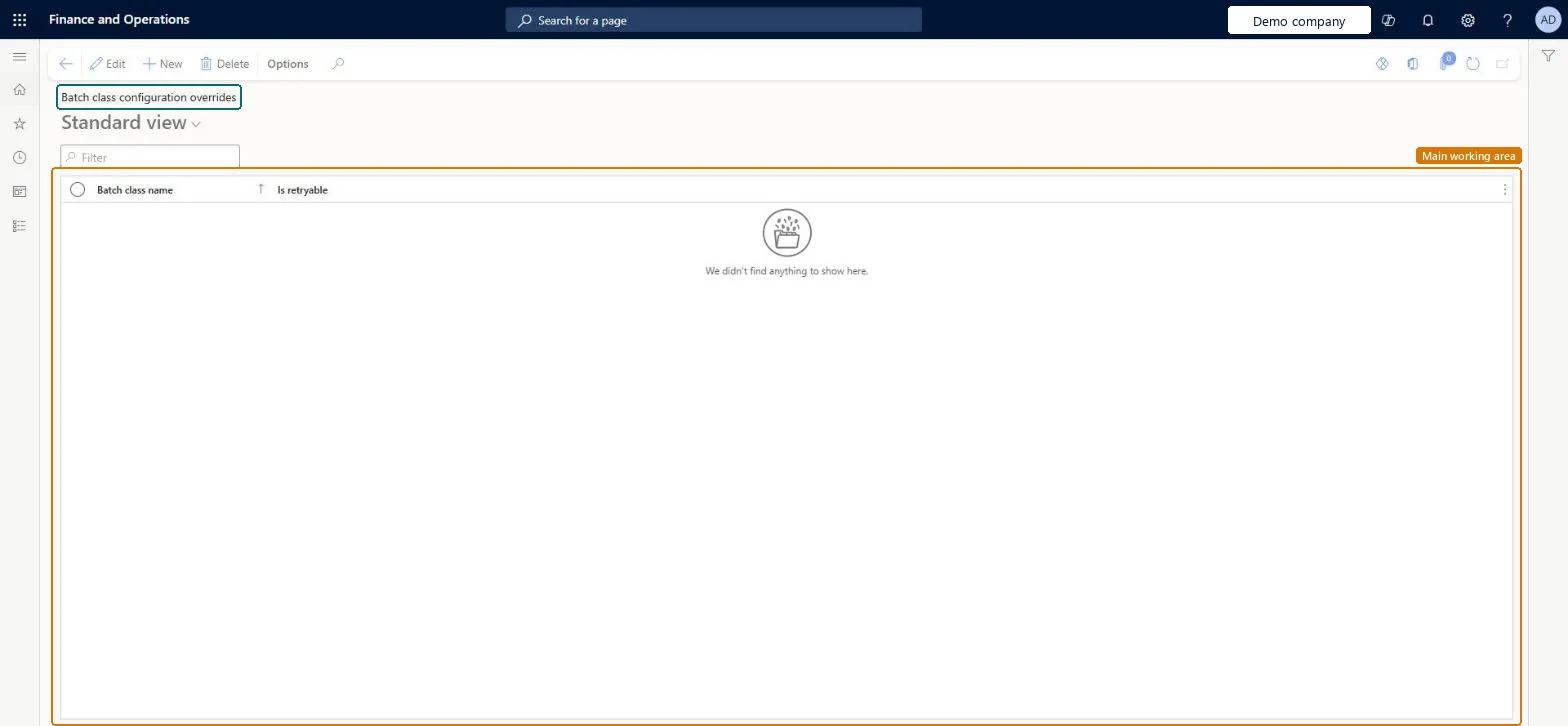
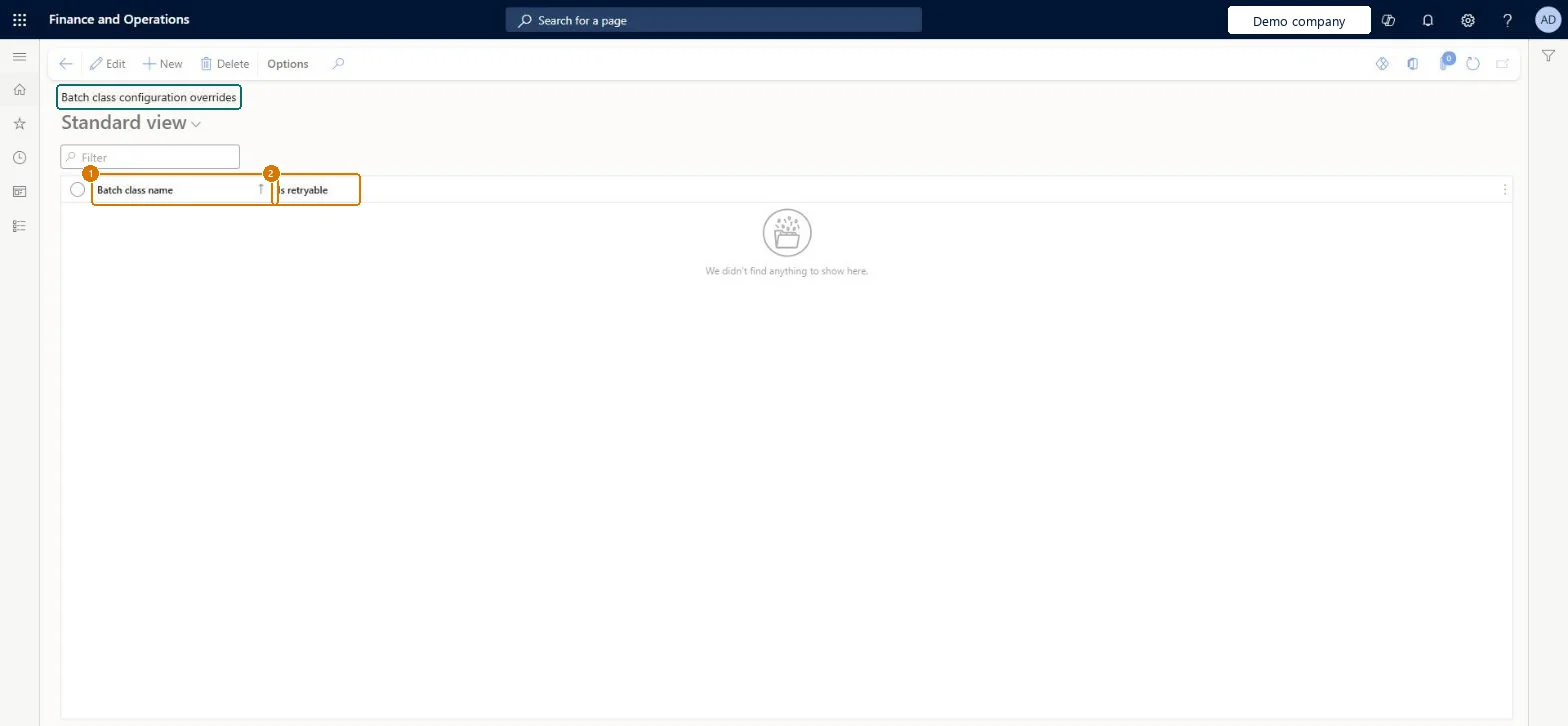
The page in Dynamics 365. page title tab to open what to set or check
About the examples: Examples and screenshots in this guide use BEAT, a demo company in a Dynamics 365 test environment. Use your own company's codes and values instead of copying them.
Step by step, with screenshots
Set up Batch class configuration overrides1 screen
Use this page to decide whether tasks of a batch class are retried automatically after a short loss of connection to the database.
Screen 1
Override how a batch class retries
Go to System administration > Setup > Batch class configuration overrides
Select New
Choose the batch class
Select whether its tasks are retried automatically after a short loss of connection to the database
Select Save
Show the full screen page title tab to open what to set or check
Steps from Microsoft
Go to System administration > Setup > Batch class configuration overrides.
Add the batch class.
Set the Is Retryable value that you want for the class.
A task failed on a SQL connection loss although Is Retryable = Yes
The class must throw the TransientSqlConnectionError exception itself (or wrap it); if it throws another error, the platform doesn't recognise it and doesn't retry. Microsoft Learn
A retried task sent the same email twice
The class isn't idempotent. Set Is Retryable = No for it, or make the email step idempotent. Microsoft Learn
Test checklist
Add the batch class and set Is Retryable.
Confirm with the developer whether the class implements BatchRetryable or sets Idempotent in code, and that the override gives the intended result.
Check on Batch jobs that tasks of the class also have a Maximum retries value above 0 for other errors.
Set Is Retryable to Yes only for batch classes whose tasks are idempotent (running them twice gives the same result)A retryable class is retried automatically after a SQL transient connection error, and the value on this page overrides the value in code. Learn's best practice is that batch tasks should be idempotent.
On this system the page opens for Information technology manager. IT administrators set overrides with developers. SQL transient retries need version 10.0.18 or later for BatchRetryable. No Feature management feature needs to be turned on for this page.
System-wide: an override applies to every task of the batch class in every company (the table is the batch class global configuration overrides). Microsoft Learn
Can it be undone
Reversible: Change or delete the override at any time; it applies to retries after SQL transient connection errors from then on. Microsoft Learn
If you change it later
The value set on this page takes priority over the value that the batch class sets in its code. Microsoft Learn
Technical architect
6Technical
Menu item
BatchClassConfigurationOverridesChecked in Dynamics 365
Form
BatchClassConfigurationOverridesChecked in Dynamics 365
Table
BatchClassConfigurationOverridesShown as “Batch class global configuration overrides” in Record infoChecked in Dynamics 365
Who can open it
PrivilegesMaintain Batch class configuration overrides BatchClassConfigurationOverridesMaintainDutiesMaintain system settings SysServerSettingsMaintain1 security roleInformation technology manager SysServerITManagerChecked in Dynamics 365
Roles to set it up and use it
To set it up or change itInformation technology manager SysServerITManagerGive people one of these roles. On this system, 1 role can open this page.Checked in Dynamics 365
Actions on the page
Options: Personalize, Page options, ShareChecked in Dynamics 365
Load order: Batch class configuration overrides has no data entity in Data management, so it can't be loaded from a file or a configuration template. Add the overrides by hand in each environment.Checked in Dynamics 365
Checked in a working Dynamics 365 system, version 10.0.49: the menu item, form, table and security, the page, the demo records and the values in the screenshots.