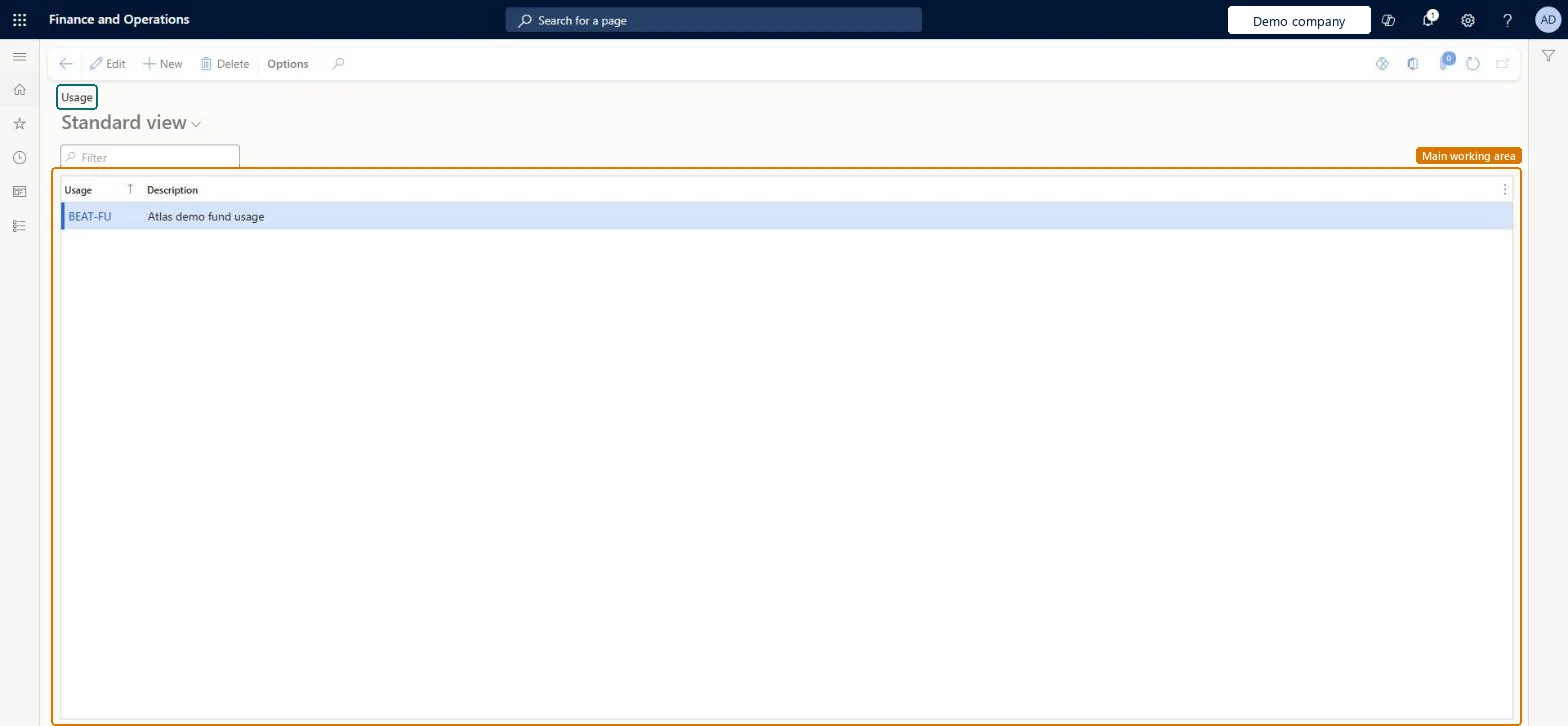
A setup page where you create fund usage records, the categorized reasons, such as the cost center providing the money, for using trade allowance funds.
Marketing manager, Accounts receivable clerk, Retail merchandising manager and 5 more roles
Business process
Manage trade allowances
Menu item
TAMFundUsage
Main table
TAMFundUsage
Data entity
TAMFundUsageEntity
Setup steps
1 on this page
Show what matters for
PAGE GUIDEWhat the page does and how to use it8 sections. Choose a role to highlight what matters to you.
Everyone
1What it is and why
What it is
A setup page where you create fund usage records, the categorized reasons, such as the cost center providing the money, for using trade allowance funds.
What you do here
Use this page to name the cost centers that provide money for trade allowance funds.
Example
BEAT's 2027 promotion budget of 150,000.00 comes from two cost centers: MARKETING pays 100,000.00 and SALES pays 50,000.00. BEAT creates fund usages MARKETING and SALES so each promotional fund shows which budget it draws on.
The page in Dynamics 365. page title tab to open what to set or check
About the examples: Examples and screenshots in this guide use BEAT, a demo company in a Dynamics 365 test environment. Use your own company's codes and values instead of copying them.
Step by step, with screenshots
Set up Fund usage1 screen
Use this page to name the cost centers that provide money for trade allowance funds.
Screen 1
Create a fund usage
Go to Sales and marketing > Setup > Trade allowance > Fund usage
Select New
Enter the usage code and a description of the cost center that provides the money
Select Save
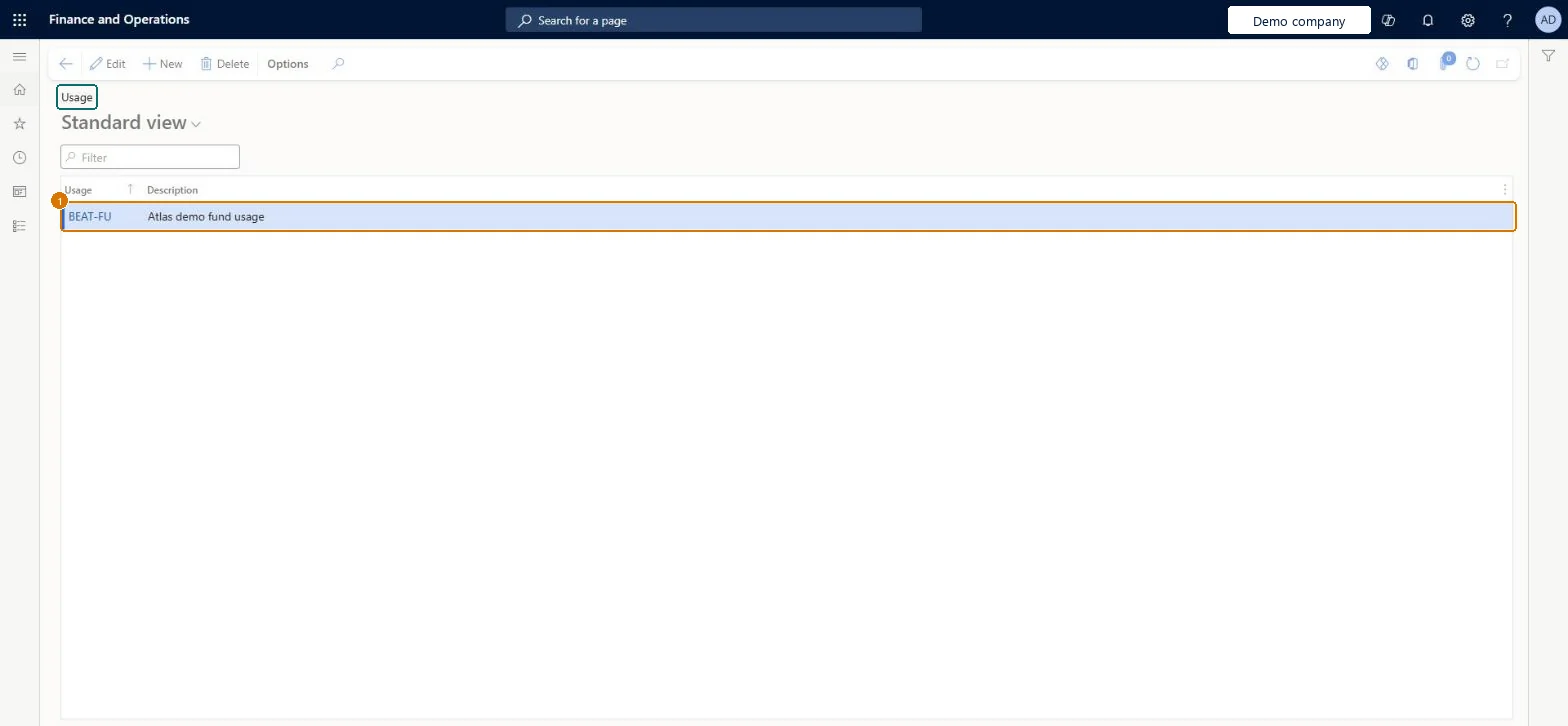
Select the usage on trade allowance funds
1Usage
BEAT-FU
Description
Fund usage
Show the full screen page title tab to open what to set or check
Steps from Microsoft
Go to Sales and marketing > Setup > Trade allowance > Fund usage.
Select New and, in Usage, enter the name of the cost center that provides the funds, for example MARKETING.
Enter a short description of the cost center.
Open Funds and select the usage on the fund that the cost center pays for.
One usage per cost center that pays for promotions, named like the cost center.Fund usage names the cost center that provides the money for trade allowance funds, so fund reports can be read per budget owner.
On the live system, Marketing manager, Sales manager, Sales clerk, Accounts receivable clerk and the Retail roles (merchandising manager, operations manager, store manager, service) use this page.
Reversible: Usages can be added or renamed at any time; they post nothing. Microsoft Learn
If you change it later
Fund usage labels where a fund's money comes from; renaming a usage changes the label on funds that use it but no amounts. Funds are allocated to trade allowance agreements only when approved. Microsoft Learn
Technical architect
6Technical
Menu item
TAMFundUsageChecked in Dynamics 365
Form
TAMFundUsageChecked in Dynamics 365
Table
TAMFundUsageShown as “Fund usage” in Record infoKey field: UsageChecked in Dynamics 365
PrivilegesMaintain pricing service funds GUPPricingServiceFundMaintainView pricing service funds related transactions GUPPricingServiceFundTransViewMaintain trade allowance fund usage TAMFundUsageMaintainDutiesMaintain pricing service funds GUPPricingServiceFundMaintainInquiries into pricing service funds related transactions GUPPricingServiceFundTransInquiryMaintain retail campaign discounts RetailDiscountOfferMaintainMaintain retail campaign discounts RetailDiscountOfferViewMaintain trade allowances TAMMaintain9 security rolesMarketing manager CRMMarketingManagerAccounts receivable clerk CustInvoiceAccountsReceivableClerkMCRTestUserRoleRetail merchandising manager RetailMerchandisingManagerRetail operations manager RetailOperationsManagerRetail service RetailServiceRetail store manager RetailStoreManagerSales clerk TradeSalesClerkSales manager TradeSalesManagerChecked in Dynamics 365
Roles to set it up and use it
To set it up or change itSales manager TradeSalesManagerMarketing manager CRMMarketingManagerAccounts receivable clerk CustInvoiceAccountsReceivableClerkTo use itSales clerk TradeSalesClerkRetail service RetailServiceRetail store manager RetailStoreManagerRetail operations manager RetailOperationsManagerRetail merchandising manager RetailMerchandisingManagerGive people one of these roles. On this system, 8 roles can open this page.Checked in Dynamics 365
Actions on the page
Options: Personalize, Page options, ShareChecked in Dynamics 365
TAMFundUsageEntity (Promotion management fund usages): loaded for each company.Load order: Load fund usages before the funds that refer to them.Checked in Dynamics 365
Checked in a working Dynamics 365 system, version 10.0.49: the menu item, form, table and security, the page, the demo records and the values in the screenshots.