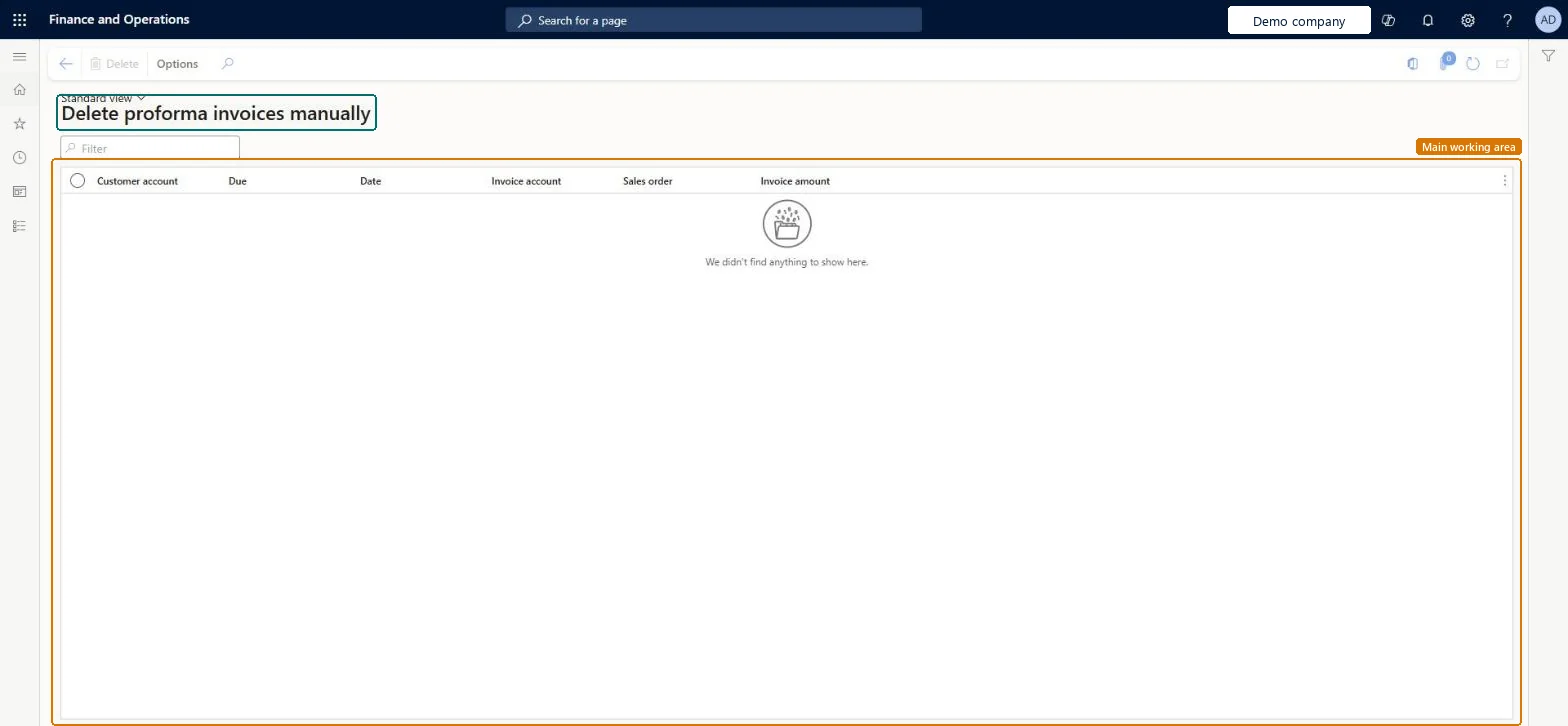
A cleanup page that lists proforma invoices by customer account, due date, date, invoice account, sales order and invoice amount, so an orphaned one can be deleted.
Invoice sales orders in Dynamics 365 Supply Chain Management
Menu item
CustInvoiceProformaCorrection
Main table
CustInvoiceJour
Data entity
SalesInvoiceHeaderV2Entity
Setup steps
1 on this page
Show what matters for
PAGE GUIDEWhat the page does and how to use it8 sections. Choose a role to highlight what matters to you.
Everyone
1What it is and why
What it is
A cleanup page that lists proforma invoices by customer account, due date, date, invoice account, sales order and invoice amount, so an orphaned one can be deleted.
What you do here
Use it to delete a proforma invoice that was orphaned when the system was interrupted during the sales proforma invoice process.
Example
For example, a service interruption stops the proforma invoice run for BEAT order SO-001234; the orphaned proforma invoice of 4,250.00 for BEAT-000123 is deleted here and a new proforma invoice is printed from the order.
The page in Dynamics 365. page title tab to open what to set or check
About the examples: Examples and screenshots in this guide use BEAT, a demo company in a Dynamics 365 test environment. Use your own company's codes and values instead of copying them.
When to run it
When to run it
After a system interruption during the sales proforma invoice process has left an orphaned proforma invoice.
How often
On demand, only after an interrupted proforma invoice run.
What the output shows
The list of proforma invoices. A proforma invoice is an estimate prepared before posting, so deleting it changes no posted amount.
Delete only a proforma invoice orphaned by an interrupted run, checked by sales order and amount, then print a new one from the order.Microsoft names this page for orphaned proforma invoices after a system interruption; a proforma invoice is only an estimate before posting.
Irreversible: A deleted proforma invoice can't be restored, but you can print a new one from the sales order. Delete only proforma invoices orphaned by an interrupted run. Microsoft Learn
If you change it later
Deletes the selected proforma invoice record. A proforma invoice is an estimate of the invoice amounts prepared before posting, so posted invoices and ledger amounts don't change. On the live system no standard role has the Clean up proforma invoices duty. Microsoft Learn
Technical architect
6Technical
Menu item
CustInvoiceProformaCorrectionChecked in Dynamics 365
Form
CustInvoiceProformaCorrectionChecked in Dynamics 365
Table
CustInvoiceJourShown as “Customer invoice journal” in Record infoChecked in Dynamics 365
PrivilegesClean up proforma invoices. CustInvoiceProformaCorrectionDutiesClean up proforma invoices. CustInvoiceProformaCorrectionChecked in Dynamics 365
Actions on the page
Options: Page options, ShareChecked in Dynamics 365
SalesInvoiceJournalHeaderEntity Posted invoice journal headers only.Load order: Proforma invoices are estimates and aren't migrated; print them again in the new system when needed.Microsoft Learn