Create B2C eCommerce sales channel in Dynamics 365 Commerce
Menu item
RetailSyncOrderTemplatesJobScheduler
Show what matters for
PAGE GUIDEWhat the page does and how to use it7 sections. Choose a role to highlight what matters to you.
Everyone
1What it is and why
What it is
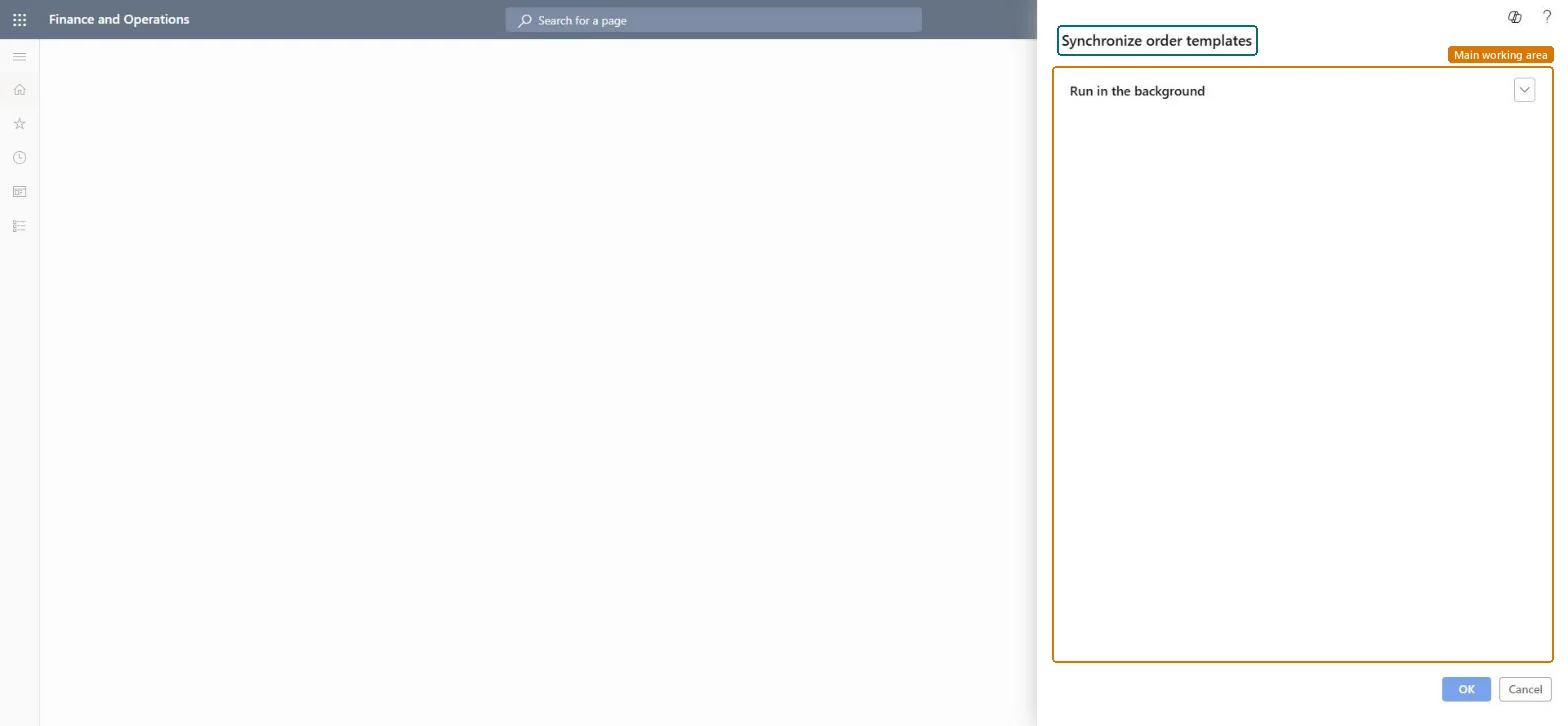
The Synchronize order templates batch job for Commerce B2B order templates.
What you do here
Syncs order template information from the channel database to headquarters; Microsoft recommends running it at regular intervals, such as once per day.
Example
B2B buyers create order templates on the e-commerce site for items they order together; the job is run daily so the templates are synced to headquarters.
The page in Dynamics 365. page title tab to open what to set or check
Retail and Commerce › Retail and Commerce IT › Synchronize order templates
End user · Functional consultant
3How to do it
About the examples: Examples and screenshots in this guide use BEAT, a demo company in a Dynamics 365 test environment. Use your own company's codes and values instead of copying them.
When to run it
When to run it
Once B2B buyers use order templates on the e-commerce site, available from Commerce version 10.0.37.
How often
At regular intervals; Microsoft suggests once per day.
Batch settings
A daily recurring batch job.
What the output shows
Order template information from the channel database copied to headquarters, including the catalog of each template line when B2B catalogs are enabled. A template missing in headquarters usually means the job hasn't run since it was created.
Nothing to undo: The job only copies template data to headquarters; the templates in the channel stay as they are. Microsoft Learn
If you change it later
Updates order template data in headquarters from the channel database. Microsoft Learn
Technical architect
5Technical
Menu item
RetailSyncOrderTemplatesJobSchedulerChecked in Dynamics 365
Form
DialogChecked in Dynamics 365
Roles to set it up and use it
To use itSales representative TradeSalesRepresentativeCustomer service representative TradeCustomerServiceRepresentativeCustomer service manager TradeCustomerServiceManagerAccounts receivable manager CustInvoiceAccountsReceivableManagerAccounts receivable clerk CustInvoiceAccountsReceivableClerkGive people one of these roles. On this system, 5 roles can run this page.Checked in Dynamics 365