BeyondERP.Newsletter
Menu

Job page · Retail and Commerce

Post earned points in batches

A batch process that updates loyalty cards with points from transactions that were processed offline.

Business process
Define loyalty programs in Dynamics 365 Commerce
Menu item
RetailLoyaltyProcessOfflineTransactions
Show what matters for
PAGE GUIDEWhat the page does and how to use it7 sections. Choose a role to highlight what matters to you.
Everyone

1What it is and why

What it isA batch process that updates loyalty cards with points from transactions that were processed offline.
What you do hereUse this page when the Post earned points in batches option is set in Commerce shared parameters, so offline-earned rewards reach the cards.
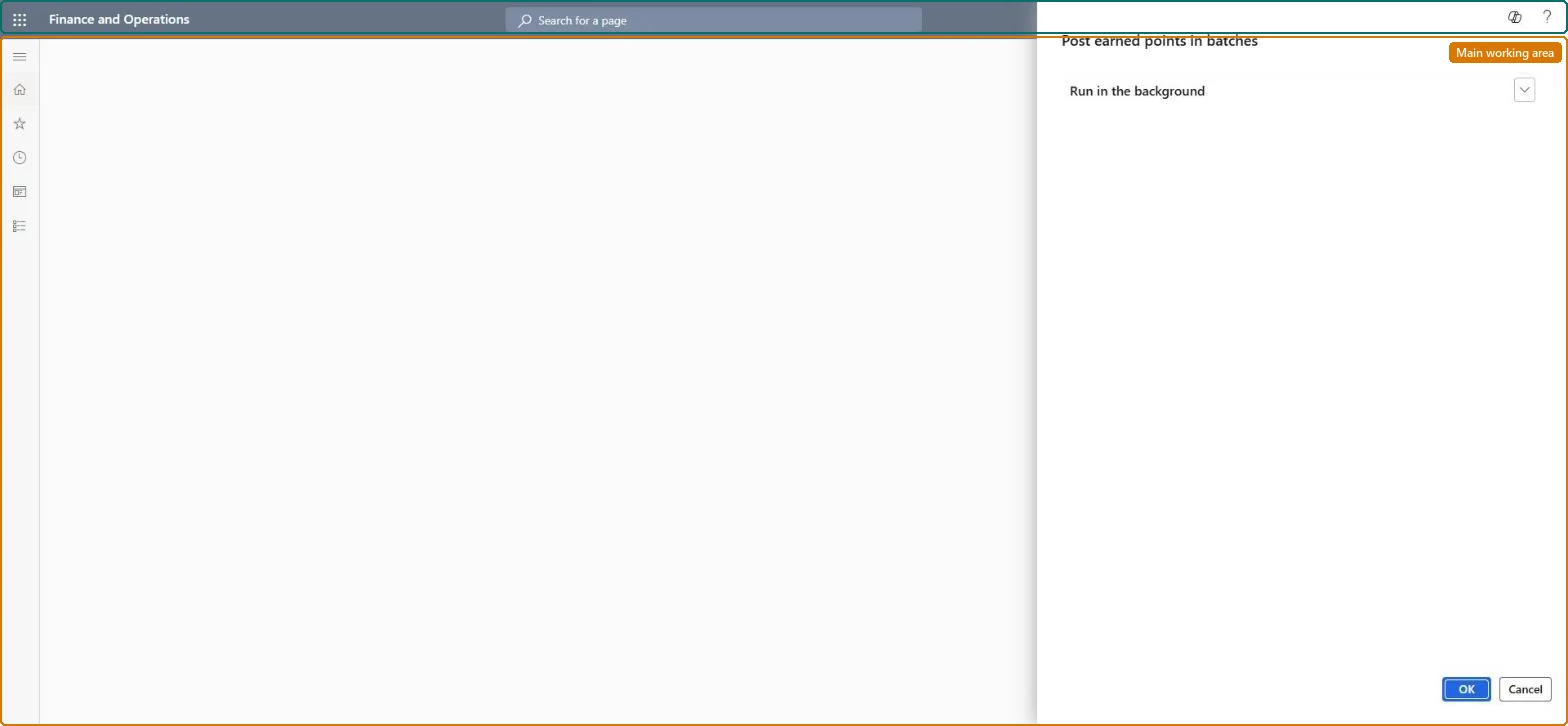
Post earned points in batches page in Dynamics 365
The page in Dynamics 365. page title tab to open what to set or check
Functional consultant · Solution architect

2Where it fits

Business processDevelop sales policies › Define customer classifications › Define loyalty programs in Dynamics 365 Commerce
Menu pathRetail and Commerce › Retail and Commerce IT › Loyalty › Post earned points in batches
Set up firstCommerce shared parameters Microsoft Learn
End user · Functional consultant

3How to do it

About the examples: Examples and screenshots in this guide use BEAT, a demo company in a Dynamics 365 test environment. Use your own company's codes and values instead of copying them.

When to run it

When to run itWhen the Post earned points in batches option is set in Commerce shared parameters and offline transactions have earned loyalty rewards.
How oftenRegularly, so points from offline sales reach the loyalty cards soon after the transactions are uploaded.
Batch settingsA recurring batch job, so offline-earned points are posted to the cards without manual runs.
What the output showsLoyalty cards updated with points from transactions processed offline. A card without the expected points usually has transactions that haven't been uploaded yet.

Source: Microsoft Learn

Steps from Microsoft

  1. Go to Retail and Commerce > Retail and Commerce IT > Loyalty > Post earned points in batches.
  2. In Commerce shared parameters, check that the Post earned points in batches check box is selected; the job only applies when it is.
  3. Run the job to update loyalty cards with the points from transactions that were processed offline.
  4. Open a loyalty card that was used for offline sales and check that its transactions now include the earned points.

Source: Microsoft Learn

Test checklist

  1. A loyalty card used offline shows the earned points.
  2. The batch job finished without errors.

Source: Microsoft Learn

Solution architect

4Design impact

Can it be undoneNo: Points posted to cards stay on the card. Use a points adjustment on the loyalty card to correct them. Microsoft Learn
If you change it laterAdds the earned points of offline transactions to the customers' loyalty cards. Microsoft Learn
Technical architect

5Technical

Menu itemRetailLoyaltyProcessOfflineTransactions Checked in Dynamics 365
FormDialog Checked in Dynamics 365
Roles to set it up and use itTo use itRetail service RetailServiceRetail operations manager RetailOperationsManagerGive people one of these roles. On this system, 2 roles can run this page.Checked in Dynamics 365
Developer

6Developer

Open it by URLhttps://<your-environment>/?mi=RetailLoyaltyProcessOfflineTransactions
Everyone

7Sources