About the examples: Examples and screenshots in this guide use BEAT, a demo company in a Dynamics 365 test environment. Use your own company's codes and values instead of copying them.
Step by step, with screenshots
Set up Trade agreement journal names1 screen
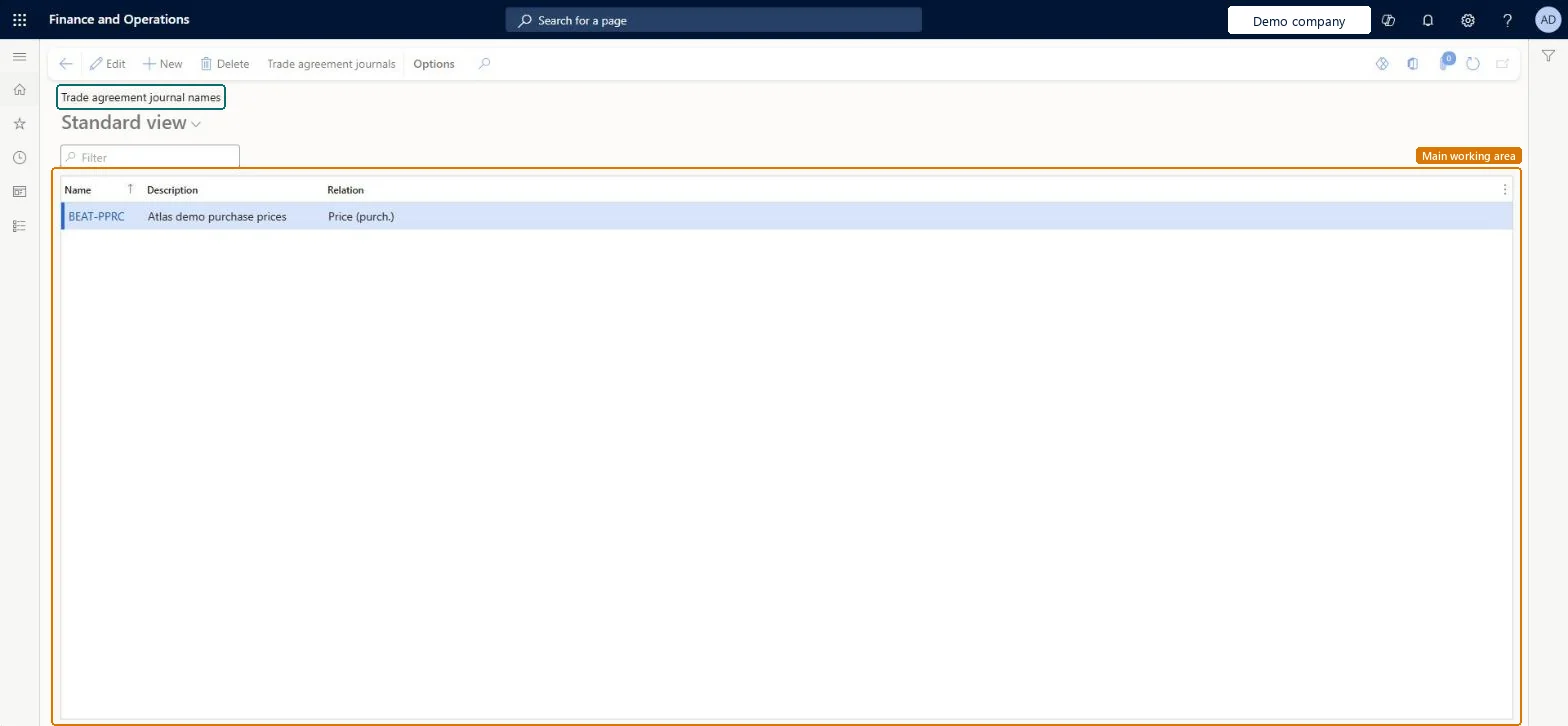
Use this page to set up journal names that many trade agreement journals can share.
Screen 1
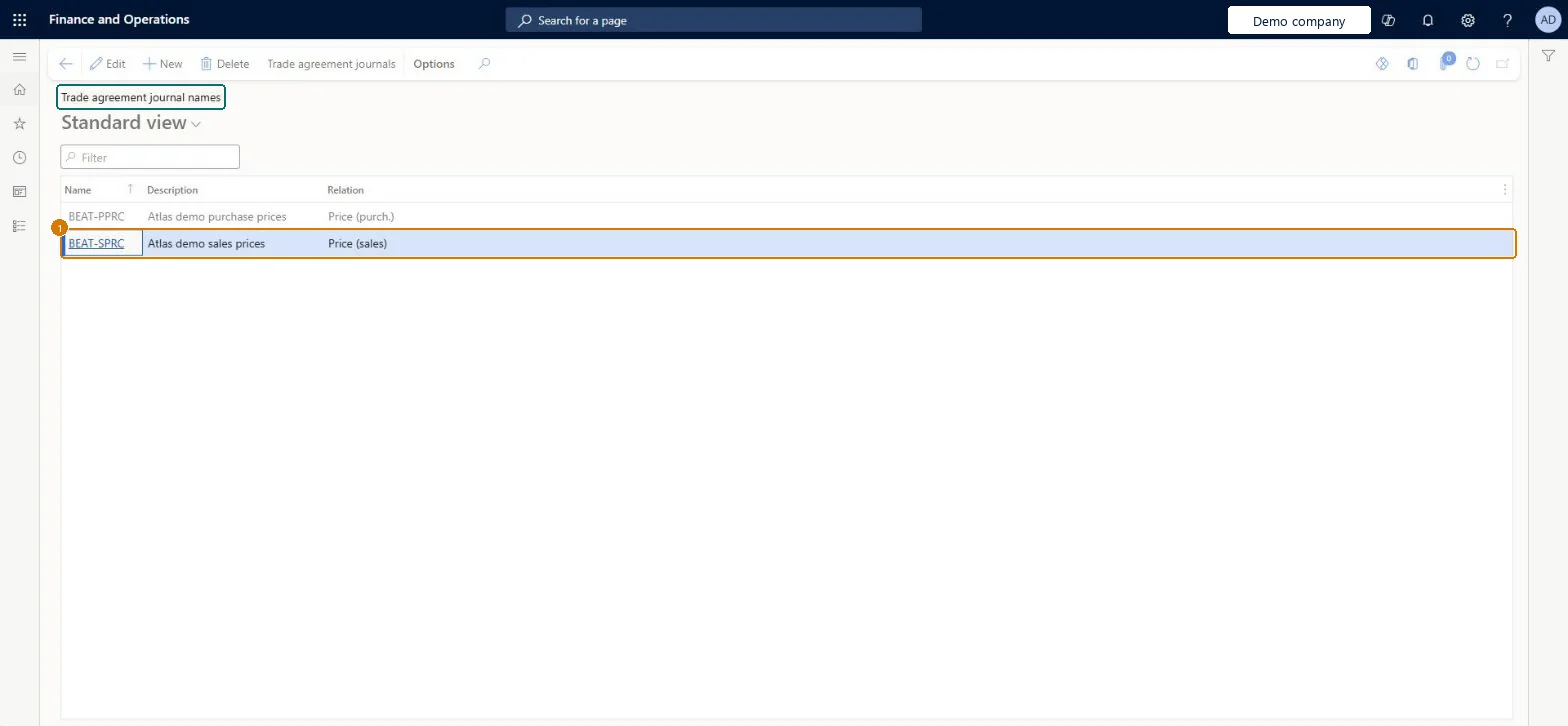
Create a trade agreement journal name
Go to Sales and marketing > Setup > Prices and discounts > Trade agreement journal names
Select New
Enter the journal name and description
Select the relation the journals will hold, such as Price (sales)
Select Save
1Name
BEAT-SPRC
Description
Sales prices
Relation
Price (sales)
Show the full screen page title tab to open what to set or check
At least one journal name with Default relation Price (sales) for sales price agreements; with Unified pricing management, select Enable price attributes on the name used for sales trade agreement journals.A journal name whose default relation is Price (sales) makes every new line default to a sales price trade agreement, and Learn requires such a name before you create sales price agreements.
Reversible: Journal names can be created and edited; the Default relation is copied to new journal lines, so changes affect journals created afterwards. Microsoft Learn
Technical architect
6Technical
Menu item
PriceDiscAdmName_SalesChecked in Dynamics 365
Form
PriceDiscAdmNameChecked in Dynamics 365
Table
PriceDiscAdmNameShown as “Trade agreement journal name” in Record infoKey field: NameChecked in Dynamics 365
Data entities
PriceDiscTradeAgreementJournalNameEntityTrade agreement journal name Microsoft data model
Who can open it
PrivilegesMaintain sales trade agreements elements PriceDiscAdmNameSalesMaintainView sales trade agreements elements PriceDiscAdmNameSalesViewMaintain retail pricing RetailPricingMaintainDutiesEnable quotation to sales order process RentalSalesQuotationToSlsOrdProcessEnableMaintain retail product pricing RetailProductPricingMaintainEnable quotation to sales order process SalesQuotationToSalesOrderProcessEnableInquire into quotation to sales order reference data SalesQuotationToSalesOrderRefDataInquir10 security rolesAccounts receivable clerk CustInvoiceAccountsReceivableClerkAccounts receivable manager CustInvoiceAccountsReceivableManagerAccounts receivable centralized payments clerk PaymAccountsReceivableCentralPaymClerkAccounts receivable payments clerk PaymAccountsReceivablePaymentsClerkRental coordinator agent RentalCoordinatorAgentRental manager RentalManagerRental sales manager RentalSalesManagerRetail merchandising manager RetailMerchandisingManagerRetail service RetailServiceSales manager TradeSalesManagerChecked in Dynamics 365
Roles to set it up and use it
To set it up or change itRetail service RetailServiceRetail merchandising manager RetailMerchandisingManagerSales manager TradeSalesManagerRental manager RentalManagerRental coordinator agent RentalCoordinatorAgentTo use itAccounts receivable clerk CustInvoiceAccountsReceivableClerkAccounts receivable centralized payments clerk PaymAccountsReceivableCentralPaymClerkAccounts receivable payments clerk PaymAccountsReceivablePaymentsClerkGive people one of these roles. On this system, 10 roles can open this page.Checked in Dynamics 365
Actions on the page
Options: Personalize, Page options, ShareChecked in Dynamics 365
PriceDiscTradeAgreementJournalNameEntity (Trade agreement journal name): loaded for each company, in Microsoft's default template 320 - Procurement and sourcing.Load order: Microsoft's default template 320 - Procurement and sourcing loads Trade agreement journal name at execution unit 1, level 30, sequence 10. Lower levels load first, and entities at the same level load in sequence order.Load first: the default templates at lower levels (System setup to General ledger)Microsoft Learn
Checked in a working Dynamics 365 system, version 10.0.49: the menu item, form, table and security, the page, the demo records and the values in the screenshots.