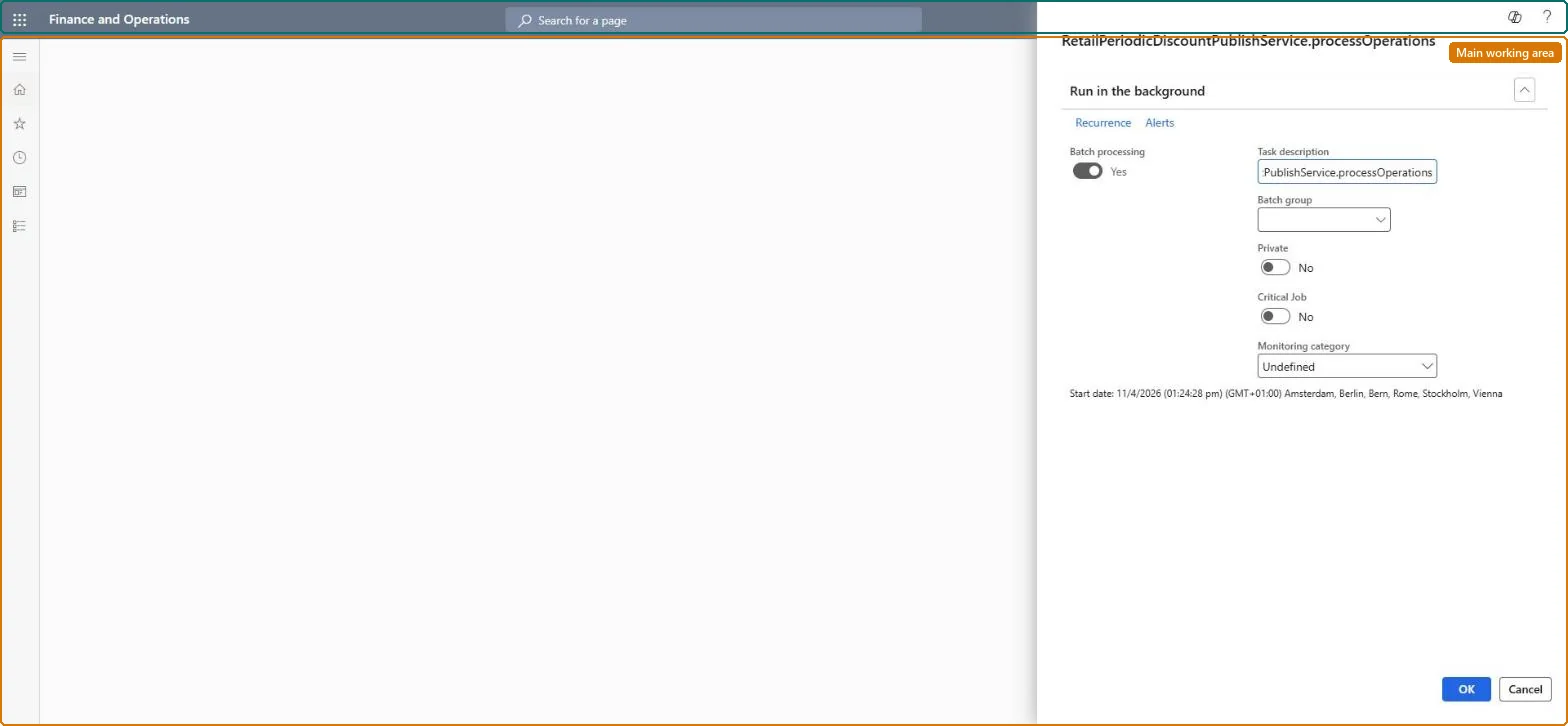
A batch job page that denormalizes enabled discount data into flattened tables before it is sent to channel databases, so the pricing engine can find and calculate discounts faster.
PAGE GUIDEWhat the page does and how to use it7 sections. Choose a role to highlight what matters to you.
Everyone
1What it is and why
What it is
A batch job page that denormalizes enabled discount data into flattened tables before it is sent to channel databases, so the pricing engine can find and calculate discounts faster.
What you do here
Use this page to schedule the recurring batch job that publishes flattened discount data as part of the improved discount calculation feature.
Example
For example, schedule the job to run every night so newly enabled discounts are flattened before the next prices and discounts distribution job.
The page in Dynamics 365. page title tab to open what to set or check
About the examples: Examples and screenshots in this guide use BEAT, a demo company in a Dynamics 365 test environment. Use your own company's codes and values instead of copying them.
When to run it
When to run it
When you turn on the improved discount calculation, and afterwards whenever discounts are enabled. From 10.0.32 the feature is on by default and the job is scheduled when a discount is enabled.
How often
On a recurring schedule; with the feature on, a run is also scheduled when a discount is enabled or a product master gets a new variant.
Batch settings
Recurring batch job; before 10.0.38 several jobs could be scheduled by mistake and block other jobs.
What the output shows
Flattened discount data in headquarters that the distribution jobs send to channel databases. A discount missing in channels usually means 1020 hasn't run since the job.
Go to Retail and Commerce > Pricing and discounts > Process commerce discounts.
In the dialog box, schedule the batch job to run on a recurring basis.
Go to Workspaces > Feature management and enable Improve discount computation performance by using flattened discount tables. Test it first, especially if you have pricing engine customizations.
Run the 1020 (Prices and discounts) and 1070 (Channel configuration) distribution schedule jobs.
Afterwards, ring up an item with an enabled discount at the POS and see that the discount is found and calculated.
Nothing to undo: The job republishes discount data; disable the feature to stop using flattened tables. Microsoft Learn
If you change it later
Turning the feature on changes how discounts are published to channels, so it must be tested first, especially with pricing engine customizations; before 10.0.38 duplicate jobs could block other batch work. Microsoft Learn
Technical architect
5Technical
Menu item
RetailPeriodicDiscountPublishChecked in Dynamics 365
Form
SysOperationTemplateFormChecked in Dynamics 365
Roles to set it up and use it
To use itRetail service RetailServiceRetail operations manager RetailOperationsManagerRetail store manager RetailStoreManagerRetail merchandising manager RetailMerchandisingManagerGive people one of these roles. On this system, 4 roles can run this page.Checked in Dynamics 365