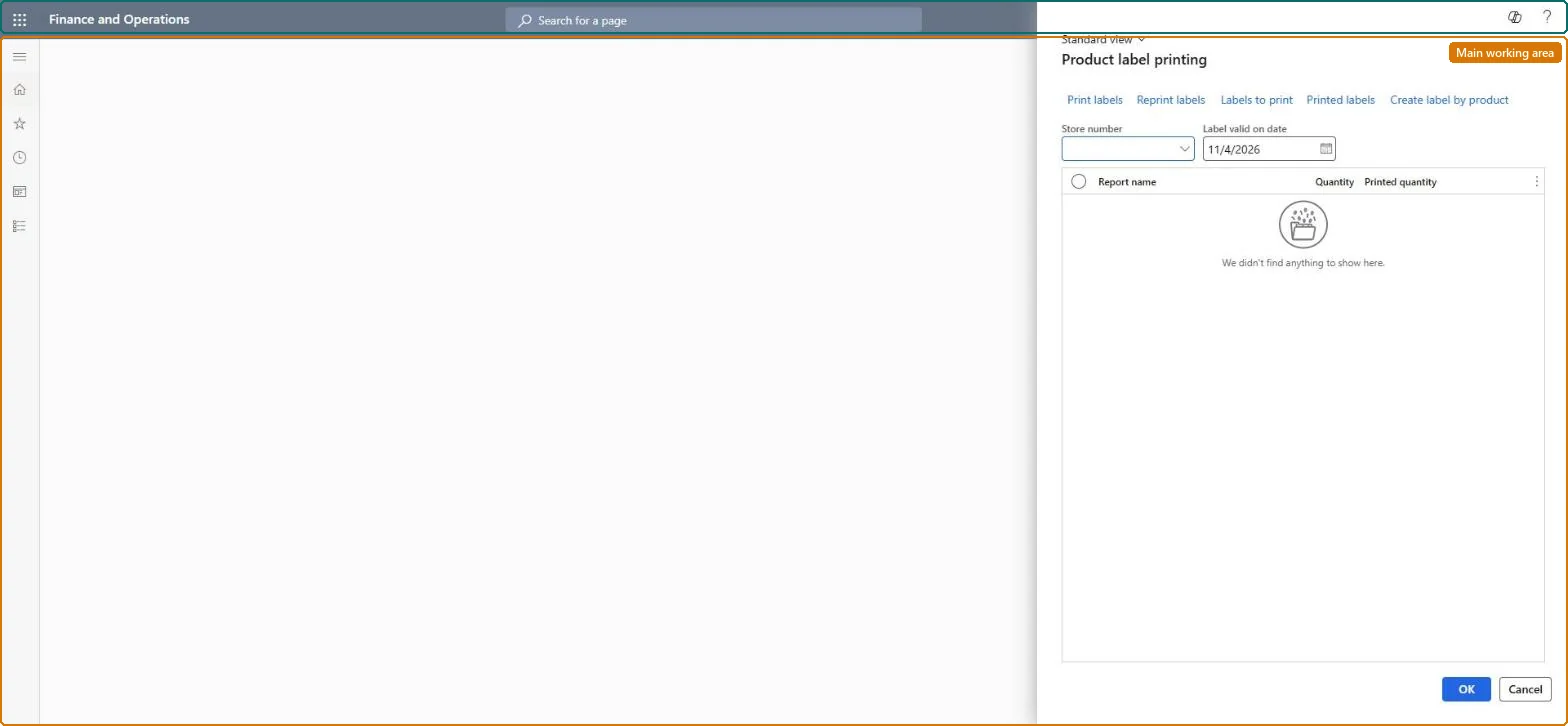
A periodic page where product label entries are created for a store (for items whose registered product label price has changed), quantities set, and the labels printed and tracked.
Retail and CommerceInventory managementBar codes and labels
RetailInventItemLabelPrinting_Item
Business process
Print labels for a retail store in Dynamics 365 Supply Chain Management
Menu item
RetailInventItemLabelPrinting_Item
Show what matters for
PAGE GUIDEWhat the page does and how to use it6 sections. Choose a role to highlight what matters to you.
Everyone
1What it is and why
What it is
A periodic page where product label entries are created for a store (for items whose registered product label price has changed), quantities set, and the labels printed and tracked.
What you do here
Use this page to generate and print the labels attached to a product or container, which can carry batch number, serial number and expiration date, choosing the store, products, quantity and printer.
Example
For example, after a price change, create product labels by product for a store, set the quantity per line and print them on the selected printer.
The page in Dynamics 365. page title tab to open what to set or check
About the examples: Examples and screenshots in this guide use BEAT, a demo company in a Dynamics 365 test environment. Use your own company's codes and values instead of copying them.
Steps from Microsoft
Go to Retail and Commerce > Inventory management > Bar codes and labels > Print product labels.
In the Store number field, select a store and set the date the labels become valid.
Select Create label by product, enter the filter criteria and select OK.
Change the Quantity column to the number of labels needed.
Select Labels to print to review the list.
Select Print labels, choose the printer and select OK.
The product label report used to generate the labels.Microsoft Learn
ReportName
Technical architect
4Technical
Menu item
RetailInventItemLabelPrinting_ItemChecked in Dynamics 365
Form
RetailInventItemLabelPrintingChecked in Dynamics 365
Roles to set it up and use it
To set it up or change itRetail service RetailServiceRetail operations manager RetailOperationsManagerGive people one of these roles. On this system, 2 roles can open this page.Checked in Dynamics 365