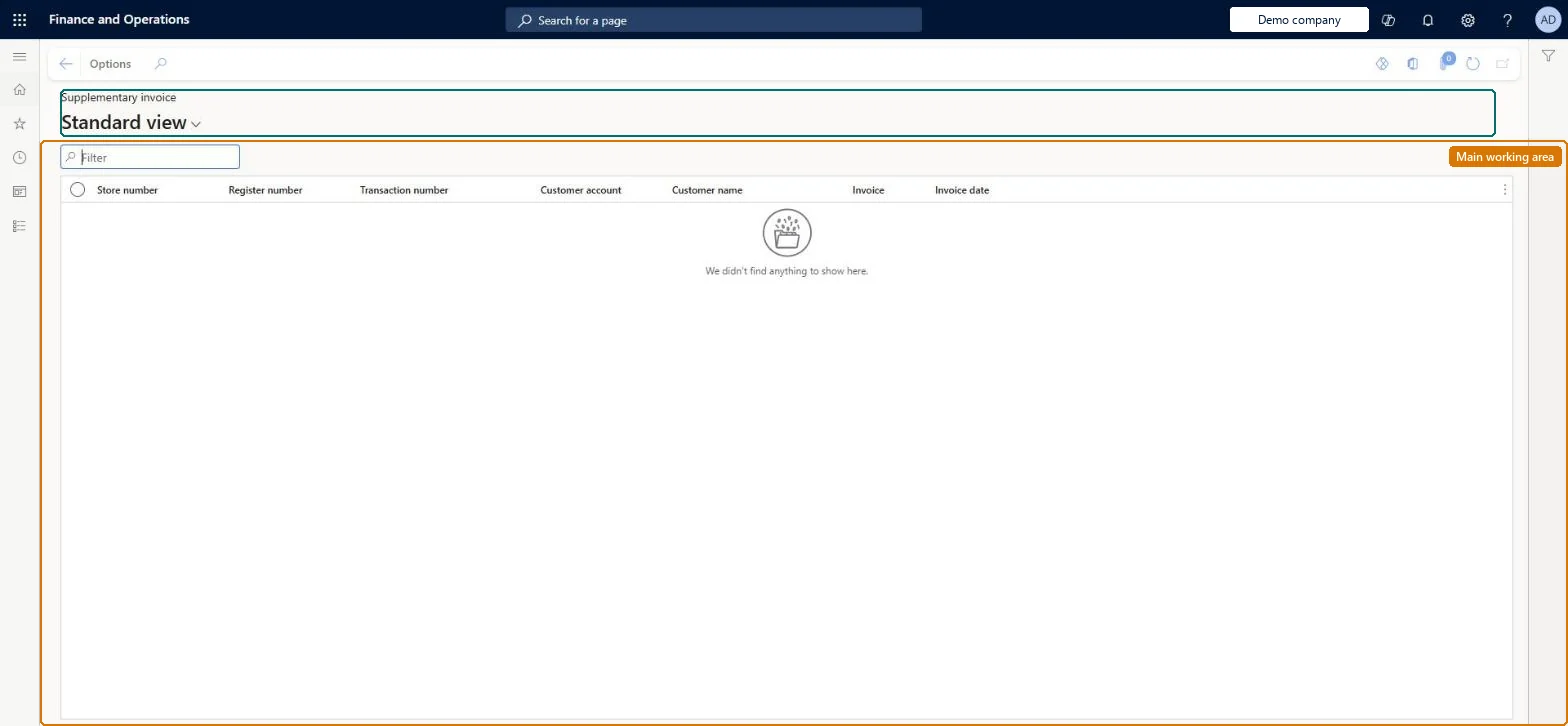
Retail and Commerce › Inquiries and reports › Supplementary invoices
End user · Functional consultant
3How to do it
About the examples: Examples and screenshots in this guide use BEAT, a demo company in a Dynamics 365 test environment. Use your own company's codes and values instead of copying them.
Steps from Microsoft
Go to Retail and Commerce > Inquiries and reports > Supplementary invoices.
Each row is a supplementary invoice issued for a cash and carry sale completed in a store, so use the list to find the invoice a customer asks for after a store purchase.
Filter on Customer account or Customer name to see all supplementary invoices for one customer.
Filter on Store number, Register number and Transaction number to trace an invoice back to the store sale it was issued for.
Read Invoice and Invoice date to give the customer the invoice number and date.
RetailTransactionSupplementaryInvoiceChecked in Dynamics 365
Form
RetailTransactionSupplementaryInvoiceChecked in Dynamics 365
Table
RetailTransactionSupplemShown as “SUPPLEMENTARY INVOICE” in Record infoKey field: Channel_OMOperatingUnit_Name, Store, Terminal, TransactionIdChecked in Dynamics 365
Data entities
RetailTransactionSupplementaryInvoiceEntitySupplementary invoice Checked in Dynamics 365
Who can open it
PrivilegesView supplementary invoices for retail sales transactions RetailTransactionSupplemetaryInvoiceViewDutiesView retail transactions RetailTransactionsView2 security rolesRetail operations manager RetailOperationsManagerRetail service RetailServiceChecked in Dynamics 365
Roles to set it up and use it
To use itRetail service RetailServiceRetail operations manager RetailOperationsManagerGive people one of these roles. On this system, 2 roles can open this page.Checked in Dynamics 365