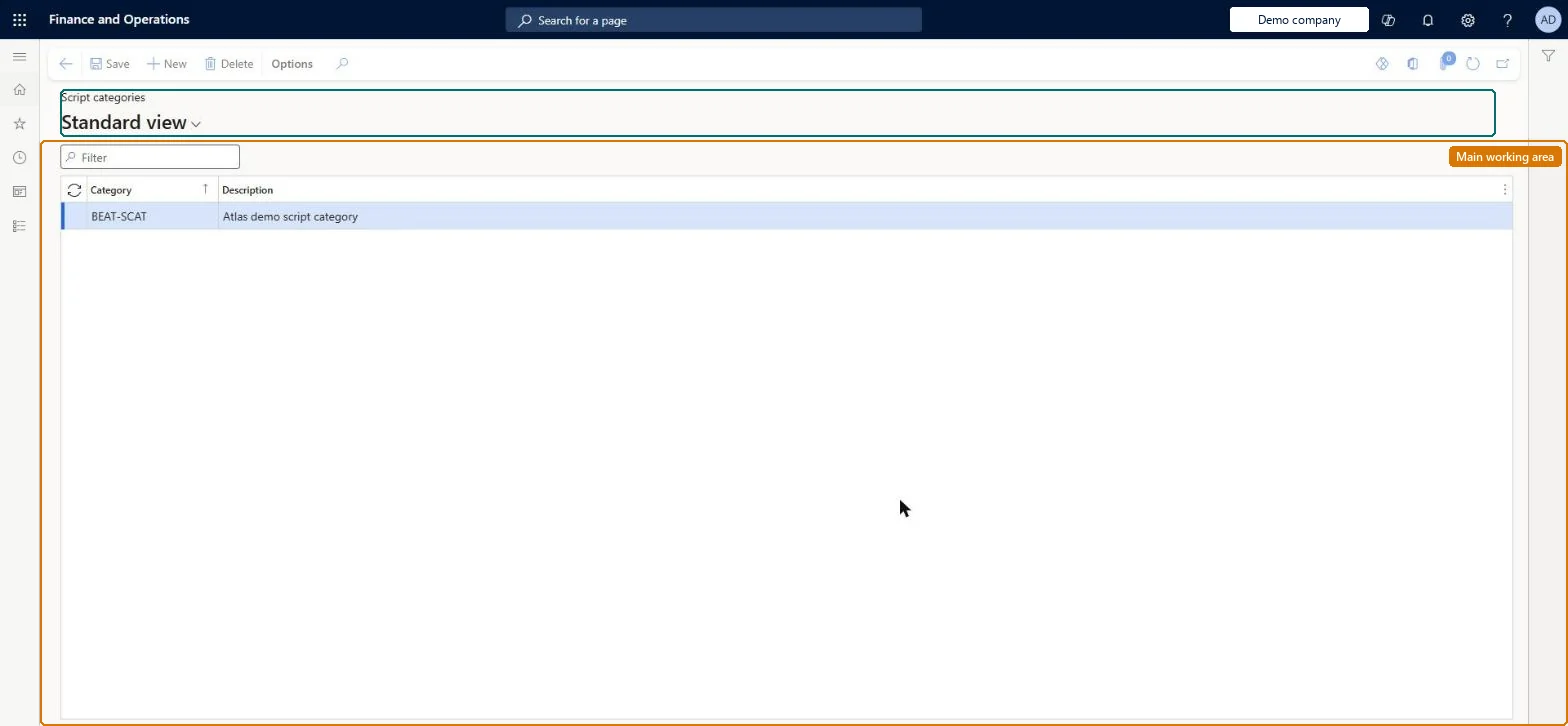
About the examples: Examples and screenshots in this guide use BEAT, a demo company in a Dynamics 365 test environment. Use your own company's codes and values instead of copying them.
Setup steps on this page
Set up Script categories
How to use it
Go to Retail and Commerce > Channel setup > Call center setup > Scripts > Script categories.
Use the Filter box to find a row.
Select New and enter the Category code and its Description.
Review the Category and Description columns.
Select Save; select Delete to remove a selected row.
Source: Checked in Dynamics 365
Technical architect
4Technical
Menu item
MCRMessageCategoryChecked in Dynamics 365
Form
MCRMessageCategoryChecked in Dynamics 365
Table
MCRMessageCategoryShown as “SCRIPT CATEGORIES” in Record infoChecked in Dynamics 365
To set it up or change itSales manager TradeSalesManagerGive people one of these roles. On this system, 1 role can open this page.Checked in Dynamics 365