About the examples: Examples and screenshots in this guide use BEAT, a demo company in a Dynamics 365 test environment. Use your own company's codes and values instead of copying them.
Setup steps on this page
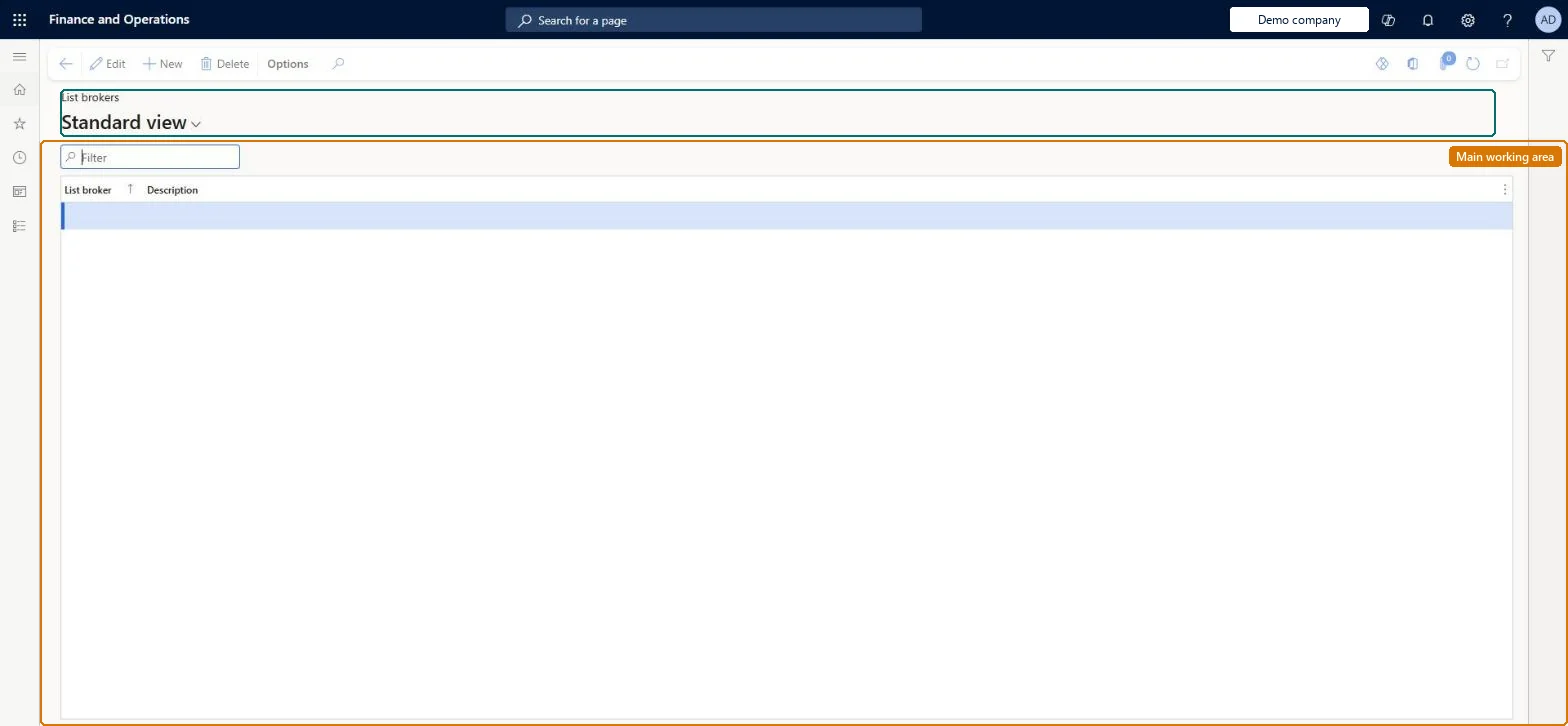
Set up List brokers
Use this page to keep a reference list of brokers so that purchased or rented target-market lists can be attributed to the broker that supplied them.
Steps from Microsoft
Go to Retail and Commerce > Channel setup > Call center setup > Lists > List brokers.
Select New.
Enter a name and a description for the list broker.
Repeat for each broker you need, then close the page.
MCRListBrokerTableShown as “BROKERS LIST” in Record infoChecked in Dynamics 365
Who can open it
PrivilegesMaintain customer list brokers MCRListBrokerTableMaintainDutiesMaintain rental list MCRRentalListMaintain1 security roleMarketing manager CRMMarketingManagerChecked in Dynamics 365
Roles to set it up and use it
To set it up or change itMarketing manager CRMMarketingManagerGive people one of these roles. On this system, 1 role can open this page.Checked in Dynamics 365