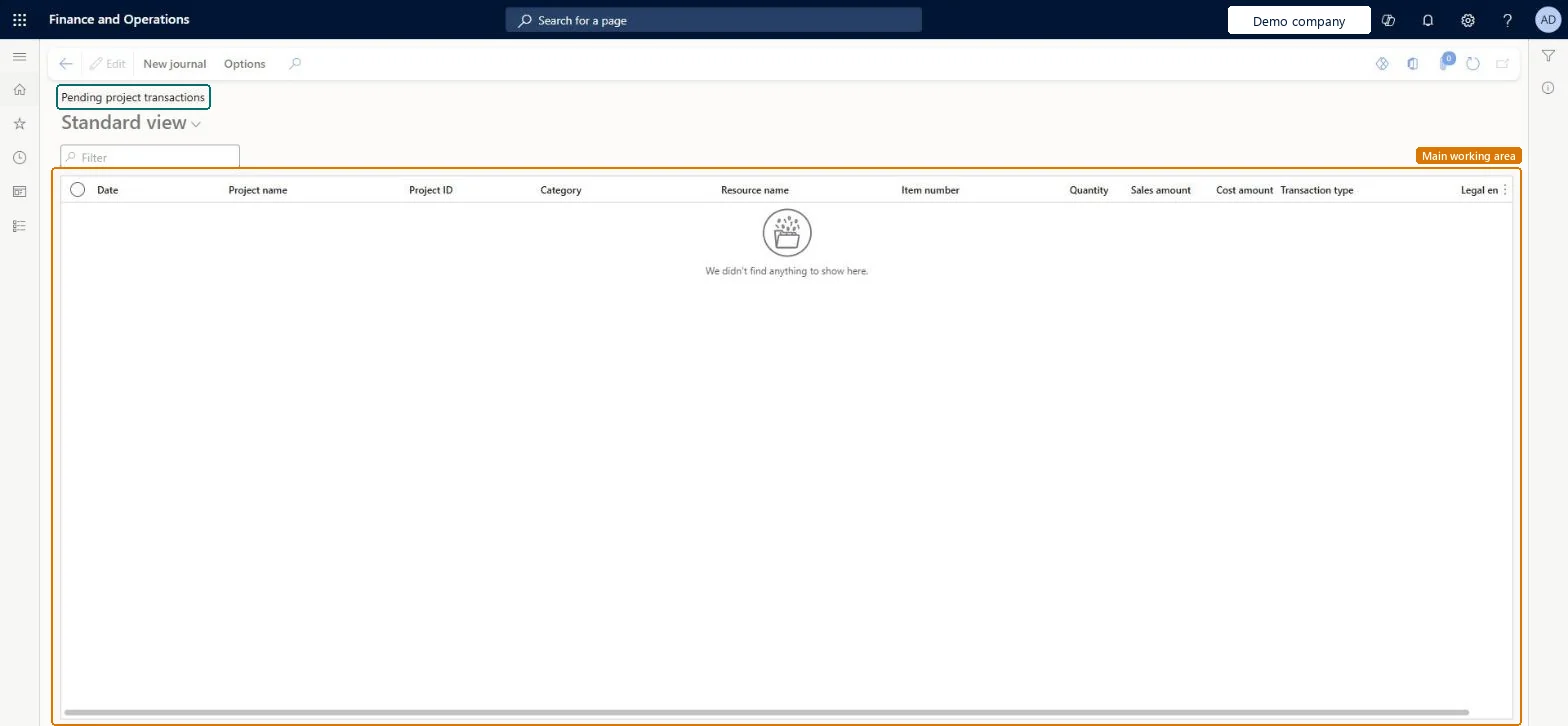
The list of project transactions that are entered but not yet posted to the project, across all projects, with their date, project, category, resource, quantity, cost and sales amounts and transaction type.
PAGE GUIDEWhat the page does and how to use it8 sections. Choose a role to highlight what matters to you.
Everyone
1What it is and why
What it is
The list of project transactions that are entered but not yet posted to the project, across all projects, with their date, project, category, resource, quantity, cost and sales amounts and transaction type.
What you do here
Use it before period end to see the cost and revenue that will still reach the projects, and to start a new journal from the New journal button.
Example
For example, on 30/12/2026 the BEAT project accountant filters Pending project transactions on PRJ-0042 and finds 3 hour lines with a cost of 1,140.00 that are still in an unposted journal.
The page in Dynamics 365. page title tab to open what to set or check
About the examples: Examples and screenshots in this guide use BEAT, a demo company in a Dynamics 365 test environment. Use your own company's codes and values instead of copying them.
Setup steps on this page
Check pending transactions before period end
Make sure everything entered is posted.
Steps from Microsoft
Go to Project management and accounting > Transactions > Pending project transactions.
Filter on the project and the date range you are closing.
Check the Transaction type, Quantity, Cost amount and Sales amount columns.
Open the source journal or document and post it.
Check the lines leave this list and appear on Posted project transactions.
Filter on the period you are closing and on Transaction type before you read the amounts.The list holds every unposted line of all projects and dates, so totals without a date filter include next period's work.
To set it up or change itProject manager ProjProjectManagerProject accountant ProjProjectAccountantProject assistant ProjProjectClerkProject supervisor ProjProjectSupervisorService delivery manager SMAServiceDeliveryManagerTo use itChief executive officer CompanyChiefExecutiveOfficerGive people one of these roles. On this system, 15 roles can open this page.Checked in Dynamics 365
Actions on the page
New journalOptions: Personalize, Page options, ShareChecked in Dynamics 365
ProjUnpostedTransViewEntity (Project pending transactions): per company, transaction category.Load order: Pending transactions are not loaded; post or recreate the source journals. The entity serves to export the list.Load first: Projects, Project journalsChecked in Dynamics 365