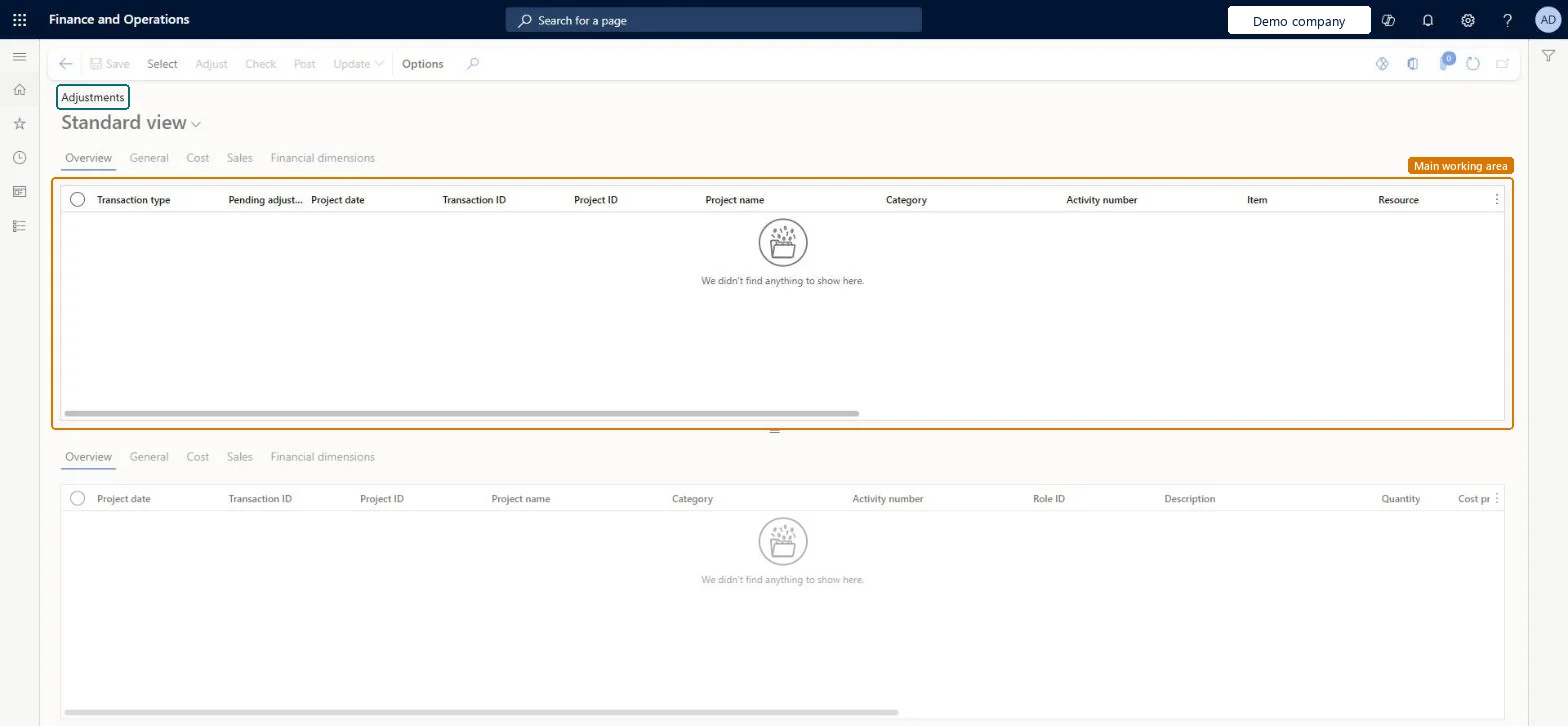
A page where you select posted project transactions and adjust them, one at a time or many at once; each adjustment reverses the original and posts a new transaction.
PAGE GUIDEWhat the page does and how to use it8 sections. Choose a role to highlight what matters to you.
Everyone
1What it is and why
What it is
A page where you select posted project transactions and adjust them, one at a time or many at once; each adjustment reverses the original and posts a new transaction.
What you do here
Use it to correct posted project transactions, for example to change the billable status, recalculate cost after a price change or update the funding source.
Example
At BEAT, 18 hour transactions of 8.00 hours each on PRJ-0042 were posted with line property NON-BILL instead of TM-STD. The project accountant selects them, changes the line property and posts: each original shows Adjusted, with a reversal and a new billable transaction.
The page in Dynamics 365. page title tab to open what to set or check
About the examples: Examples and screenshots in this guide use BEAT, a demo company in a Dynamics 365 test environment. Use your own company's codes and values instead of copying them.
When to run it
When to run it
When posted project transactions are wrong, for example the billable status, the cost after a configuration change or the funding source.
How often
On demand, when a correction is needed.
Batch settings
For many transactions, post in batch; the Max batch tasks for adjustment posting parameter splits the work.
What the output shows
For each adjusted transaction: the original marked Adjusted, a reversal, and a new transaction with your changes.
One or more transactions couldn't be selected for adjustment because they're already being processed. If this isn't expected, wait until adjustments are complete and clear the adjustments posting cache.
Wait for running adjustments to finish; if the transaction is still locked, run Clear adjustments posting cache. Microsoft Learn
Test checklist
Select one hour transaction of 8.00 hours on PRJ-0042.
Change its line property and post.
Open Posted project transactions: three lines show for it (original Adjusted, reversal -8.00, new 8.00).
Check the ledger vouchers of the reversal and the new line.
Adjust with the original project dates (Set project date from adjustment date off) and an adjustment date in an open period.Keeping the project date keeps the work in the right project period while the voucher posts in an open ledger period.
On the live system, Project manager, Project accountant and Project assistant use this page. From 10.0.45, the feature Project adjustment posting performance improvements posts each transaction separately and adds the Adjust transactions status page for failures.
Per company: you adjust the posted project transactions of the legal entity you are in. Microsoft Learn
Can it be undone
Partly: A posted adjustment can't be cancelled, but you can adjust the new transaction again. Microsoft Learn
If you change it later
Reverses the selected posted transactions and posts corrected ones, which updates the project subledger and the ledger; invoice proposals and reports then use the new transactions. Microsoft Learn
Technical architect
6Technical
Menu item
ProjAdjustmentChecked in Dynamics 365
Form
ProjAdjustmentChecked in Dynamics 365
Table
TmpProjAdjustmentShown as “Project adjustments” in Record infoKey field: TransDate, ProjId, ActivityNumber, CategoryId, ProjIdentId, ProjIdentWorker, ProjIdentWorker_DirPerson_FK_Name, ProjIdentResource, ProjIdentResource_Name, ProjIdentResource_ResourceId, ProjIdentResource_ResourceCompanyId, LinePropertyIdChecked in Dynamics 365
To set it up or change itProject manager ProjProjectManagerProject accountant ProjProjectAccountantProject assistant ProjProjectClerkGive people one of these roles. On this system, 3 roles can open this page.Checked in Dynamics 365
Actions on the page
Options: Personalize, Page options, Edit, ShareChecked in Dynamics 365
Developer
7Developer
Open it by URL
https://<your-environment>/?mi=ProjAdjustment
Data migration
Load order: Adjust transactions has no data entity in Data management: the page works on posted project transactions and keeps only temporary adjustment lines. Migrate corrected balances instead and adjust in the target system.Microsoft Learn