Production controlPeriodic tasksRelease to warehouse
action:WHSProdBOMReleaseController
Business process
Automatically release production to the warehouse in Dynamics 365 Supply Chain Management
Menu item
action:WHSProdBOMReleaseController
Show what matters for
PAGE GUIDEWhat the page does and how to use it7 sections. Choose a role to highlight what matters to you.
Everyone
1What it is and why
What it is
A periodic task that releases bill of materials (BOM) and formula lines to the warehouse as a batch job.
What you do here
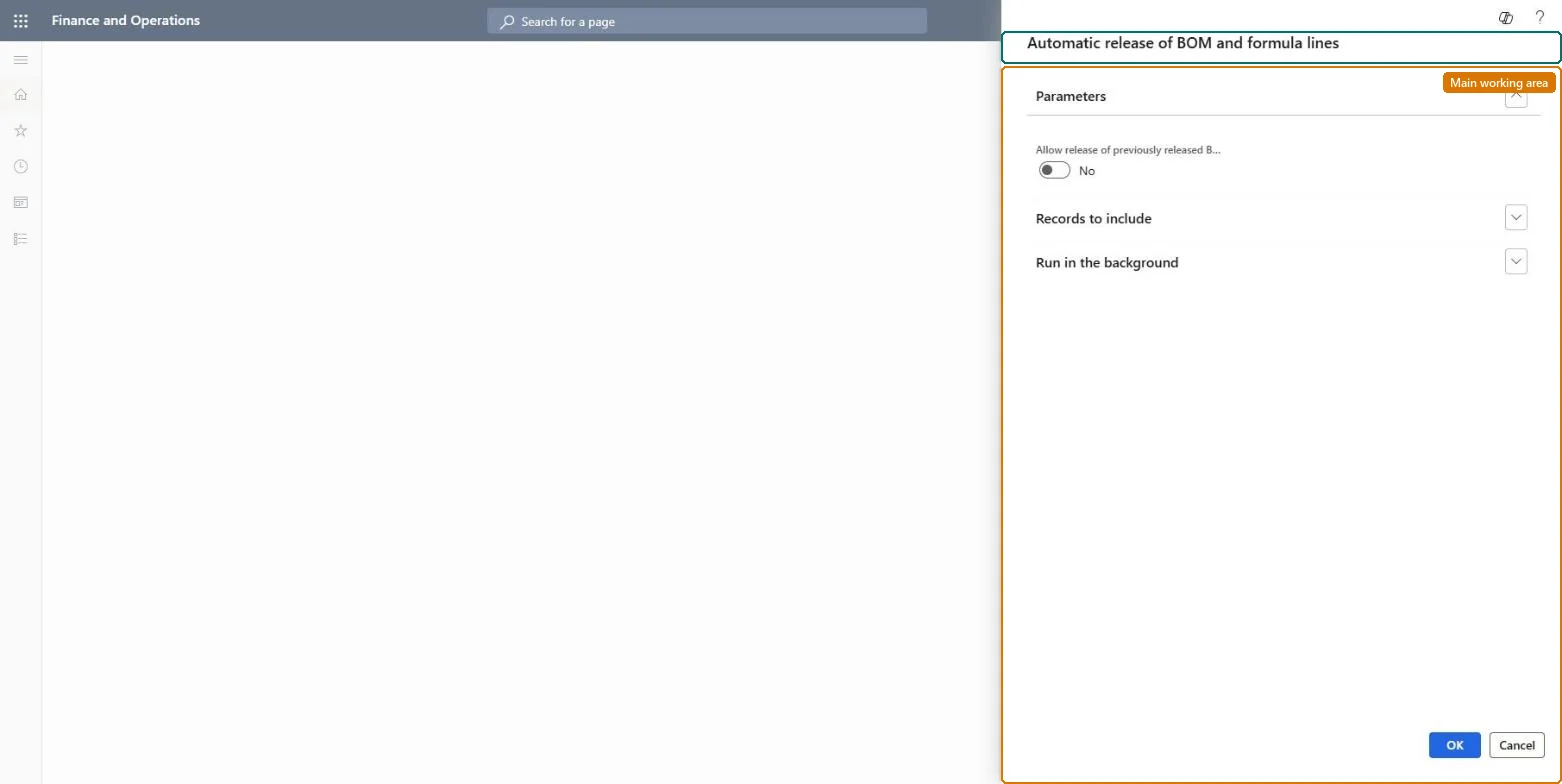
Use this task to release BOM and formula lines that still have a quantity to release, for production and batch orders that are released, started or reported as finished.
The page in Dynamics 365. page title tab to open what to set or check
Production control › Periodic tasks › Release to warehouse › Automatic release of BOM and formula lines
End user · Functional consultant
3How to do it
About the examples: Examples and screenshots in this guide use BEAT, a demo company in a Dynamics 365 test environment. Use your own company's codes and values instead of copying them.
When to run it
When to run it
When BOM and formula lines are released to the warehouse by batch job instead of at order release, ahead of the raw material date.
How often
As a recurring batch job; how often depends on your release time fence in the Raw material date filter.
Batch settings
Schedule it as a recurring batch job with a Raw material date filter such as (LessThanDate(2)) so only near-term lines are released each run.
What the output shows
Released BOM and formula lines and the raw material picking work that moves material to the production input location. A line released for less than its remaining quantity means physically reserved and available stock didn't cover it.
Go to Production control > Periodic tasks > Release to warehouse > Automatic release of BOM and formula lines.
Make sure the Production line release parameter in Production parameters is set to release BOM and formula lines through the batch job or manually; otherwise lines are released with the order.
In the job's query, filter the Raw material date with (LessThanDate(n)) to release only lines needed within the next n days, for example (LessThanDate(2)).
Run it as a recurring batch job; it considers only orders that are Released, Started or Reported as finished.
Review the raw material picking work that was created, and lines that were only partly released because reserved and available stock didn't cover them.
No: Released lines create warehouse work. To stop the picking, cancel the work in Warehouse management; the job itself has no reverse step. Microsoft Learn
If you change it later
Releases remaining quantities on BOM and formula lines up to the physically reserved and available stock, which creates raw material picking work in the warehouse. Microsoft Learn
Technical architect
5Technical
Menu item
action:WHSProdBOMReleaseController
Roles to set it up and use it
To use itProduction supervisor ProdProductionSupervisorSales clerk TradeSalesClerkGive people one of these roles. On this system, 2 roles can run this page.Checked in Dynamics 365