Production controlInquiries and reportsWork in process reports
output:ProdRawmaterialInProgress
Business process
Analyze WIP in Dynamics 365 Supply Chain Management
Menu item
output:ProdRawmaterialInProgress
Show what matters for
PAGE GUIDEWhat the page does and how to use it7 sections. Choose a role to highlight what matters to you.
Everyone
1What it is and why
What it is
A report that prints the picking list transactions reported against current production orders as of a specified transaction date.
What you do here
Use this report to review the issued quantity and cost amount of components for production orders that have a status of Started or Reported as finished.
Example
For example, you can print the issued quantity of a component against the production orders that use it.
The page in Dynamics 365. page title tab to open what to set or check
About the examples: Examples and screenshots in this guide use BEAT, a demo company in a Dynamics 365 test environment. Use your own company's codes and values instead of copying them.
When to run it
When to run it
When you analyze material costs on current production orders that are Started or Reported as finished, for example at period end.
How often
On demand, typically at period end or whenever material in process must be reviewed.
What the output shows
The picking list transactions per production order with the issued quantity and cost amount of each component. A high quantity often reflects material already consumed by finished output, because finished quantities don't reduce it.
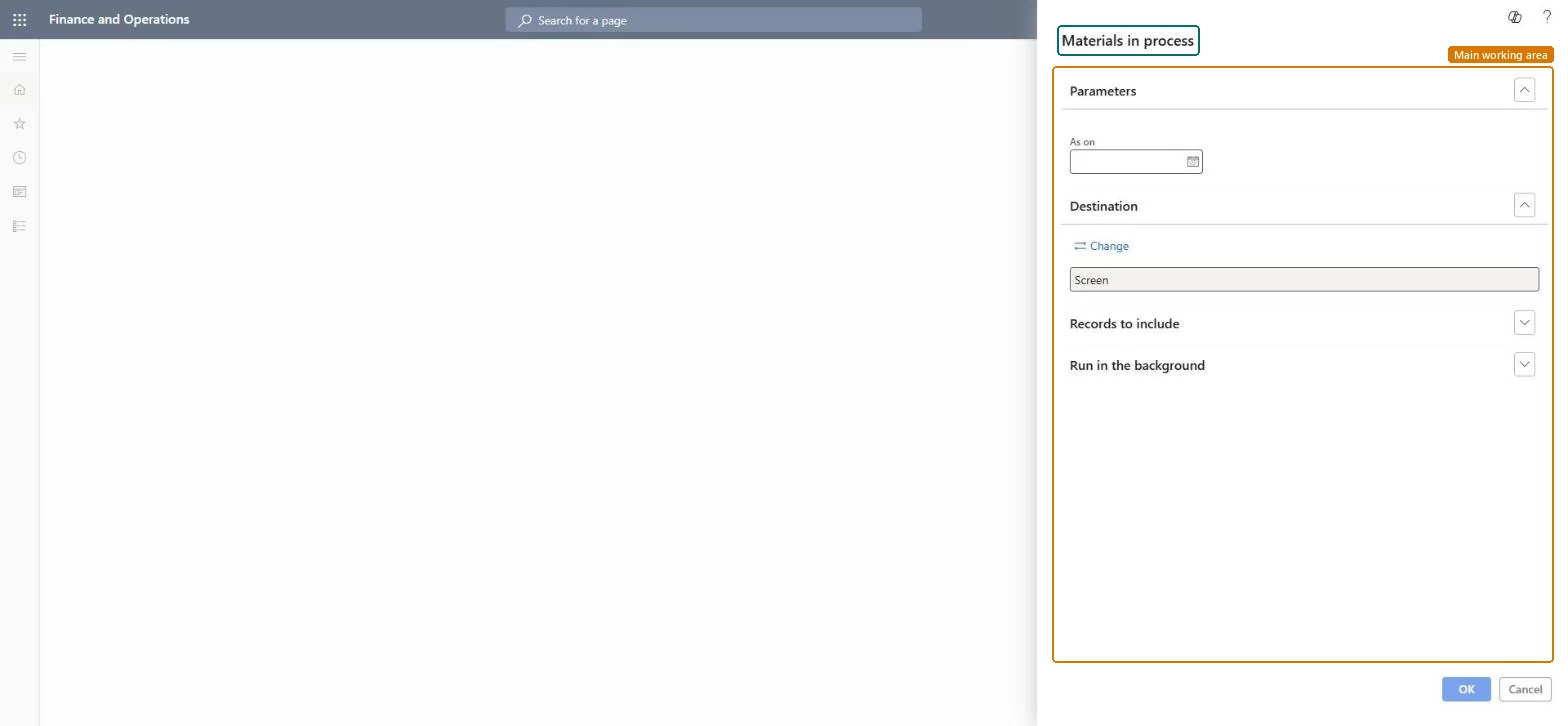
Go to Production control > Inquiries and reports > Work in process reports > Materials in process.
Enter the As on date: the report lists the picking list transactions reported up to that transaction date.
In Records to include, filter on a single component item to see its issued quantity across the production orders that use it.
Read the issued quantities knowing they are not reduced by quantities reported as finished on the parent item, so the material shown in process can be overstated.
The transaction date as of which the report lists the picking list transactions for current production orders.Microsoft Learn
Solution architect
4Design impact
Can it be undone
Nothing to undo: The report only reads picking list transactions; it changes nothing. Microsoft Learn
Technical architect
5Technical
Menu item
output:ProdRawmaterialInProgressChecked in Dynamics 365
Form
SysOperationTemplateFormChecked in Dynamics 365
Roles to set it up and use it
To use itProduction manager ProdProductionManagerInventory accountant clerk InventCostCostClerkAccounting manager LedgerAccountingManagerInventory accountant InventCostAccountantChief executive officer CompanyChiefExecutiveOfficerGive people one of these roles. On this system, 6 roles can run this page.Checked in Dynamics 365