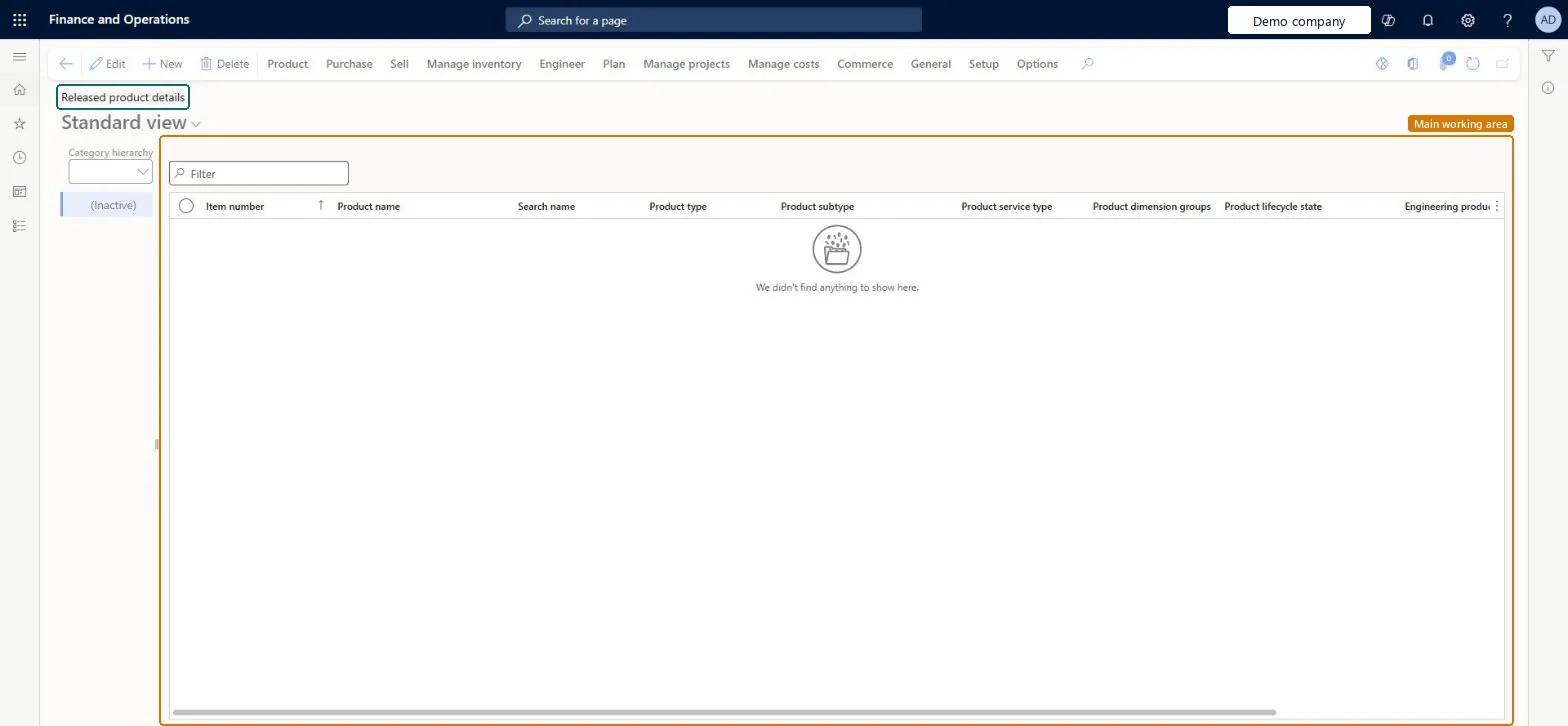
A list page that shows the released products of the current legal entity grouped by the categories of a selected category hierarchy, with a category tree beside the product list.
Accounts payable manager, Purchasing agent, Purchasing Agent - Public Sector and 33 more roles
Business process
Define product categories in Dynamics 365 Supply Chain Management
Menu item
RetailReleasedProductsByCategory
Main table
InventTable
Data entity
EcoResReleasedProductV2Entity
Show what matters for
PAGE GUIDEWhat the page does and how to use it7 sections. Choose a role to highlight what matters to you.
Everyone
1What it is and why
What it is
A list page that shows the released products of the current legal entity grouped by the categories of a selected category hierarchy, with a category tree beside the product list.
What you do here
Use this page to browse released products by category and to open, edit and complete the settings of a released product in a category.
The page in Dynamics 365. page title tab to open what to set or check
Product information management › Products › Released products by category
End user · Functional consultant
3How to do it
About the examples: Examples and screenshots in this guide use BEAT, a demo company in a Dynamics 365 test environment. Use your own company's codes and values instead of copying them.
Steps from Microsoft
Go to Product information management > Products > Released products by category.
Select the product category node for the product that you released. Then, select the product from the product list.
On the action pane, select Edit.
In the Purchase section, configure any required properties, including Unit, Price, and Quantity.
On the action pane, select Validate to ensure that no errors exist for missing fields.
One-way: Warning: this page edits the same released products as Released products. The item number can't be changed once transactions exist, and storage and tracking dimension groups can be changed only when on-hand is zero and all transactions have Value open set to No. Microsoft Learn
Technical architect
5Technical
Menu item
RetailReleasedProductsByCategoryChecked in Dynamics 365
Form
EcoResProductDetailsExtendedChecked in Dynamics 365
Table
InventTableShown as “ITEMS” in Record infoKey field: ItemIdChecked in Dynamics 365
PrivilegesManage Released products details EcoResProductDetailsExtendedMaintainView Released product details EcoResProductDetailsExtendedViewDutiesMaintain BOM calculation master BOMBillsOfMaterialsCalcMasterMaintainMaintain cost master CostingVersionCostMasterMaintainMaintain product categorization EcoResProductCategoryMaintainInquire into products for operations master EcoResProductForOperationsMasterInquireMaintain imported content and FCI ImportedContentPerItemMaintain_BRMaintain activation of cost InventPriceActivationOfCostAuthorizeMaintain products for operations master InventProductsForOperationsMasterMaintaInquire into RFID/barcode master InventRFIDBarcodeMasterInquireMaintain barcode master InventRFIDBarcodeMasterMaintainMaintain kit calculation master KittingKitCalcMasterMaintainMaintain approved vendors PdsApprovedVendorsEnableInquire into product purchase prices and discount master PriceDiscProdPurchPriceDiscMasterInquirInquire into product sales prices and discount master PriceDiscProdSalesPriceDiscMasterInquirInquire into purchase order to invoice policies PurchOrderToInvoicePoliciesInquireInquire into quotation to sales order policies RentalSalesQuotationToSlsOrdPoliciesInquireEnable quotation to sales order process RentalSalesQuotationToSlsOrdProcessEnableMaintain authorization of adjusted demand forecasts ReqDemPlanImportMaintainEnable the demand forecasting process ReqDemPlanProcessEnableInquire into master scheduling policies ReqMasterSchedulingPoliciesInquireEnable master scheduling process ReqMasterSchedulingProcessEnableMaintain planned orders ReqPlannedOrdersMaintainInquire into quotation to sales order policies SalesQuotationToSalesOrderPolInquireEnable quotation to sales order process SalesQuotationToSalesOrderProcessEnableInquire into warehouse operation master WMSWarehouseOperationMasterInquire37 security rolesAuditor AuditPolicyManagerProduct designer BOMProductDesignerProduct design manager BOMProductDesignManagerAccounts receivable manager CustInvoiceAccountsReceivableManagerField Service Integration User FieldServiceIntegrationUserInventory accountant InventCostAccountantInventory accountant clerk InventCostCostClerkMaterials manager InventMaterialsManagerQuality control manager InventQualityControlManagerLanded cost agent ITMAgentLanded cost manager ITMManagerShop supervisor JmgShopSupervisorKit manager KittingKitManagerAccounting manager LedgerAccountingManagerAccounting supervisor LedgerAccountingSupervisorMCRTestUserRoleProduction manager ProdProductionManagerProduction supervisor ProdProductionSupervisorRental coordinator agent RentalCoordinatorAgentRental manager RentalManagerRental representative RentalRepresentativeRental sales manager RentalSalesManagerProduction planner ReqProductionPlannerRetail catalog manager RetailCatalogManagerRetail merchandising manager RetailMerchandisingManagerRetail service RetailServiceProcess engineer RouteProcessEngineerProcess engineering manager RouteProcessEngineeringManagerBuying agent TradeBuyingAgentPurchasing manager TradePurchasingManagerSales clerk TradeSalesClerkSales manager TradeSalesManagerAccounts payable manager VendInvoiceAccountsPayableManagerPurchasing agent VendPurchasingAgentPurchasing Agent - Public Sector VendPurchasingAgent_PSNWarehouse planner WHSWarehousePlannerWarehouse manager WMSWarehouseManagerChecked in Dynamics 365
Roles to set it up and use it
To set it up or change itProduct designer BOMProductDesignerProcess engineer RouteProcessEngineerRetail service RetailServiceSales manager TradeSalesManagerAccounting manager LedgerAccountingManagerTo use itProduct design manager BOMProductDesignManagerProcess engineering manager RouteProcessEngineeringManagerMaterials manager InventMaterialsManagerProduction supervisor ProdProductionSupervisorWarehouse manager WMSWarehouseManagerGive people one of these roles. On this system, 36 roles can open this page.Checked in Dynamics 365
Actions on the page
Product: Maintain, Readiness checks, Modify hierarchy, New, Product master, Languages, Set up, Product kit, Product media managementPurchase: View, Trade agreements, Approved vendor, Purchase order, Invoice matching, Related informationSell: View, Trade agreements, Sales order, Related information, Revenue recognition, Approved customerManage inventory: View, Order settings, Warehouse, Packaging, Batch attributes, ComplianceEngineer: View, BOM, Configuration, Formula, Product change, Process, Engineering change managementPlan: View, Forecast, Coverage, Order settings, Requirement, SequencingManage projects: Project details, CostsManage costs: Set up, Cost transactions, Standard cost transactions, CostingCommerce: Set up, Functions, InquiriesGeneral: Maintain cases, Share externally, Maintain CAPA casesSetup: SetupChecked in Dynamics 365
EcoResReleasedProductV2Entity (Released products V2): loaded for each company, in Microsoft's default template 310 - Product information management.Load order: Microsoft's default template 310 - Product information management loads Released products V2 at execution unit 1, level 310, sequence 70. Lower levels load first, and entities at the same level load in sequence order.Load first: Country/regions, States, Units, Buyer groups, Calculation groups, the default templates at lower levels (System setup to Inventory management)Microsoft Learn