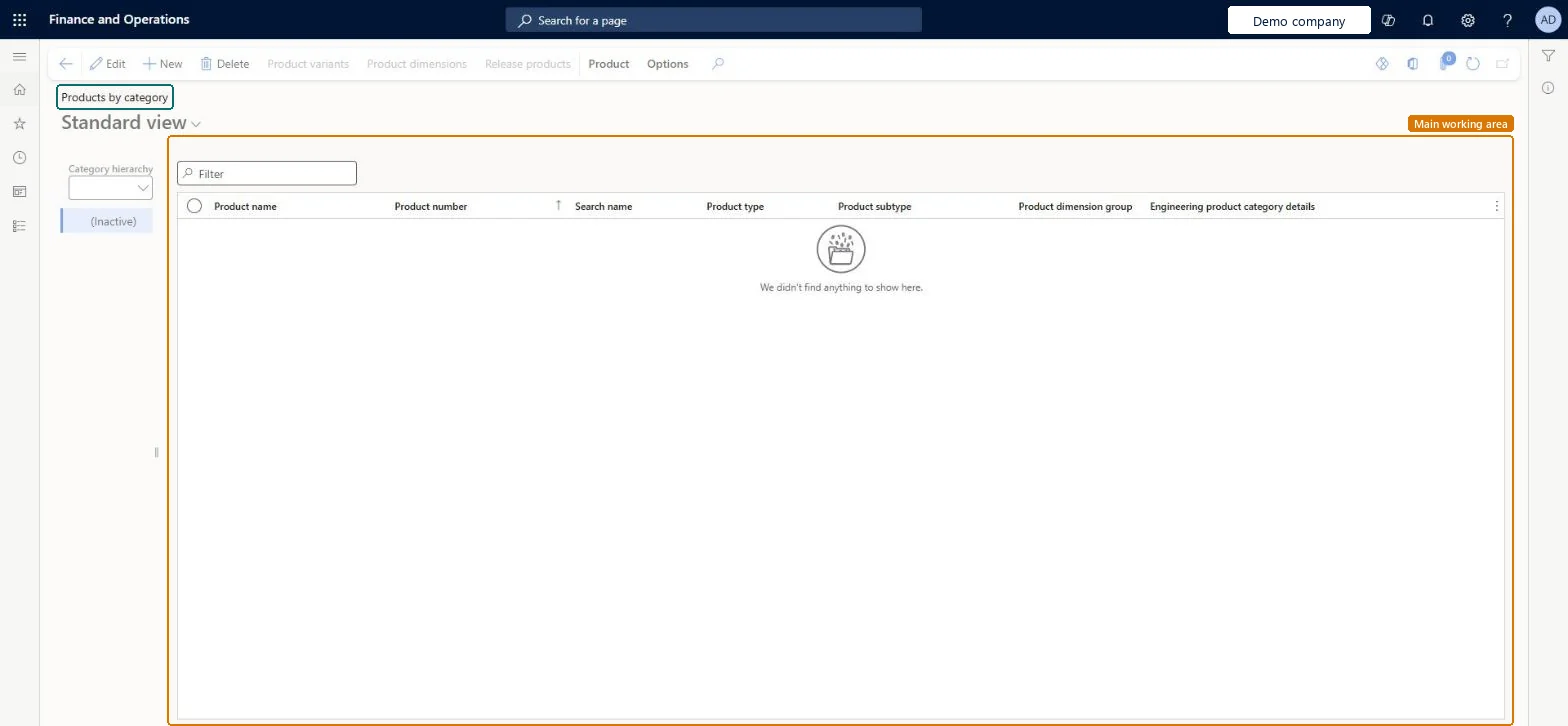
Product information management › Products › Products by category
End user · Functional consultant
3How to do it
About the examples: Examples and screenshots in this guide use BEAT, a demo company in a Dynamics 365 test environment. Use your own company's codes and values instead of copying them.
Steps from Microsoft
Go to Product information management > Products > Products by category.
On the Action Pane, select New.
In the Product type drop-down list, select either Item or Service.
In the Product subtype drop-down list, select either Product (if the product has no variants) or Product master (if the product has variants).
In the Product number box, enter a product number if one isn't already prepopulated.
In the Product name box, enter a product name.
If the product subtype is product master, set the Product dimension group and the Configuration technology.
One-way: Warning: the Product subtype and Configuration technology you pick here decide whether the product has variants and how they are built. A product can't be converted from one configuration model to another after implementation. Microsoft Learn
Technical architect
5Technical
Menu item
RetailProductsByCategoryChecked in Dynamics 365
Form
EcoResProductDetailsChecked in Dynamics 365
Table
EcoResProductShown as “PRODUCTS” in Record infoKey field: DisplayProductNumberChecked in Dynamics 365
PrivilegesManage product details EcoResProductDetailsMaintainView product details EcoResProductDetailsViewPSC (TEMPORARY) EcoResProductDetailsViewDutiesMaintain product categorization EcoResProductCategoryMaintainInquire into products definition master EcoResProductDefinitionMasterInquireMaintain products definition master EcoResProductDefinitionMasterMaintainMaintain release of products EcoResProductReleaseReview release of products process performance EcoResProductReleaseProcessPerformRevieInquire into inventory valuation policies (cur.) InvStdCostInvValuatPoliciesSecInquire_RU13 security rolesProduct designer BOMProductDesignerProduct design manager BOMProductDesignManagerInventory accountant InventCostAccountantMaterials manager InventMaterialsManagerQuality control manager InventQualityControlManagerRetail catalog manager RetailCatalogManagerRetail merchandising manager RetailMerchandisingManagerRetail service RetailServiceBuying agent TradeBuyingAgentPurchasing manager TradePurchasingManagerPurchasing agent VendPurchasingAgentPurchasing Agent - Public Sector VendPurchasingAgent_PSNWarehouse manager WMSWarehouseManagerChecked in Dynamics 365
Roles to set it up and use it
To set it up or change itProduct designer BOMProductDesignerTo use itProduct design manager BOMProductDesignManagerMaterials manager InventMaterialsManagerWarehouse manager WMSWarehouseManagerPurchasing manager TradePurchasingManagerPurchasing agent VendPurchasingAgentGive people one of these roles. On this system, 13 roles can open this page.Checked in Dynamics 365
Actions on the page
Product: Maintain, Modify hierarchy, Languages, Set up, Product kit, Product change, Engineering change management(Action Pane without tabs): Product variants, Product dimensions, Release productsChecked in Dynamics 365