Product information managementPeriodic tasksWarehouse Management
action:WHSChangeItemHierarchy
Business process
Define product policies
Menu item
action:WHSChangeItemHierarchy
Show what matters for
PAGE GUIDEWhat the page does and how to use it7 sections. Choose a role to highlight what matters to you.
Everyone
1What it is and why
What it is
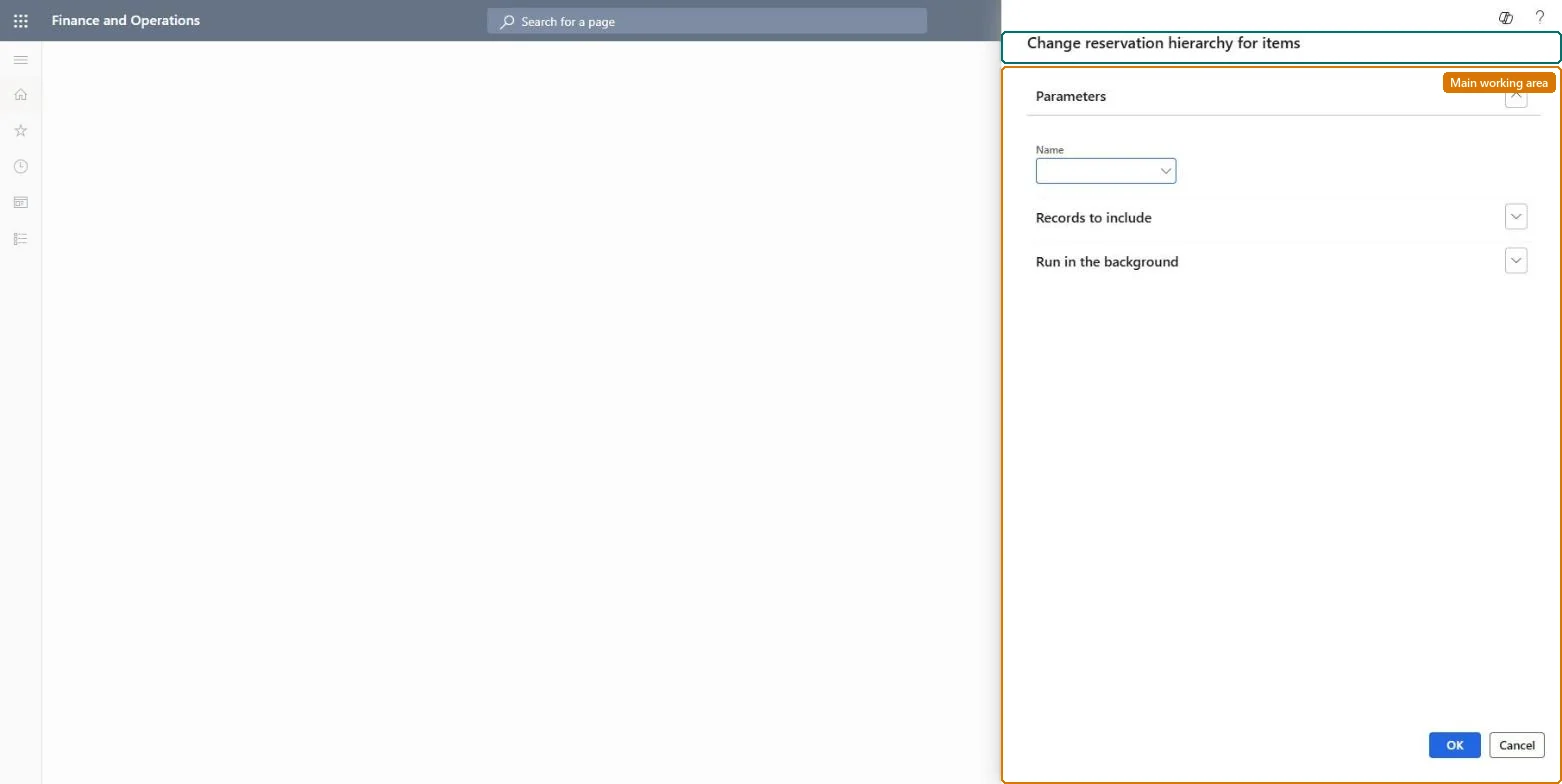
A periodic task that reassigns items to a different reservation hierarchy.
What you do here
Use this task to move items to another reservation hierarchy that has the same hierarchy level structure, for example one that allows batch-specific reservation.
Example
For example, you can use it to prevent flexible batch reservation for a subset of batch-tracked items while allowing it for the rest of the product portfolio.
The page in Dynamics 365. page title tab to open what to set or check
About the examples: Examples and screenshots in this guide use BEAT, a demo company in a Dynamics 365 test environment. Use your own company's codes and values instead of copying them.
When to run it
When to run it
When some items need a different reservation behavior, such as batch-specific reservation on sales orders, and their current hierarchy doesn't allow it.
How often
On demand, when the reservation policy for a group of items changes.
What the output shows
The selected items are linked to the new reservation hierarchy. Existing reservations and open warehouse work stay as they were. An item that isn't changed usually has a hierarchy with a different level structure.
Go to Product information management > Periodic tasks > Warehouse Management > Change reservation hierarchy for items.
Select the items to move, and the reservation hierarchy to assign. The new hierarchy must have the same hierarchy level structure as the current one.
Use it, for example, to move a subset of batch-tracked items to a Batch-below[location] hierarchy where Allow reservation on demand order is selected for the Batch number level.
Run it, then open a changed released product and check the Reservation hierarchy field, and reserve a specific batch on a test sales order.
Yes: You can move the items back to their previous reservation hierarchy with the same task, as long as the level structure matches. Microsoft Learn
If you change it later
Changes how future reservations are made for the selected items, for example whether a batch can be reserved on the order. Microsoft Learn
Technical architect
5Technical
Menu item
action:WHSChangeItemHierarchy
Roles to set it up and use it
To use itProduct designer BOMProductDesignerProcess engineer RouteProcessEngineerGive people one of these roles. On this system, 2 roles can run this page.Checked in Dynamics 365