BeyondERP.Newsletter
Menu

Job page · Product information management

Recalculate BOM levels

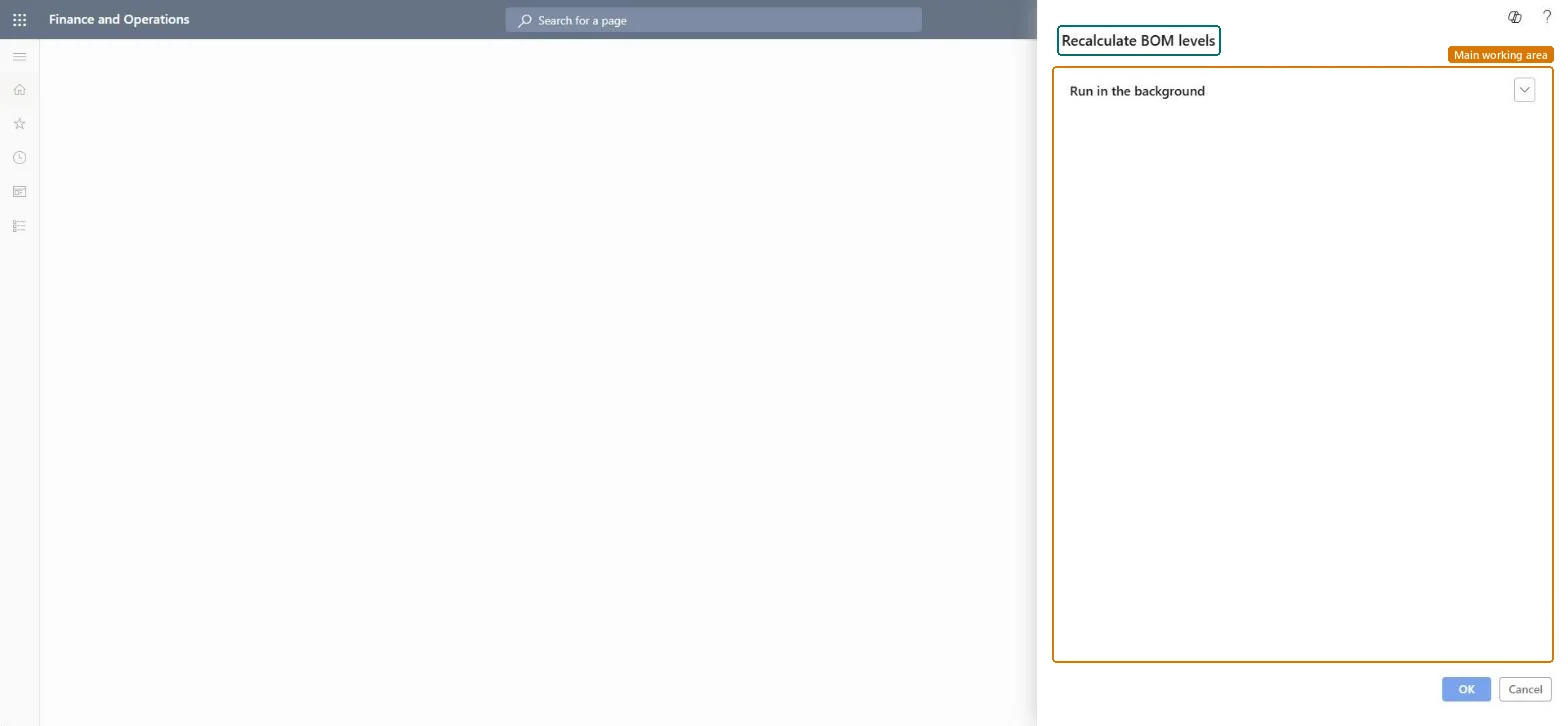
A periodic task dialog that starts the recalculation of bill of materials (BOM) levels and lets you run it in the background.

Business process
Design bills of materials
Menu item
action:BOMLevelCalc
Show what matters for
PAGE GUIDEWhat the page does and how to use it5 sections. Choose a role to highlight what matters to you.
Everyone

1What it is and why

What it isA periodic task dialog that starts the recalculation of bill of materials (BOM) levels and lets you run it in the background.
What you do hereUse this task to recalculate BOM levels, either straight away or as a background job.
Recalculate BOM levels page in Dynamics 365
The page in Dynamics 365. page title tab to open what to set or check
Functional consultant · Solution architect

2Where it fits

Business processIntroduce products › Design bills of materials
Menu pathProduct information management › Periodic tasks › Recalculate BOM levels
Technical architect

3Technical

Menu itemaction:BOMLevelCalc Checked in Dynamics 365
FormDialog Checked in Dynamics 365
Roles to set it up and use itTo use itProduct design manager BOMProductDesignManagerMaterials manager InventMaterialsManagerProduction manager ProdProductionManagerGive people one of these roles. On this system, 3 roles can run this page.Checked in Dynamics 365
Developer

4Developer

Open it by URLhttps://<your-environment>/?mi=action:BOMLevelCalc
Everyone

5Sources

  • Checked in a working Dynamics 365 system, version 10.0.49: the menu item, form, table and security, the page.