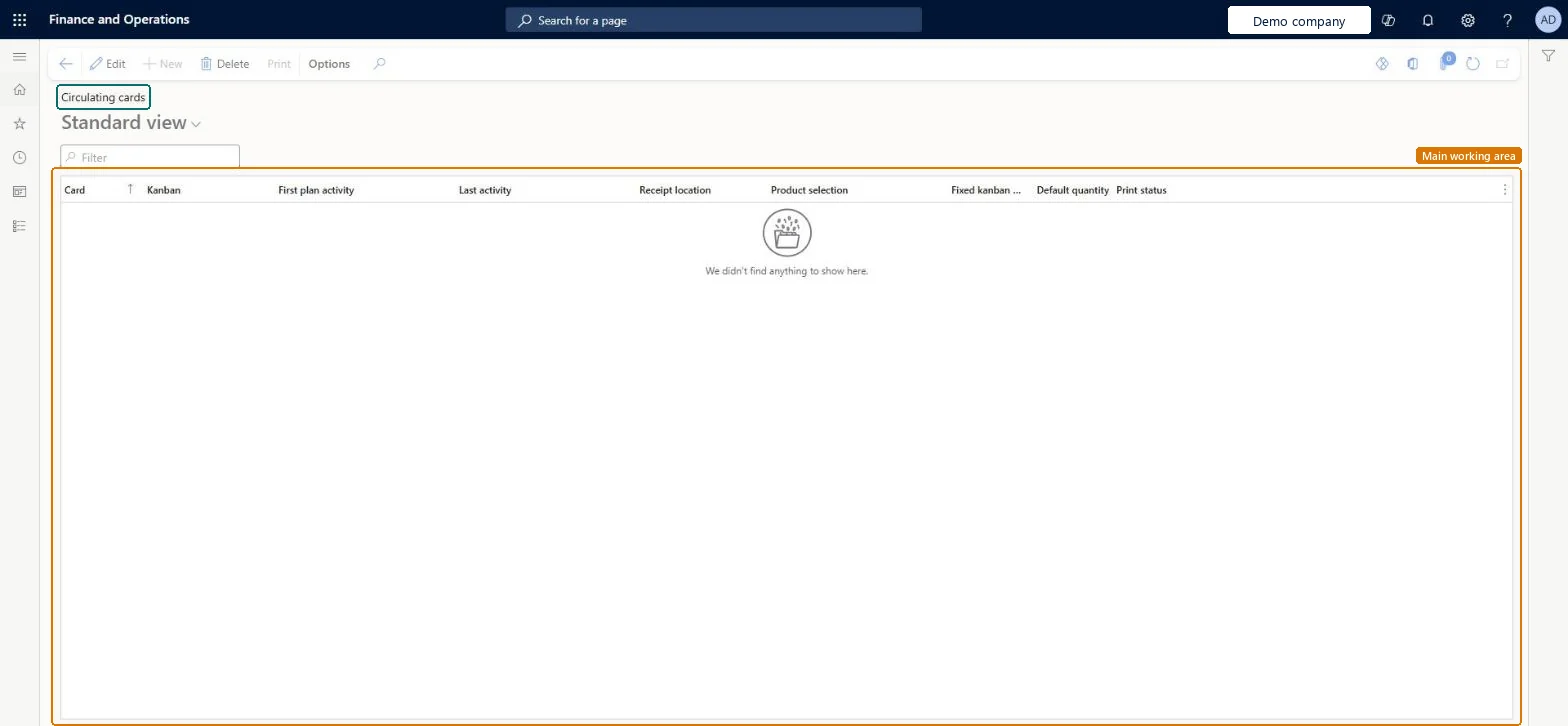
A list page that shows the circulating kanban cards, with the Card, Kanban, First plan activity, Last activity, Receipt location, Product selection, Default quantity and Print status of each card.
Materials manager, Receiving clerk, Shipping clerk and 8 more roles
Business process
Create Kanbans in Dynamics 365 Supply Chain Management
Menu item
KanbanCirculatingCards
Main table
KanbanCard
Data entity
KanbanCirculatingKanbanCardEntity
Show what matters for
PAGE GUIDEWhat the page does and how to use it7 sections. Choose a role to highlight what matters to you.
Everyone
1What it is and why
What it is
A list page that shows the circulating kanban cards, with the Card, Kanban, First plan activity, Last activity, Receipt location, Product selection, Default quantity and Print status of each card.
What you do here
Use this page to review and print circulating kanban cards. These cards are printed once and reused as they move between the item origin and the point of consumption.
The page in Dynamics 365. page title tab to open what to set or check
Product information management › Lean manufacturing › Circulating cards
End user · Functional consultant
3How to do it
About the examples: Examples and screenshots in this guide use BEAT, a demo company in a Dynamics 365 test environment. Use your own company's codes and values instead of copying them.
How to use it
Go to Product information management > Lean manufacturing > Circulating cards.
Use the Filter box to find a card by its card number or kanban.
Review the Print status column to see which cards have been printed.
PrivilegesMaintain circulating cards KanbanCirculatingCardsMaintainView circulating cards KanbanCirculatingCardsViewDutiesMaintain materials kanban execution KanbanExecutionMaterialsMaintainEnable kanban execution process KanbanExecutionProcessEnableInquire into kanban execution reference data KanbanExecutionReferenceDataInquireInquire into kanban rules master KanbanRulesMasterInquireMaintain kanban rules master KanbanRulesMasterMaintainMaintain kanban schedule KanbanScheduleMaintainEnable the kanban scheduling process KanbanScheduleProcessEnable11 security rolesMaterials manager InventMaterialsManagerReceiving clerk InventReceivingClerkShipping clerk InventShippingClerkShop supervisor JmgShopSupervisorWaterspider LeanWaterspiderProduction manager ProdProductionManagerProduction supervisor ProdProductionSupervisorProduction planner ReqProductionPlannerProcess engineer RouteProcessEngineerWarehouse manager WMSWarehouseManagerWarehouse worker WMSWarehouseWorkerChecked in Dynamics 365
Roles to set it up and use it
To set it up or change itProduction manager ProdProductionManagerMaterials manager InventMaterialsManagerWarehouse manager WMSWarehouseManagerShop supervisor JmgShopSupervisorProduction supervisor ProdProductionSupervisorTo use itProcess engineer RouteProcessEngineerProduction planner ReqProductionPlannerReceiving clerk InventReceivingClerkWaterspider LeanWaterspiderShipping clerk InventShippingClerkGive people one of these roles. On this system, 11 roles can open this page.Checked in Dynamics 365
Actions on the page
(Action Pane without tabs): PrintChecked in Dynamics 365