Create hazardous products in Dynamics 365 Supply Chain Management
Menu item
HMIMStockListLimitsDisplay
Main table
InventSum
Data entity
InventWarehouseOnHandCDSEntity
Show what matters for
PAGE GUIDEWhat the page does and how to use it7 sections. Choose a role to highlight what matters to you.
Everyone
1What it is and why
What it is
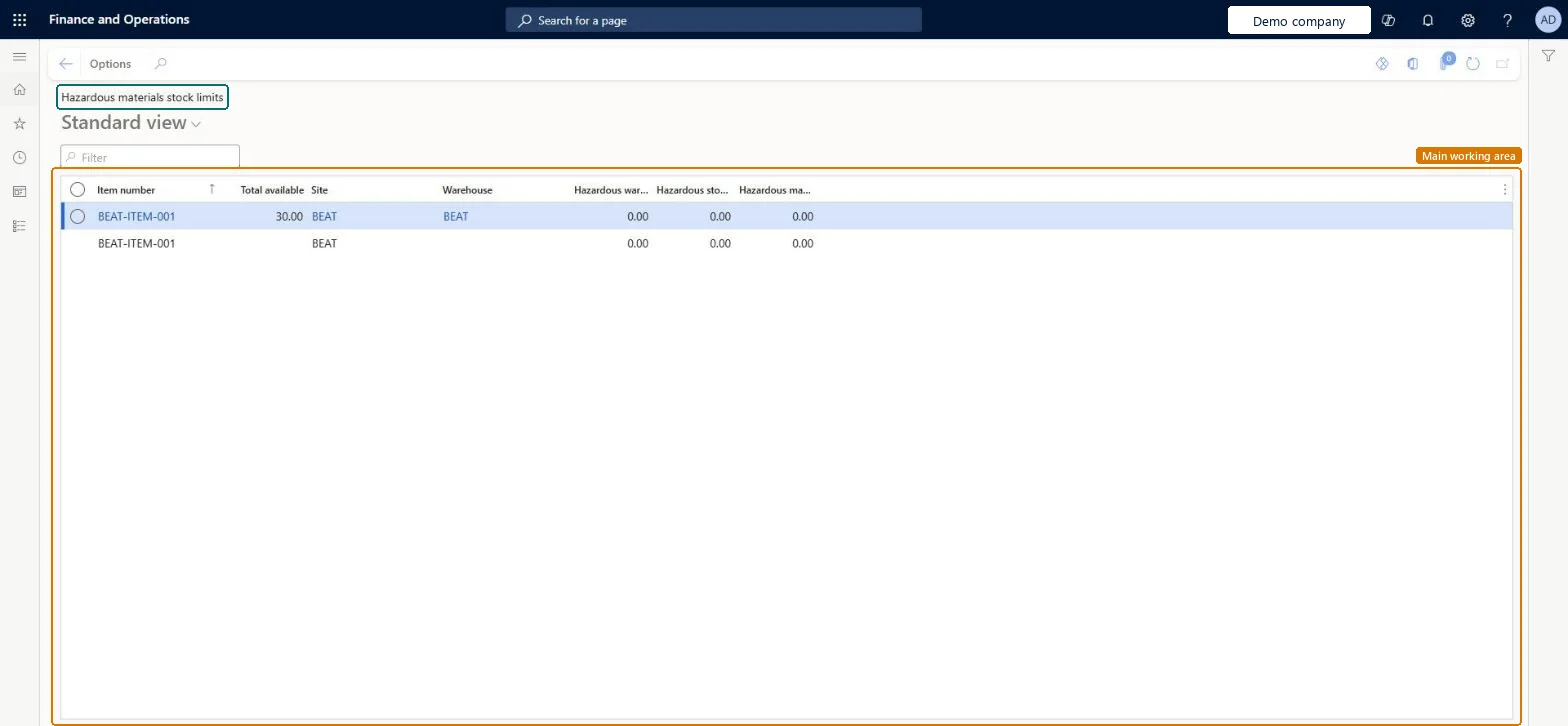
An inquiry page that shows the stock levels of hazardous materials by site and warehouse against the stock limits defined for each released product.
What you do here
Use this page to monitor the stock levels of hazardous materials in your warehouse locations and make sure that they remain under the established safe limits.
The page in Dynamics 365. page title tab to open what to set or check
About the examples: Examples and screenshots in this guide use BEAT, a demo company in a Dynamics 365 test environment. Use your own company's codes and values instead of copying them.
How to use it
Go to Product information management > Inquiries and reports > Hazardous material shipping documentation > Hazardous materials stock limits.
Use the Filter field to find an item number.
Compare the Total available quantity for each site and warehouse with the hazardous warning and stock limit columns.
Select an item number to open the released product if its limits need to be reviewed.
Source: Checked in Dynamics 365
Fields on the page
Field
What it means
Table column
Hazardous stock limit
The stock limit for the hazardous product, set on the released product's Reporting details.Microsoft Learn
HMIMStockLimit
Hazardous warning limit
The warning limit for the hazardous product, set on the released product's Reporting details.Microsoft Learn
To use itHazardous materials viewer HMIMHazardousMaterialsViewerHazardous materials manager HMIMHazardousMaterialsManagerGive people one of these roles. On this system, 2 roles can open this page.Checked in Dynamics 365