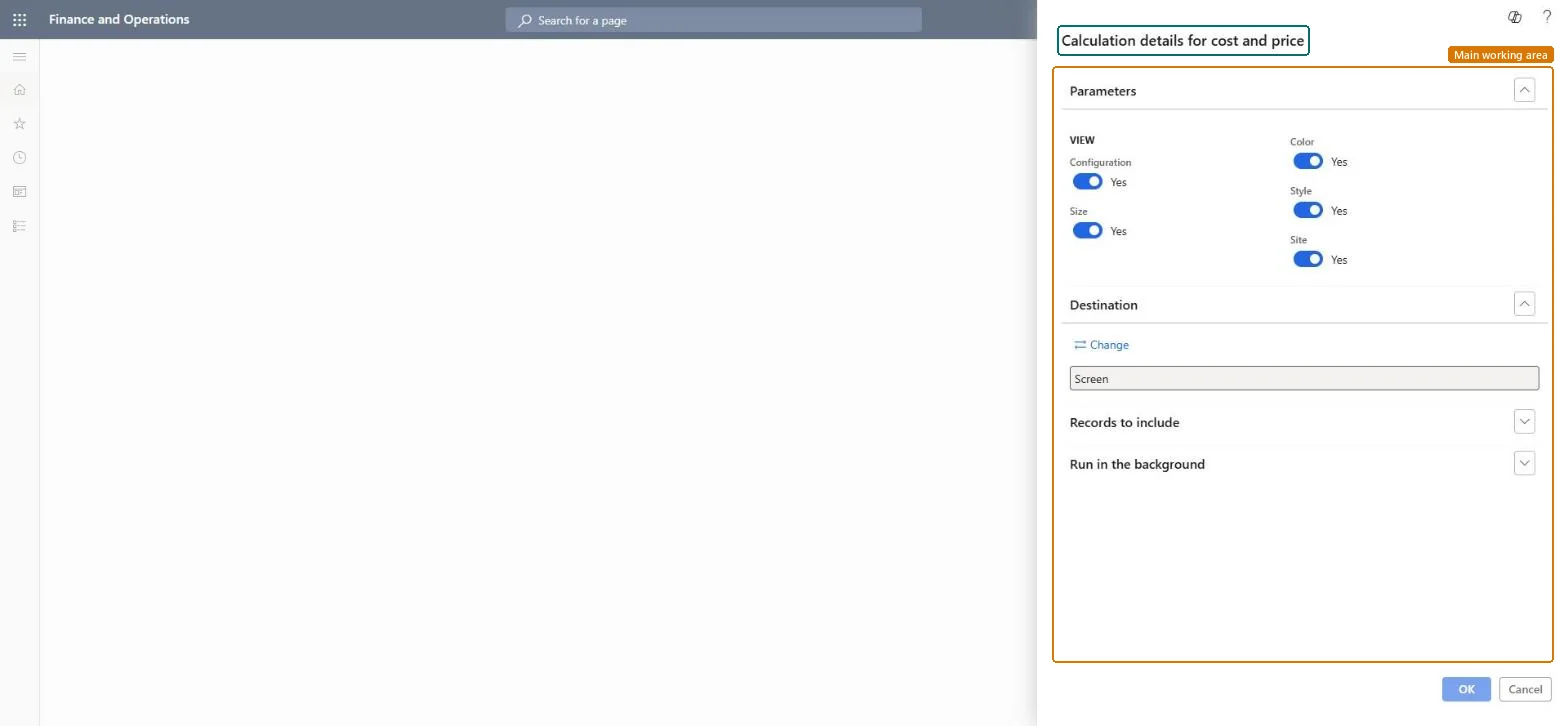
Product information management › Inquiries and reports › Calculation details for cost and price
End user · Functional consultant
3How to do it
About the examples: Examples and screenshots in this guide use BEAT, a demo company in a Dynamics 365 test environment. Use your own company's codes and values instead of copying them.
When to run it
When to run it
After you run a BOM cost or sales price calculation, to review how the result was built up.
How often
On demand, after each cost or price calculation that needs review.
Batch settings
Use a background run only when you print many calculations at once.
What the output shows
The calculation lines behind a cost or sales price calculation: each component and operation with quantity, cost and resulting price, by the dimensions you chose. A total that looks wrong usually comes from a missing cost price on a component or the wrong BOM or route version.
Nothing to undo: The report reads calculation results and doesn't change any cost or price. Microsoft Learn
Technical architect
5Technical
Menu item
output:BOMCalcTransChecked in Dynamics 365
Form
SysOperationTemplateFormChecked in Dynamics 365
Roles to set it up and use it
To use itProduction manager ProdProductionManagerAccounting manager LedgerAccountingManagerInventory accountant InventCostAccountantInventory accountant clerk InventCostCostClerkGive people one of these roles. On this system, 4 roles can run this page.Checked in Dynamics 365