About the examples: Examples and screenshots in this guide use BEAT, a demo company in a Dynamics 365 test environment. Use your own company's codes and values instead of copying them.
When to run it
When to run it
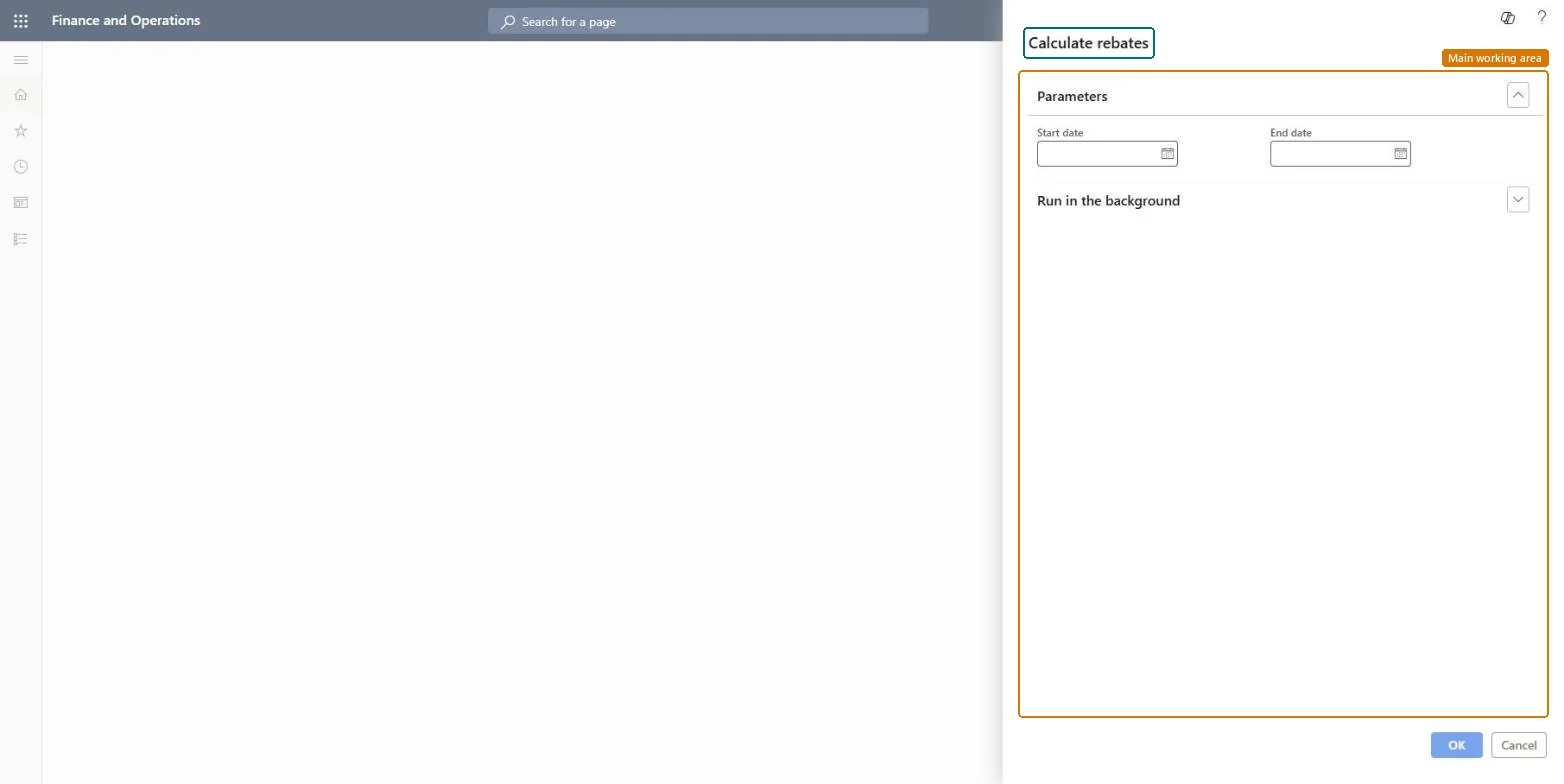
When rebate claims must be calculated for a date range, for example after a rebate agreement was added for past purchases.
How often
On demand, for the date range that needs claims.
What the output shows
Rebate claims for purchases in the date range that meet the agreement conditions, with status Calculated for per-invoice rebates and To be calculated for cumulative ones.
Yes, before approval: Calculated claims are not posted; nothing reaches the ledger until a claim is approved. Microsoft Learn
If you change it later
Creates or updates rebate claims for qualifying purchases in the date range. Microsoft Learn
Technical architect
5Technical
Menu item
action:TAMVendRebateBatchCalcDialogChecked in Dynamics 365
Form
DialogChecked in Dynamics 365
Roles to set it up and use it
To use itAccounts payable manager VendInvoiceAccountsPayableManagerGive people one of these roles. On this system, 1 role can run this page.Checked in Dynamics 365