Procurement and sourcing › Purchase orders › Purchase order follow-up › Open purchase orders report
End user · Functional consultant
3How to do it
About the examples: Examples and screenshots in this guide use BEAT, a demo company in a Dynamics 365 test environment. Use your own company's codes and values instead of copying them.
When to run it
When to run it
During purchase order follow-up, when you want the open orders at header level rather than line by line.
How often
On demand, as part of the follow-up of open orders.
What the output shows
The purchase orders that are still open. An order that stays on the list long after its last receipt usually has a remaining quantity that was never received or cancelled.
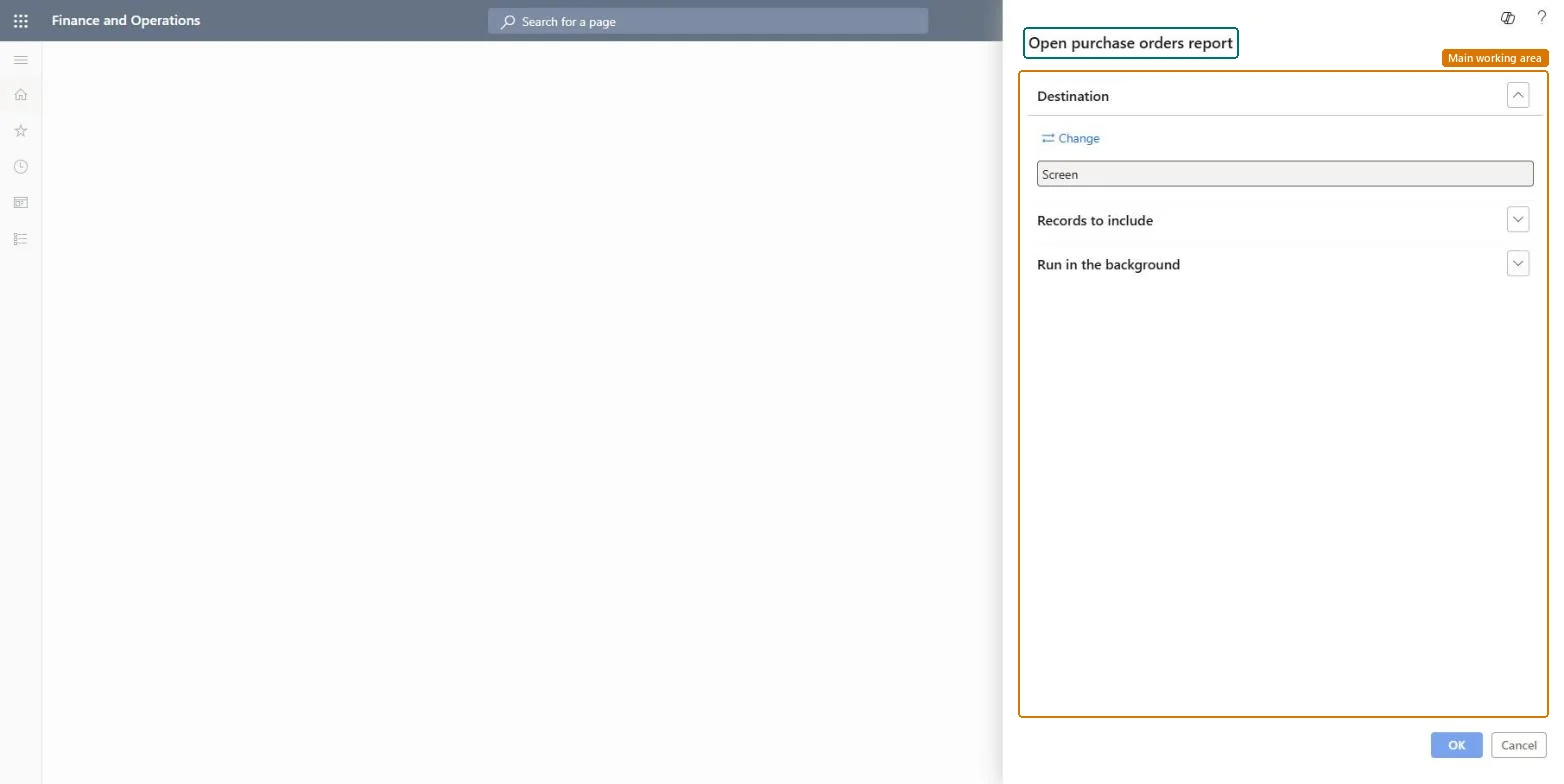
Go to Procurement and sourcing > Purchase orders > Purchase order follow-up > Open purchase orders report.
Use Records to include to filter on the vendor, buyer or order date of the purchase orders you follow up.
Review the open orders header by header and pick out orders that are fully overdue or still waiting for confirmation.
For orders that are no longer needed, cancel the remaining quantity and finalize them; for the rest, chase the vendor. The same report is also on Inquiries and reports > Status.
Nothing to undo: The report only lists open purchase orders; it changes nothing. Microsoft Learn
Technical architect
5Technical
Menu item
output:VendPurchOpenOrdersChecked in Dynamics 365
Form
SysOperationTemplateFormChecked in Dynamics 365
Roles to set it up and use it
To use itPurchasing manager TradePurchasingManagerAccounts payable manager VendInvoiceAccountsPayableManagerBuying agent TradeBuyingAgentProject manager ProjProjectManagerAccountant LedgerAccountantGive people one of these roles. On this system, 12 roles can run this page.Checked in Dynamics 365