Procurement and sourcing › Periodic tasks › Clean up › Purchase order history cleanup
End user · Functional consultant
3How to do it
About the examples: Examples and screenshots in this guide use BEAT, a demo company in a Dynamics 365 test environment. Use your own company's codes and values instead of copying them.
When to run it
When to run it
When old purchase order history is no longer needed for audits or vendor disputes and you want to reduce data volume.
How often
On demand, after the business has agreed how long purchase order history must be kept.
Batch settings
Run it in the background outside business hours, because it can process a large number of history records.
What the output shows
Purchase order history created up to the Created until date is deleted. The purchase orders themselves stay.
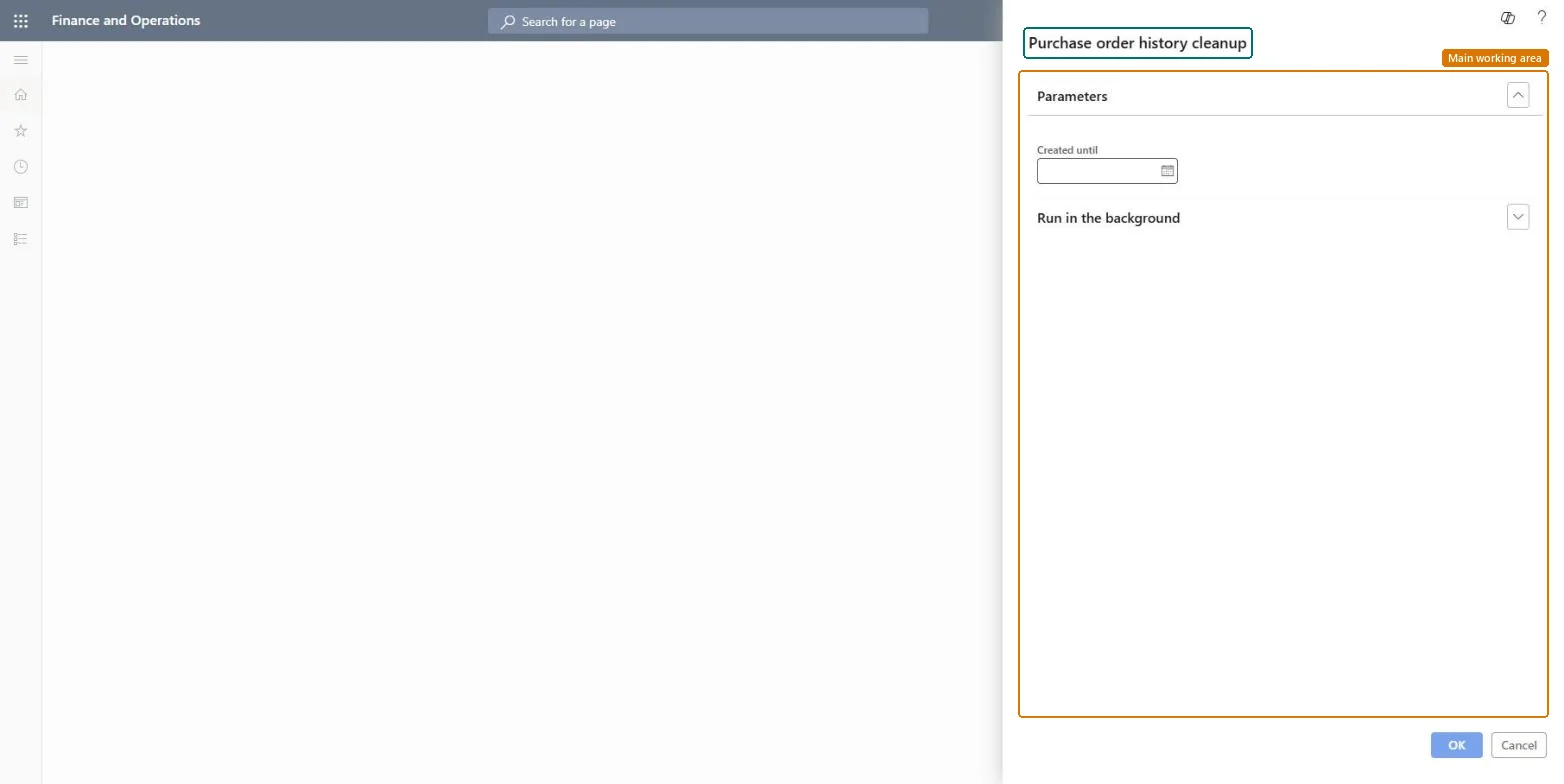
Go to Procurement and sourcing > Periodic tasks > Clean up > Purchase order history cleanup.
In Created until, enter the date up to which older purchase order history is deleted. Leave enough months so recent order versions stay available for audits and vendor questions.
Agree the date with purchasing and finance first, because order history shows the earlier versions of orders that were confirmed and changed.
Run it in the background for large volumes, and test it in a test environment before production.
After the run, open a purchase order from before the date and one from after it, and compare the history that remains.
No: Deleted purchase order history can't be restored. Choose the date with care and test it first. Microsoft Learn
If you change it later
Deletes purchase order history created up to the date you entered; the purchase orders remain. Microsoft Learn
Technical architect
5Technical
Menu item
action:PurchOrderHistoryCleanUpChecked in Dynamics 365
Form
SysOperationTemplateFormChecked in Dynamics 365
Roles to set it up and use it
To use itInformation technology manager SysServerITManagerGive people one of these roles. On this system, 1 role can run this page.Checked in Dynamics 365