PAGE GUIDEWhat the page does and how to use it7 sections. Choose a role to highlight what matters to you.
Everyone
1What it is and why
What it is
A cleanup tool that resets the accounting distributions of a selected purchase order and returns it to Draft status.
What you do here
Use this page to fix a purchase order whose source document lines can't be finalized, so that it can be confirmed again.
Example
For example, confirming a purchase order fails because the accounting status of the related purchase requisition isn't confirmed; resetting the distributions lets you confirm it.
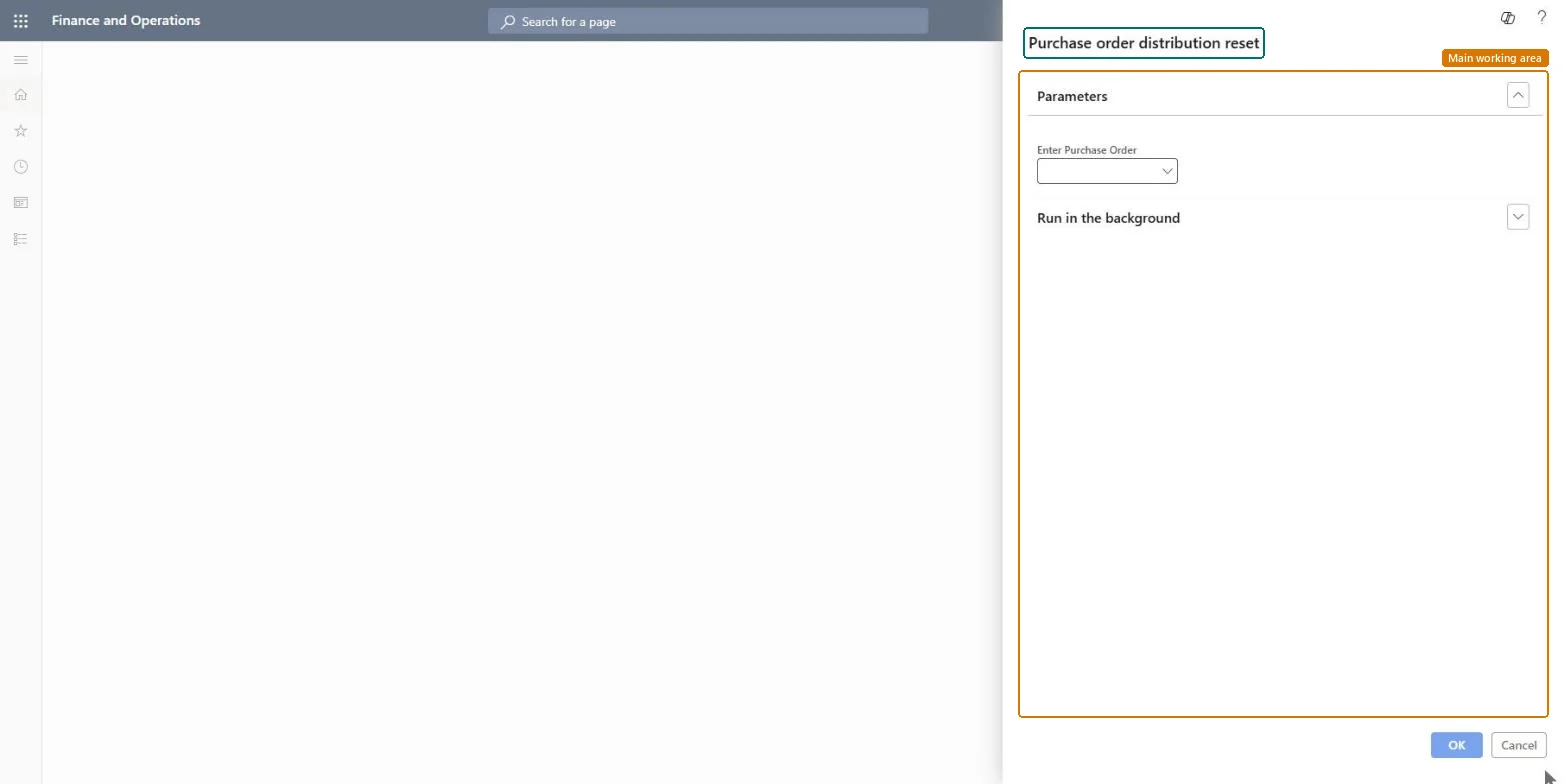
The page in Dynamics 365. page title tab to open what to set or check
Procurement and sourcing › Periodic tasks › Clean up › Purchase order distribution reset
End user · Functional consultant
3How to do it
About the examples: Examples and screenshots in this guide use BEAT, a demo company in a Dynamics 365 test environment. Use your own company's codes and values instead of copying them.
When to run it
When to run it
When confirming a purchase order fails because the source document lines can't be finalized, for example because the related purchase requisition's accounting status isn't confirmed.
How often
On demand, only for a purchase order that has this error.
What the output shows
The selected purchase order with reset accounting distributions and status Draft, ready to go through workflow and confirmation again.
Yes, by confirming again: The order is back in Draft. Submit it to workflow and confirm it again to return it to Confirmed. Microsoft Learn
If you change it later
Resets the accounting distributions of one purchase order and sets it back to Draft, so it must go through workflow and confirmation again. Microsoft Learn
Technical architect
5Technical
Menu item
action:PurchOrderDistributionResetChecked in Dynamics 365
Form
SysOperationTemplateFormChecked in Dynamics 365
Roles to set it up and use it
To use itInformation technology manager SysServerITManagerGive people one of these roles. On this system, 1 role can run this page.Checked in Dynamics 365