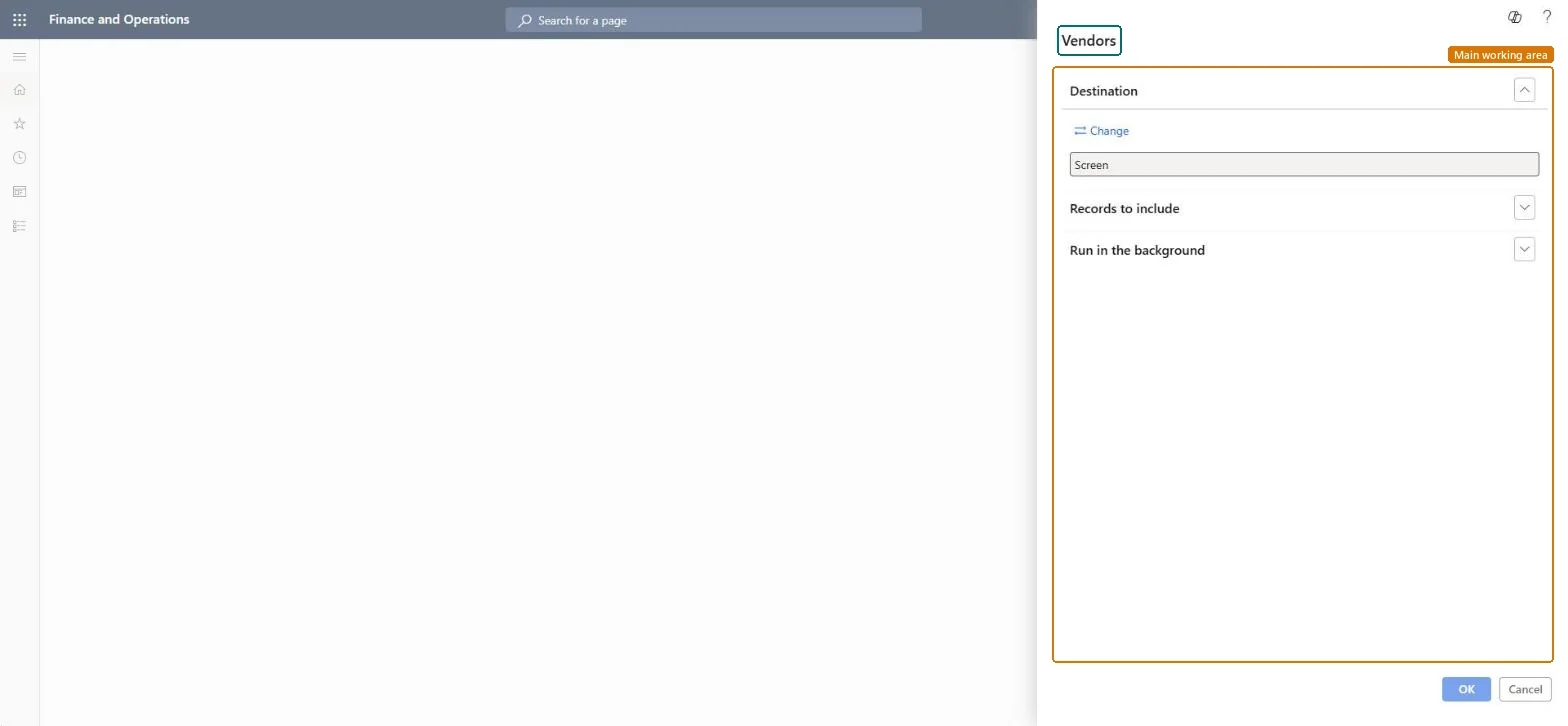
Procurement and sourcing › Inquiries and reports › Vendor reports › Vendors
End user · Functional consultant
3How to do it
About the examples: Examples and screenshots in this guide use BEAT, a demo company in a Dynamics 365 test environment. Use your own company's codes and values instead of copying them.
When to run it
When to run it
When you need a list of vendor information, for example for an audit or a vendor data cleanup.
How often
On demand, when the vendor data is reviewed.
What the output shows
Information about the selected vendors, or about all vendors when no account was selected. A vendor missing from the printout usually wasn't in the Vendor account selection.
The vendors to include; leave empty to include all vendors.Microsoft Learn
Solution architect
4Design impact
Can it be undone
Nothing to undo: The report only prints vendor information; nothing is changed. Microsoft Learn
Technical architect
5Technical
Menu item
output:VendorListBasicChecked in Dynamics 365
Form
SysOperationTemplateFormChecked in Dynamics 365
Roles to set it up and use it
To use itPurchasing manager TradePurchasingManagerAccounts payable manager VendInvoiceAccountsPayableManagerPurchasing agent VendPurchasingAgentPurchasing Agent - Public Sector VendPurchasingAgent_PSNBuying agent TradeBuyingAgentGive people one of these roles. On this system, 19 roles can run this page.Checked in Dynamics 365