Procurement and sourcingInquiries and reportsTransaction reports
output:VendPurchReceivingLog
Business process
Procure goods and services
Menu item
output:VendPurchReceivingLog
Show what matters for
PAGE GUIDEWhat the page does and how to use it7 sections. Choose a role to highlight what matters to you.
Everyone
1What it is and why
What it is
A report that prints the purchase receiving log for the records you select.
What you do here
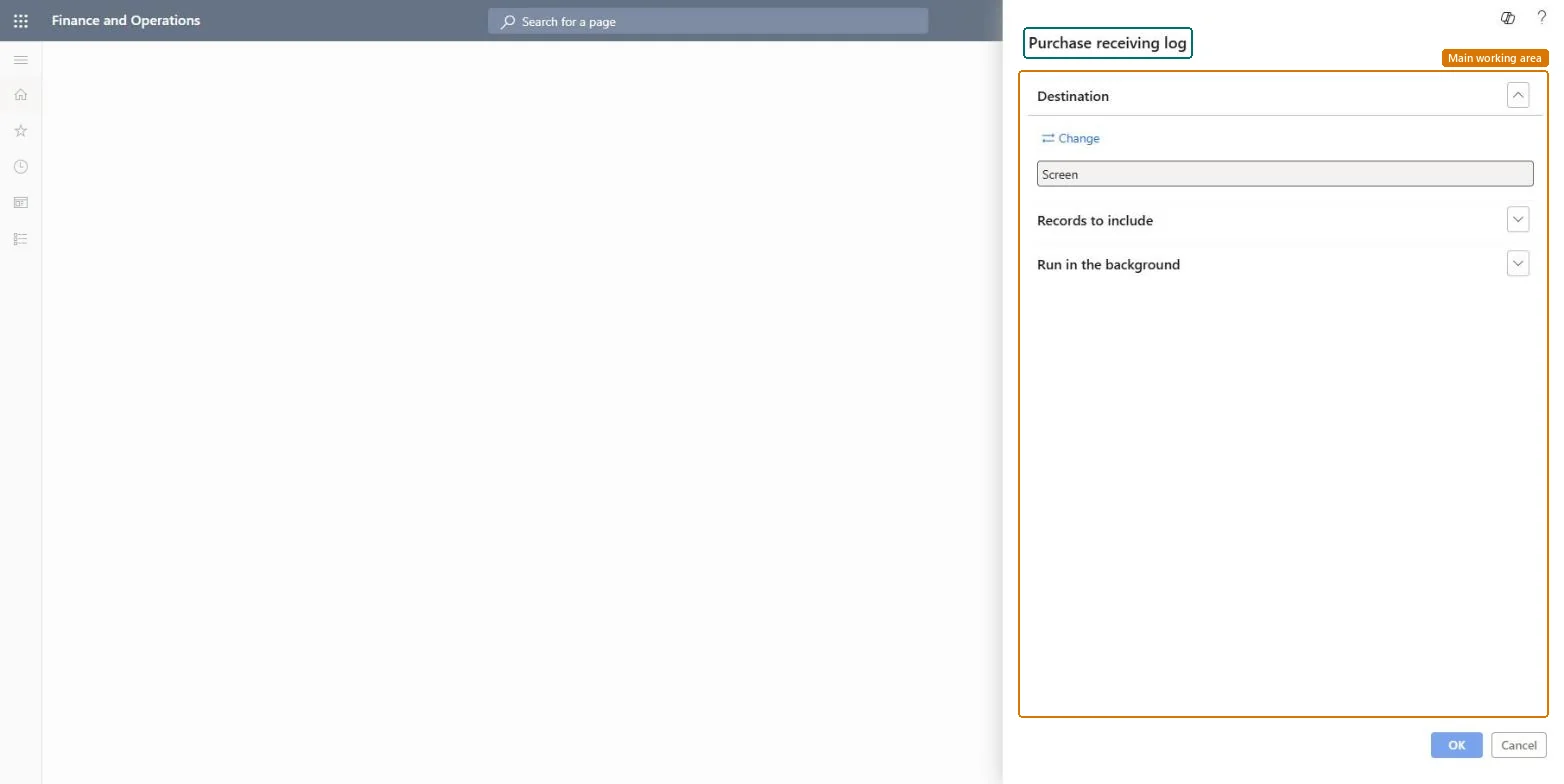
Use this report to review purchase receiving entries. In the dialog you choose where the report goes (screen by default), which records to include, and whether it runs in the background.
The page in Dynamics 365. page title tab to open what to set or check
Procurement and sourcing › Inquiries and reports › Transaction reports › Purchase receiving log
End user · Functional consultant
3How to do it
About the examples: Examples and screenshots in this guide use BEAT, a demo company in a Dynamics 365 test environment. Use your own company's codes and values instead of copying them.
When to run it
When to run it
After a receiving shift or day, when you reconcile what was received against supplier documents.
How often
On demand, typically after each receiving day.
What the output shows
The purchase receiving entries for the records you selected. A delivery missing from the log usually wasn't posted as a product receipt.
Go to Procurement and sourcing > Inquiries and reports > Transaction reports > Purchase receiving log.
Use Records to include to filter on the receipts you want to review, for example one day of receiving or one vendor.
Use the log when you reconcile receiving with the supplier packing slips, for example at the end of a receiving shift.
Compare each entry with the supplier's packing slip; the product receipt identifier links the two. A receipt you can't find in the log may not have been posted yet.
Nothing to undo: The log only lists receiving entries; nothing is changed. Microsoft Learn
Technical architect
5Technical
Menu item
output:VendPurchReceivingLogChecked in Dynamics 365
Form
SysOperationTemplateFormChecked in Dynamics 365
Roles to set it up and use it
To use itAccounts payable manager VendInvoiceAccountsPayableManagerAccountant LedgerAccountantAccounts payable clerk VendInvoiceAccountsPayableClerkAccounting manager LedgerAccountingManagerChief financial officer CompanyChiefFinancialOfficerGive people one of these roles. On this system, 9 roles can run this page.Checked in Dynamics 365