About the examples: Examples and screenshots in this guide use BEAT, a demo company in a Dynamics 365 test environment. Use your own company's codes and values instead of copying them.
Setup steps on this page
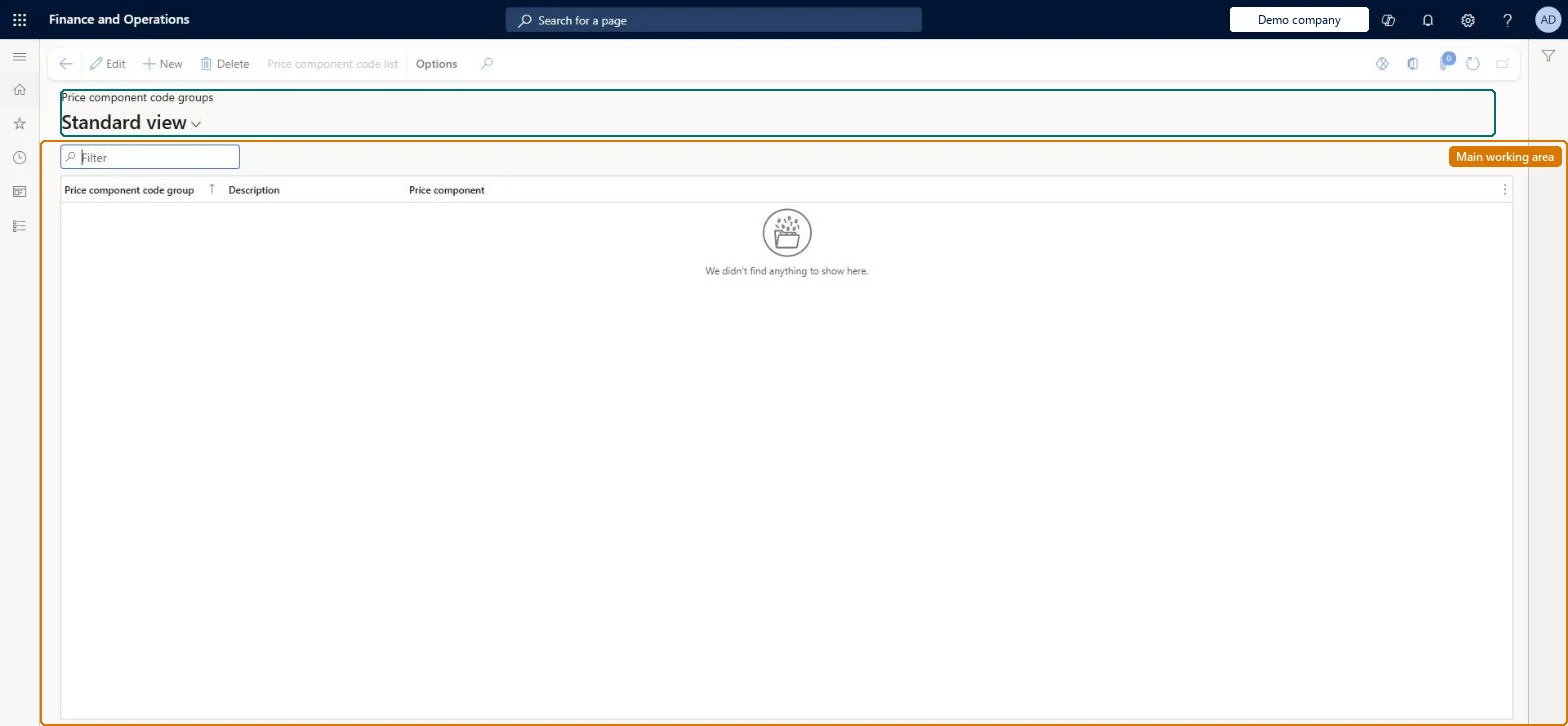
Set up Price component code groups
Use this page to create the groups that you then select in the Price component code group field of a price component code.
Test checklist
Create a price component code group, for example for promotional discounts.
Open a price component code and select the group in Price component code group.
Reversible: A group is selected in the Price component code group field of a price component code; Learn doesn't lock that field after save. Microsoft Learn
Technical architect
5Technical
Menu item
GUPPriceComponentCodeGroupChecked in Dynamics 365
Form
GUPPriceComponentCodeGroupChecked in Dynamics 365
Table
GUPPriceComponentCodeGroShown as “PRICE COMPONENT CODE GROUP” in Record infoChecked in Dynamics 365
Data entities
GUPPriceComponentCodeGroupEntityPrice component code group Checked in Dynamics 365
Who can open it
PrivilegesMaintain price component code master GUPPriceComponentCodeMaintainView price component code master GUPPriceComponentCodeViewDutiesInquiries into policies governing pricing setting process GUPMasterDataInquiryEnable pricing setting process GUPMasterDataMaintain9 security rolesAccounts receivable manager CustInvoiceAccountsReceivableManagerMCRTestUserRoleRetail merchandising manager RetailMerchandisingManagerRetail operations manager RetailOperationsManagerRetail service RetailServiceRetail store IT RetailStoreITPurchasing manager TradePurchasingManagerSales clerk TradeSalesClerkSales manager TradeSalesManagerChecked in Dynamics 365
Roles to set it up and use it
To set it up or change itRetail service RetailServiceSales manager TradeSalesManagerRetail merchandising manager RetailMerchandisingManagerPurchasing manager TradePurchasingManagerRetail store IT RetailStoreITTo use itSales clerk TradeSalesClerkAccounts receivable manager CustInvoiceAccountsReceivableManagerGive people one of these roles. On this system, 8 roles can open this page.Checked in Dynamics 365
Actions on the page
(Action Pane without tabs): Price component code listChecked in Dynamics 365