About the examples: Examples and screenshots in this guide use BEAT, a demo company in a Dynamics 365 test environment. Use your own company's codes and values instead of copying them.
Setup steps on this page
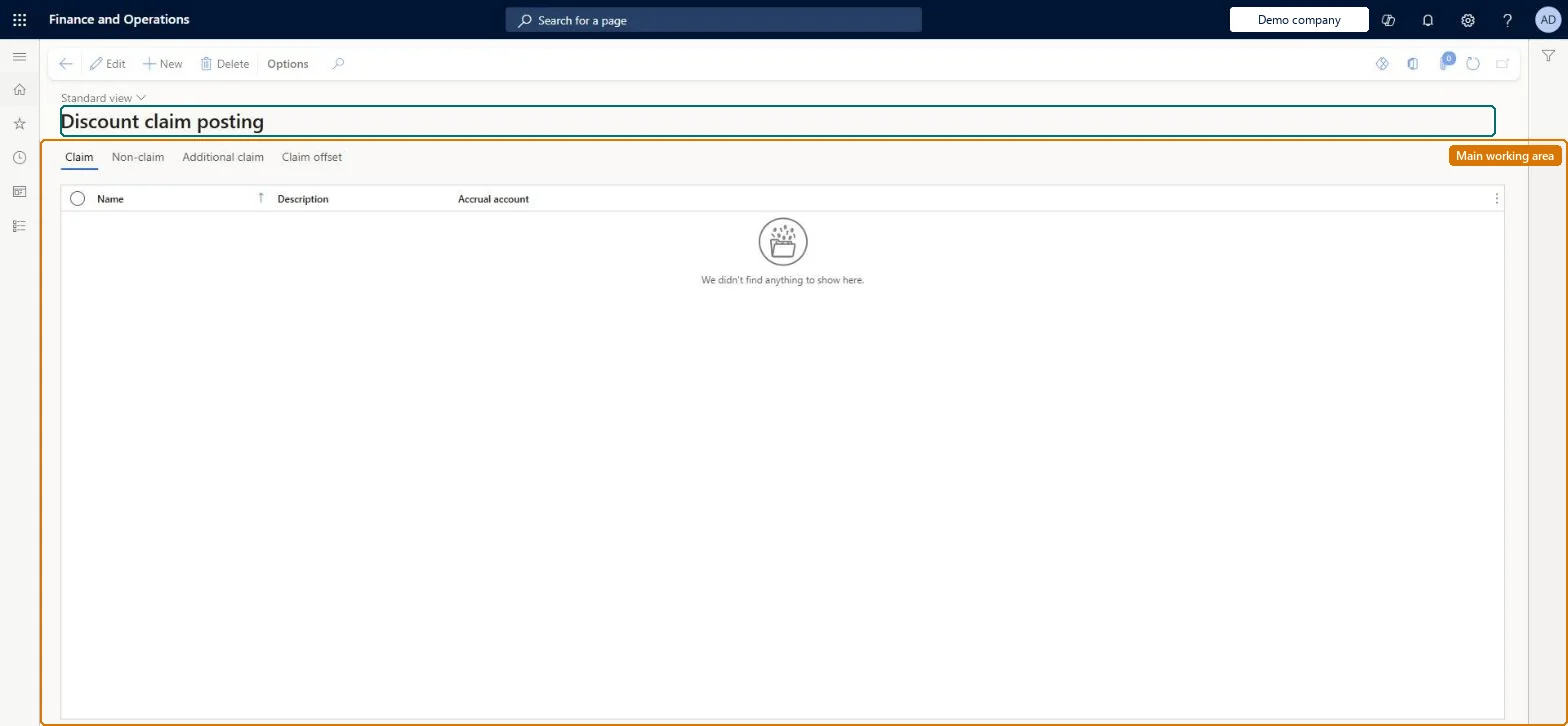
Set up Discount claim posting
Technical architect
4Technical
Menu item
GUPDiscountPostingProfileChecked in Dynamics 365
Form
GUPDiscountPostingProfileChecked in Dynamics 365
Table
GUPDiscountVendorClaimPoShown as “GUPDISCOUNTVENDORCLAIMPOSTINGPROFILE” in Record infoKey field: NameChecked in Dynamics 365
Data entities
GUPDiscountVendorClaimPostingProfileEntityDiscount vendor claim posting profiles Checked in Dynamics 365
To set it up or change itAccounting supervisor LedgerAccountingSupervisorAccounting manager LedgerAccountingManagerTo use itSales manager TradeSalesManagerSales clerk TradeSalesClerkAccountant LedgerAccountantInventory accountant InventCostAccountantInventory accountant clerk InventCostCostClerkGive people one of these roles. On this system, 10 roles can open this page.Checked in Dynamics 365