Accounts receivable manager, Retail merchandising manager, Retail operations manager and 5 more roles
Business process
Set product prices
Menu item
GUPPriceTermTable
Main table
GUPPriceTermTable
Data entity
GUPPriceTermTableEntity
Setup steps
1 on this page
Show what matters for
PAGE GUIDEWhat the page does and how to use it8 sections. Choose a role to highlight what matters to you.
Everyone
1What it is and why
What it is
A setup page where you keep the list of price adjustment codes that are used in vendor price term agreements.
What you do here
Use this page to create the price adjustment codes that you select when you record vendor price term agreements. Where the Compound option is set to Yes, the codes are applied together with the pricing sequence.
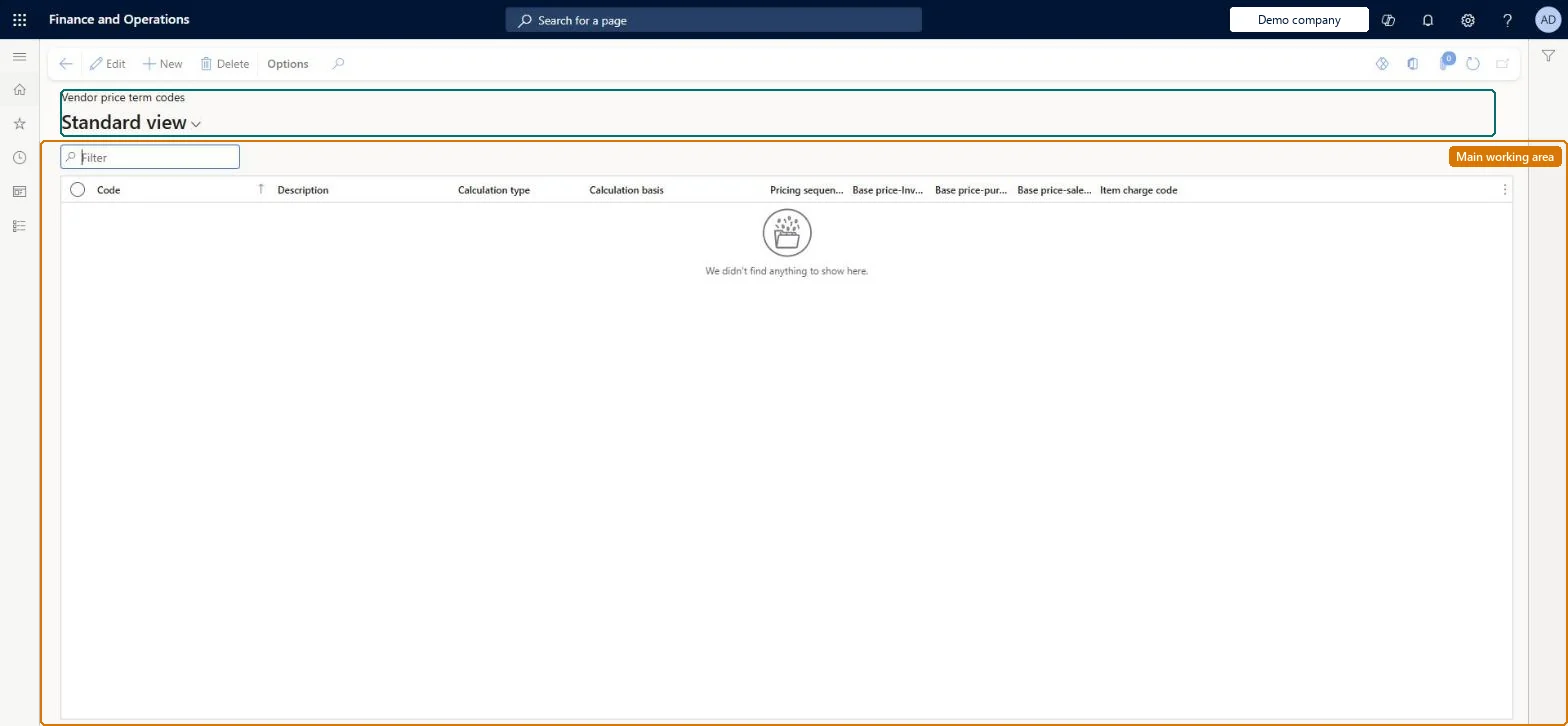
The page in Dynamics 365. page title tab to open what to set or check
About the examples: Examples and screenshots in this guide use BEAT, a demo company in a Dynamics 365 test environment. Use your own company's codes and values instead of copying them.
Setup steps on this page
Set up Vendor price term codes
Use this page to create the price adjustment codes that you select when you record vendor price term agreements. Where the Compound option is set to Yes, the codes are applied together with the pricing sequence.
Fields on the page
Field
What it means
Compound
When set to Yes, pricing calculations apply the price term code together with the pricing sequence.Microsoft Learn
Test checklist
Create a price term code, for example a freight surcharge code, and set Compound as the vendor contract requires.
On Vendor price term agreements, create an agreement for one vendor and site that uses the code.
Make sure the item has a vendor list price for the same period.
Check that the calculated item base price equals vendor list price plus the agreement price.
Codes are applied together with the pricing sequence only when Compound is set to Yes. Teams that leave Compound at No and expect the terms to stack on each other get a different item base price than the vendor contract implies.
Reversible: Codes are selected on vendor price term agreements. A change affects the next item base price calculation; it does not change sales orders by itself. Microsoft Learn
Technical architect
6Technical
Menu item
GUPPriceTermTableChecked in Dynamics 365
Form
GUPPriceTermTableChecked in Dynamics 365
Table
GUPPriceTermTableShown as “VENDOR PRICE TERM CODES” in Record infoKey field: CodeChecked in Dynamics 365
Data entities
GUPPriceTermTableEntityVendor price term codes Checked in Dynamics 365
Who can open it
PrivilegesMaintain vendor price term codes GUPPriceTermCodesMaintainView vendor price term codes GUPPriceTermCodesViewDutiesInquiries into sales base price GUPBasePriceInquiryMaintain sales base price GUPBasePriceMaintainInquiries into policies governing pricing setting process GUPMasterDataInquiryEnable pricing setting process GUPMasterDataMaintain9 security rolesAccounts receivable manager CustInvoiceAccountsReceivableManagerMCRTestUserRoleRetail merchandising manager RetailMerchandisingManagerRetail operations manager RetailOperationsManagerRetail service RetailServiceRetail store IT RetailStoreITPurchasing manager TradePurchasingManagerSales clerk TradeSalesClerkSales manager TradeSalesManagerChecked in Dynamics 365
Roles to set it up and use it
To set it up or change itRetail service RetailServiceSales manager TradeSalesManagerRetail merchandising manager RetailMerchandisingManagerPurchasing manager TradePurchasingManagerRetail store IT RetailStoreITTo use itSales clerk TradeSalesClerkAccounts receivable manager CustInvoiceAccountsReceivableManagerGive people one of these roles. On this system, 8 roles can open this page.Checked in Dynamics 365
Developer
7Developer
Open it by URL
https://<your-environment>/?mi=GUPPriceTermTable
Integrate with
GUPPriceTermTableEntity data entity Checked in Dynamics 365