Retail merchandising manager, Retail operations manager, Retail service and 3 more roles
Business process
Set product prices
Menu item
GUPPriceReport
Main table
GUPPriceReportVersion
Show what matters for
PAGE GUIDEWhat the page does and how to use it6 sections. Choose a role to highlight what matters to you.
Everyone
1What it is and why
What it is
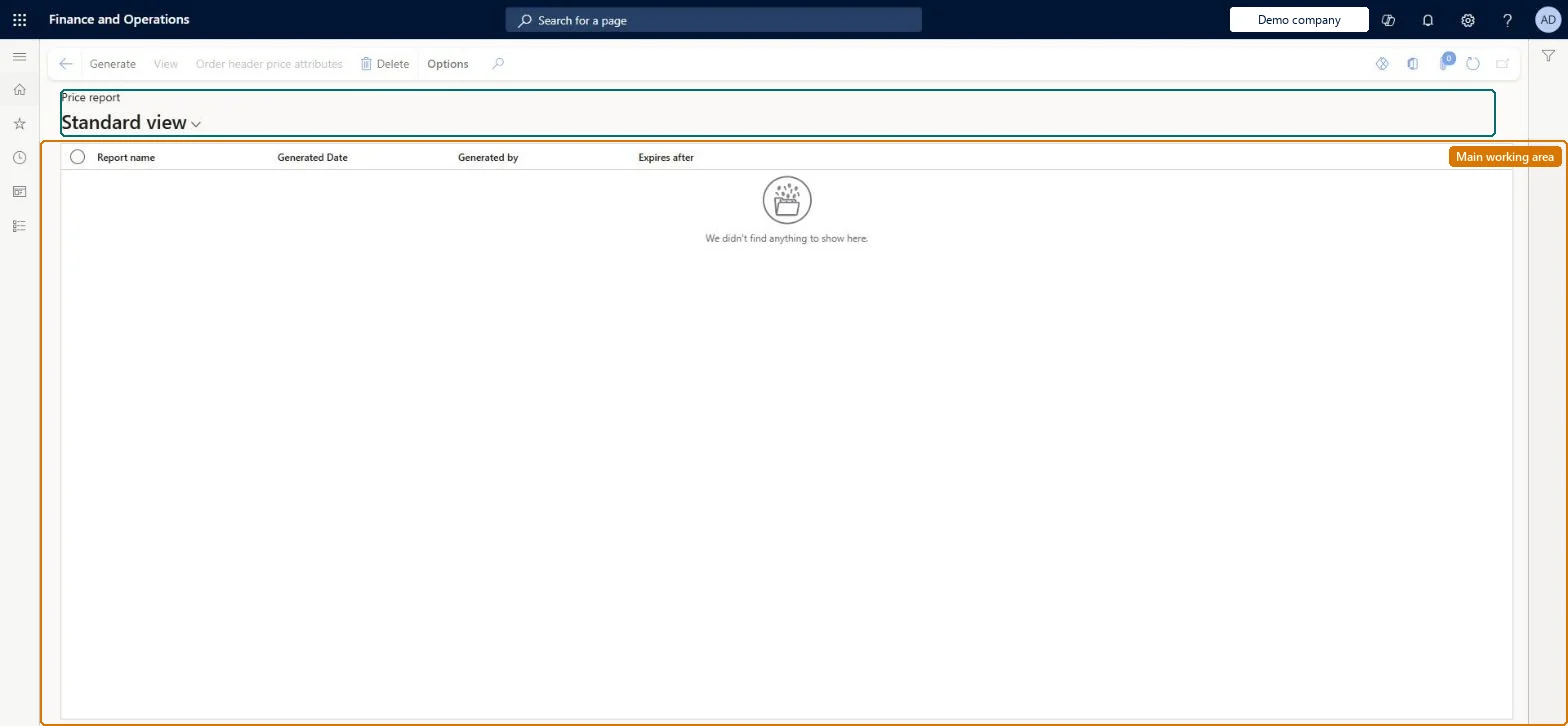
A report page that shows product prices for a date range so that you can see recent or upcoming price changes.
What you do here
Use this page to review price changes for products over a date range, for example to plan shelf label updates, and to check historical prices for past dates.
Example
For example, a store manager can see upcoming price changes to plan the work of updating shelf price labels.
The page in Dynamics 365. page title tab to open what to set or check
Pricing management › Inquiries and reports › Price report
End user · Functional consultant
3How to do it
About the examples: Examples and screenshots in this guide use BEAT, a demo company in a Dynamics 365 test environment. Use your own company's codes and values instead of copying them.
Fields on the page
Field
What it means
From date / To date
The date range for the report, currently limited to seven days.Microsoft Learn
To set it up or change itRetail service RetailServiceSales manager TradeSalesManagerRetail merchandising manager RetailMerchandisingManagerTo use itSales clerk TradeSalesClerkRetail operations manager RetailOperationsManagerRetail store manager RetailStoreManagerGive people one of these roles. On this system, 6 roles can open this page.Checked in Dynamics 365
Actions on the page
(Action Pane without tabs): Generate, View, Order header price attributes, DeleteChecked in Dynamics 365