PAGE GUIDEWhat the page does and how to use it6 sections. Choose a role to highlight what matters to you.
Everyone
1What it is and why
What it is
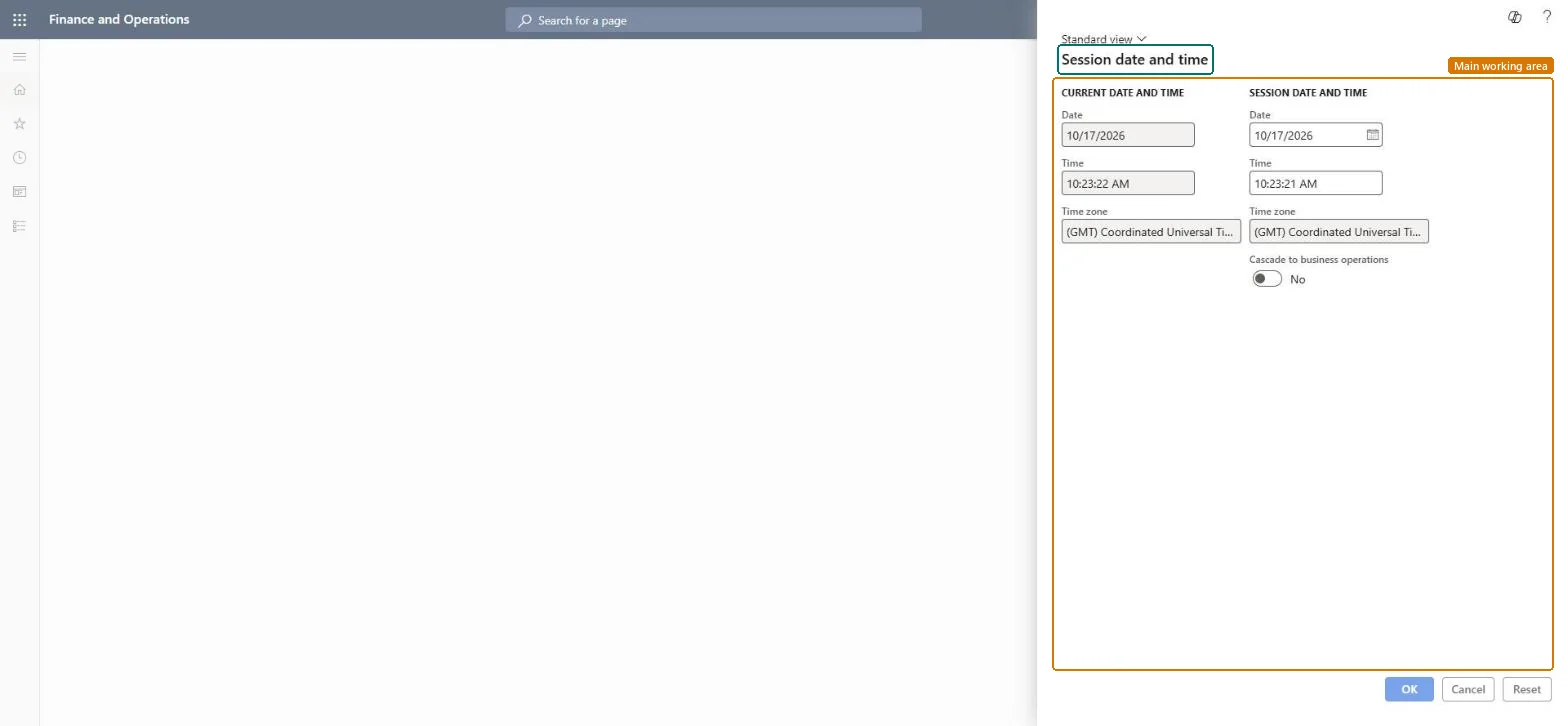
A dialog where you change the date that is used for your current session.
What you do here
Use this page to backdate journal entries or source documents when needed, instead of using today's date.
The page in Dynamics 365. page title tab to open what to set or check
Functional consultant · Solution architect
2Where it fits
Menu path
Organization administration › Workspaces › Session date and time
End user · Functional consultant
3How to do it
About the examples: Examples and screenshots in this guide use BEAT, a demo company in a Dynamics 365 test environment. Use your own company's codes and values instead of copying them.
The date the system uses in this session; by default it is today's date.Microsoft Learn
Technical architect
4Technical
Menu item
SystemDateChecked in Dynamics 365
Form
SystemDateChecked in Dynamics 365
Roles to set it up and use it
To set it up or change itInformation technology manager SysServerITManagerBudget manager BudgetBudgetManagerSystem user SystemUserTestEssentialsRole System external user SystemExternalUserGive people one of these roles. On this system, 8 roles can open this page.Checked in Dynamics 365